
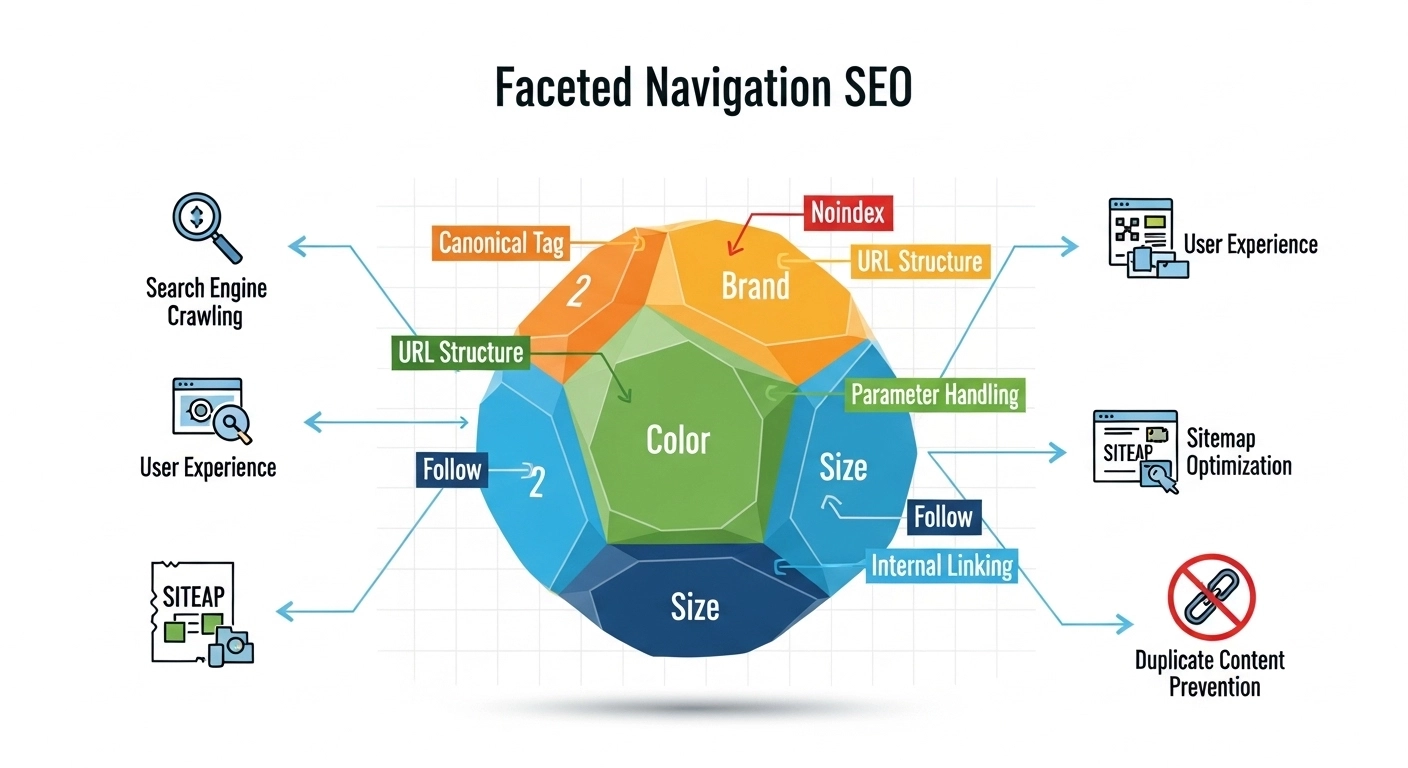
Faceted navigation is powerful for users—and risky for SEO. Done right, it helps shoppers and readers quickly filter content. Done wrong, it can explode your URL count, waste crawl budget, and dilute rankings.
This guide shows how to keep the UX wins while protecting (and often improving) organic performance.
What Is Faceted Navigation?
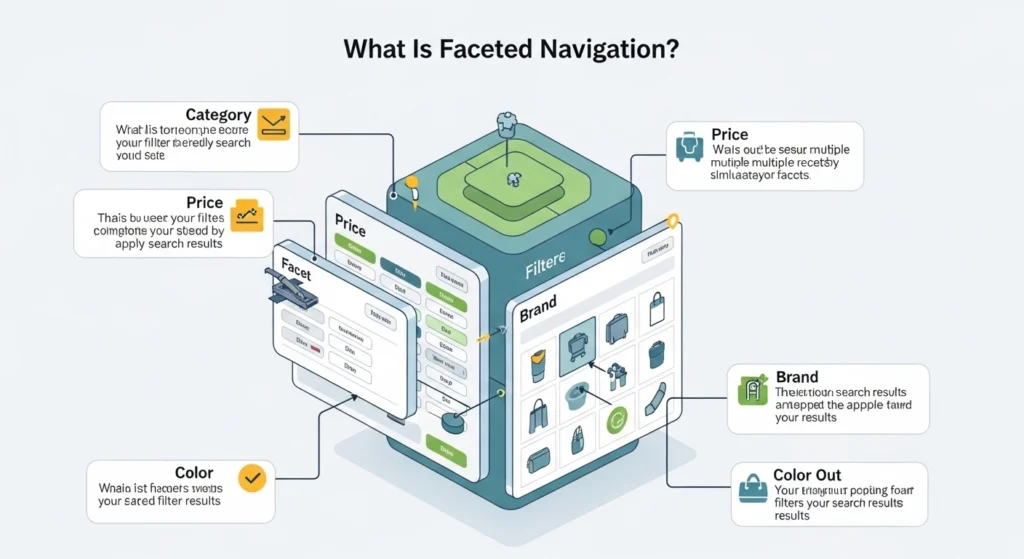
Faceted navigation lets users refine a list using multiple filters—like size, color, brand, price, or features. Think of an eCommerce category page where you can narrow results step by step.
Each filter (or combination of filters) can generate a unique URL. That’s where SEO issues begin.
Why Faceted Navigation Hurts SEO (If Uncontrolled)
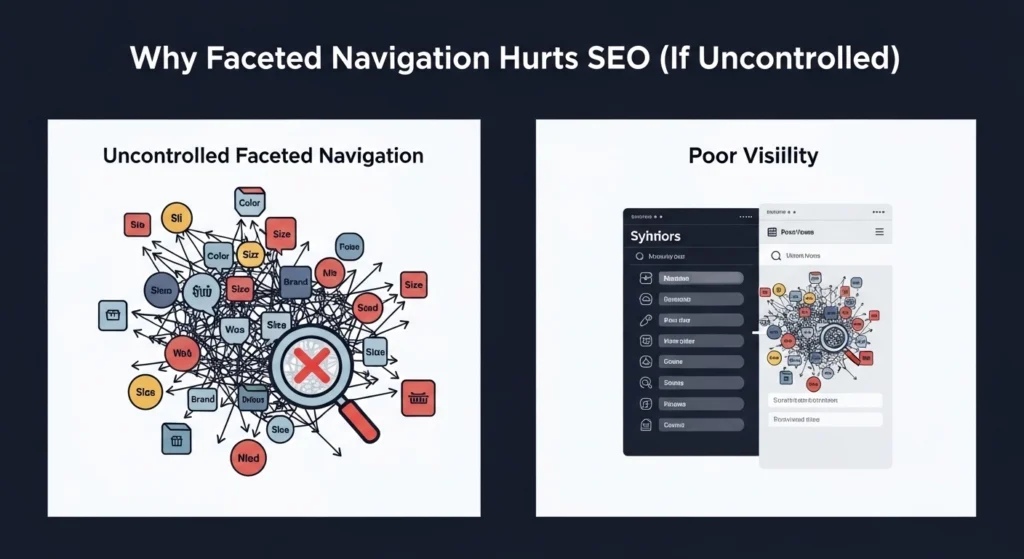
1) URL Explosion
Every filter combination can create a new URL. Ten filters with a few options each can quickly turn into thousands—or millions—of URLs.
2) Crawl Budget Waste
Search engines spend time crawling low-value filter pages instead of your important pages.
3) Duplicate & Thin Content
Many filtered pages show near-identical products with little unique content.
4) Diluted Signals
Internal links, authority, and relevance get spread across countless similar URLs.
5) Index Bloat
Too many low-quality pages in the index can drag down overall site quality.
When Faceted Pages Should Rank
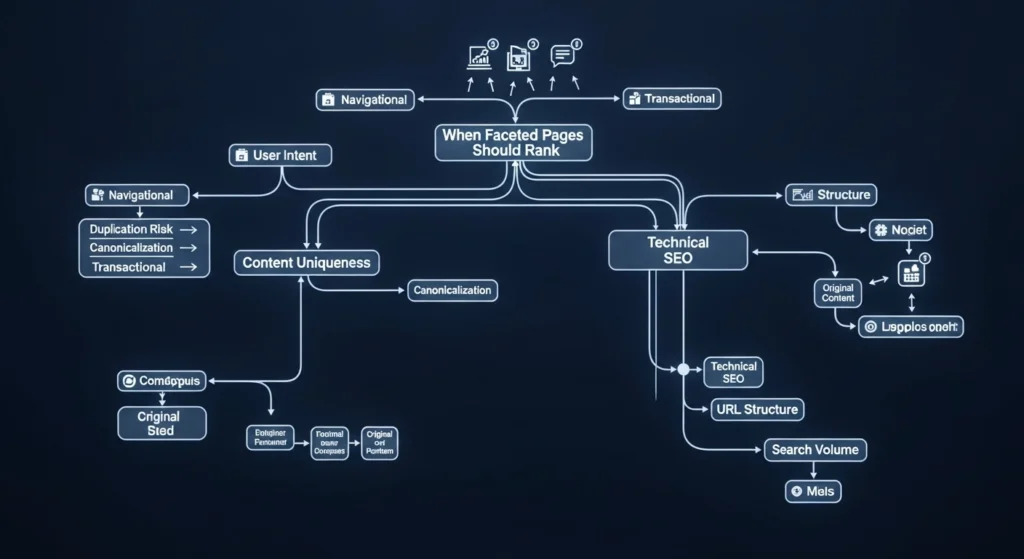
Not all filtered pages are bad. Some represent real search demand, like:
- “men’s black running shoes size 10”
- “4K OLED TVs under $1,000”
- “red summer dresses”
If a filter combination matches clear search intent and has meaningful volume, it can be worth indexing and optimizing.
The Core Strategy: Control What Gets Crawled and Indexed

Think in two layers:
- Crawl control – What bots are allowed to discover and crawl
- Index control – What pages are allowed to appear in search results
You don’t need to block everything—just the right things.
Related Artical
- SEO Competitor Keyword Analysis: How to Find What Your Rivals Rank For (and Beat Them)
Best Practices for Faceted Navigation SEO

1) Decide Which Facets Matter
Group filters into two types:
- Index-worthy facets: high demand (e.g., brand, category, core attributes)
- Non-index facets: low value (e.g., sort order, pagination variations, minor attributes)
Only allow index-worthy combinations to be indexed.
2) Use Clean, Consistent URL Structures
Avoid messy parameter chains like:
/shoes?color=black&size=10&sort=price_asc&inStock=true
Prefer cleaner, hierarchical paths where possible:
/shoes/black/size-10/
Or keep parameters but standardize them:
- Fixed order
- Lowercase
- No duplicates
Consistency reduces duplication.
3) Apply Robots.txt Carefully
Block crawl of low-value parameter patterns, for example:
Disallow: *?sort=
Disallow: *?sessionid=
Important: Don’t block pages you want indexed. If Google can’t crawl them, it can’t see their content.
4) Use Meta Robots for Index Control
For low-value filtered pages:
<meta name="robots" content="noindex, follow">
This keeps link equity flowing while preventing index bloat.
5) Canonical Tags: Use Them Strategically
Point duplicate or near-duplicate pages to a preferred version:
<link rel="canonical" href="https://example.com/shoes/" />
Avoid blanket canonicals on all filtered pages. Use them where content overlap is high.
6) Limit Facet Combinations
Don’t allow infinite combinations. Practical ways:
- Disable certain filters after selection
- Limit multi-select facets
- Prevent combining low-value filters
Fewer combinations = fewer URLs.
7) Control Internal Linking
Your site structure teaches search engines what matters.
- Link prominently to key category and subcategory pages
- Avoid linking to every filter variation
- Use breadcrumbs and category hubs to reinforce hierarchy
8) Optimize Indexable Facet Pages Like Landing Pages
For filters you do want indexed:
- Add unique titles and meta descriptions
- Include helpful intro copy (not fluff)
- Use structured headings (H1, H2)
- Add internal links to related categories
Treat them as real SEO pages, not just filtered views.
9) Handle Pagination Correctly
Use standard pagination best practices:
- Self-referencing canonical on each page
- Clear internal linking (next/previous)
- Avoid indexing deep, low-value paginated pages
10) Monitor in Search Console & Logs
Keep an eye on:
- Indexed pages count
- Crawl stats
- Duplicate content warnings
- Parameter behavior
Server logs are especially useful to see what bots are actually crawling.
Practical Example

Scenario: An online clothing store
- Index:
/mens-shirts//mens-shirts/black//mens-shirts/cotton/
- Noindex:
/mens-shirts/black/?sort=price/mens-shirts/black/?size=xl&inStock=true
- Block crawling:
- sort parameters
- session or tracking parameters
Result: fewer URLs, stronger rankings for high-intent pages.
Common Mistakes to Avoid

- Indexing every filter combination
- Blocking important pages in robots.txt
- Using canonicals incorrectly (or not at all)
- Ignoring internal linking structure
- Letting crawl budget spiral out of control
- Related Artical:SEO Marketing Strategy for Startups: A Practical, Step-by-Step Guide to Real Growth
FAQ
Q: Should I index all filtered pages?
No. Only index pages with real search demand and unique value.
Q: Is “noindex, follow” safe?
Yes. It prevents indexing while still passing link equity through links.
Q: Can faceted navigation improve SEO?
Absolutely—when you selectively optimize high-intent filter pages.
Q: Are URL parameters bad for SEO?
Not inherently. The problem is uncontrolled combinations and duplication.
Q: What’s the biggest risk?
Index bloat and wasted crawl budget.
Final Thoughts
Faceted navigation isn’t the enemy—lack of control is.
By choosing which pages deserve visibility, cleaning up your URLs, and guiding search engines with the right signals, you can turn a messy filter system into a structured, high-performing SEO asset.
