
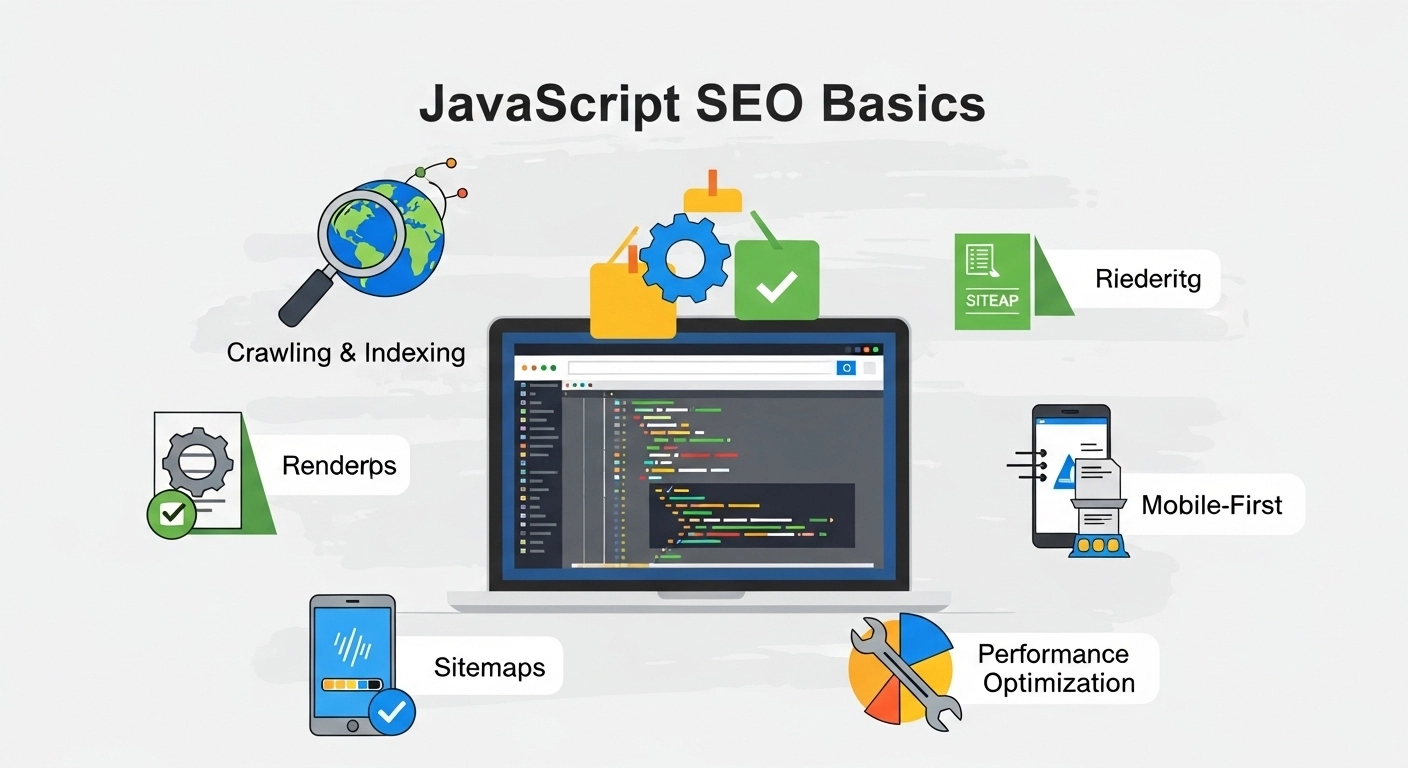
JavaScript powers most modern websites today. From interactive dashboards to single-page applications, it makes the web feel fast and dynamic. But there’s a problem many developers and site owners run into: search engines don’t always see JavaScript content the way users do.
That’s where understanding JavaScript SEO basics becomes essential.
If your site relies heavily on JavaScript, this guide will help you make sure your content is discoverable, crawlable, and properly ranked in search engines like Google.
What Is JavaScript SEO?
JavaScript SEO is the process of making sure search engines can correctly crawl, render, and index JavaScript-powered websites.
Unlike traditional HTML pages, JavaScript sites often generate content dynamically in the browser. That means Googlebot has to “execute” the code before it can see what’s on the page.
If something goes wrong during this process, your content may never appear in search results—even if users can see it perfectly.
Why JavaScript SEO Matters
Search engines are smarter than they used to be, but JavaScript still creates challenges:
- Delayed indexing of content
- Missing or incomplete page rendering
- Broken internal links
- Poor page discoverability
- Weak SEO performance despite good UX
In short, your website can look great but still struggle in rankings if it’s not optimized for search engines.
How Google Handles JavaScript
Google processes JavaScript in three main steps:
1. Crawling
Googlebot discovers your page and downloads the HTML.
2. Rendering
Google uses a headless Chromium browser to execute JavaScript and build the final page view.
3. Indexing
Once rendered, the content is added to Google’s index if it meets quality and accessibility standards.
The key issue? Rendering is not instant. It may be delayed, and sometimes resources are skipped.
JavaScript SEO Basics You Must Get Right
Let’s break down the most important practices that directly impact your SEO performance.
1. Make Sure Content Is Visible Without JavaScript
Search engines should still see meaningful content even if JavaScript fails.
Best practices:
- Use server-side rendering (SSR) or pre-rendering
- Avoid hiding critical content inside scripts only
- Ensure HTML contains your main headings and text
If Google can’t see your content in raw HTML, you’re taking a risk.
2. Use Server-Side Rendering (SSR)
SSR means your server sends a fully rendered HTML page to the browser.
This improves:
- Crawlability
- Indexing speed
- SEO reliability
Popular frameworks that support SSR:
- Next.js
- Nuxt.js
- Angular Universal
SSR is one of the strongest solutions for JavaScript SEO issues.
3. Optimize Client-Side Rendering (CSR)
If your site uses CSR (common in React apps), you need to be careful.
Key tips:
- Use hydration properly
- Ensure routes are accessible
- Avoid loading critical content after user interaction only
CSR is fine—but only if it’s SEO-aware.
4. Fix Crawlable Links
Search engines follow links to discover pages. But JavaScript apps often break this flow.
Avoid:
<a onclick="goToPage()">Click</a>
Use:
<a href="/about">About</a>
Always use standard anchor tags with real URLs.
5. Improve Page Load Speed
JavaScript-heavy websites can become slow, and speed directly affects rankings.
To improve performance:
- Minify JavaScript files
- Use lazy loading for images
- Reduce unused scripts
- Enable caching
- Use a CDN
Faster pages = better crawling + better ranking.
6. Use Proper Meta Tags and Structured Data
JavaScript apps often generate meta tags dynamically, which can be risky.
Make sure:
- Title and meta description are present in initial HTML or SSR output
- Structured data (Schema markup) is rendered server-side
This helps search engines understand your content faster and more accurately.
7. Handle Lazy Loading Carefully
Lazy loading improves UX but can hurt SEO if not implemented properly.
Good approach:
- Use native lazy loading (
loading="lazy") - Ensure important content loads without scrolling
- Avoid lazy loading key text content
8. Check Rendering with Google Tools
You should regularly test how Google sees your pages.
Use:
- Google Search Console (URL Inspection Tool)
- Mobile-Friendly Test
- Rich Results Test
These tools show the rendered version of your page, not just raw HTML.
Common JavaScript SEO Mistakes
Here are errors that often hurt rankings:
- Blocking JavaScript files in robots.txt
- Using infinite scroll without pagination
- Loading content after user interaction only
- Missing internal links in rendered HTML
- Relying too much on client-side rendering
Fixing these can significantly improve visibility.
JavaScript SEO Best Practices Summary
If we simplify everything, focus on these core rules:
- Make content accessible in HTML
- Use SSR or pre-rendering when possible
- Ensure links are crawlable
- Optimize performance and load speed
- Test how Google renders your pages
FAQ: JavaScript SEO Basics
1. Is JavaScript bad for SEO?
No. JavaScript is fine for SEO if implemented correctly. Problems happen when search engines can’t properly render or access content.
2. Does Google fully support JavaScript?
Yes, but rendering is delayed and not always complete. That’s why SSR or hybrid rendering is recommended.
3. What is the best framework for JavaScript SEO?
Frameworks like Next.js (React) and Nuxt.js (Vue) are SEO-friendly because they support server-side rendering.
4. How do I know if my site has JavaScript SEO issues?
Use Google Search Console’s URL Inspection Tool and check if important content appears in the rendered HTML.
5. Can single-page applications rank well?
Yes, but only if properly optimized with SSR, clean routing, and crawlable content.
Conclusion
JavaScript makes websites powerful, but it also introduces SEO complexity. The key to success is making sure search engines can see, understand, and index your content without friction.
When you master JavaScript SEO basics—like rendering strategies, crawlable links, and performance optimization—you remove the barriers between your content and search visibility.
