
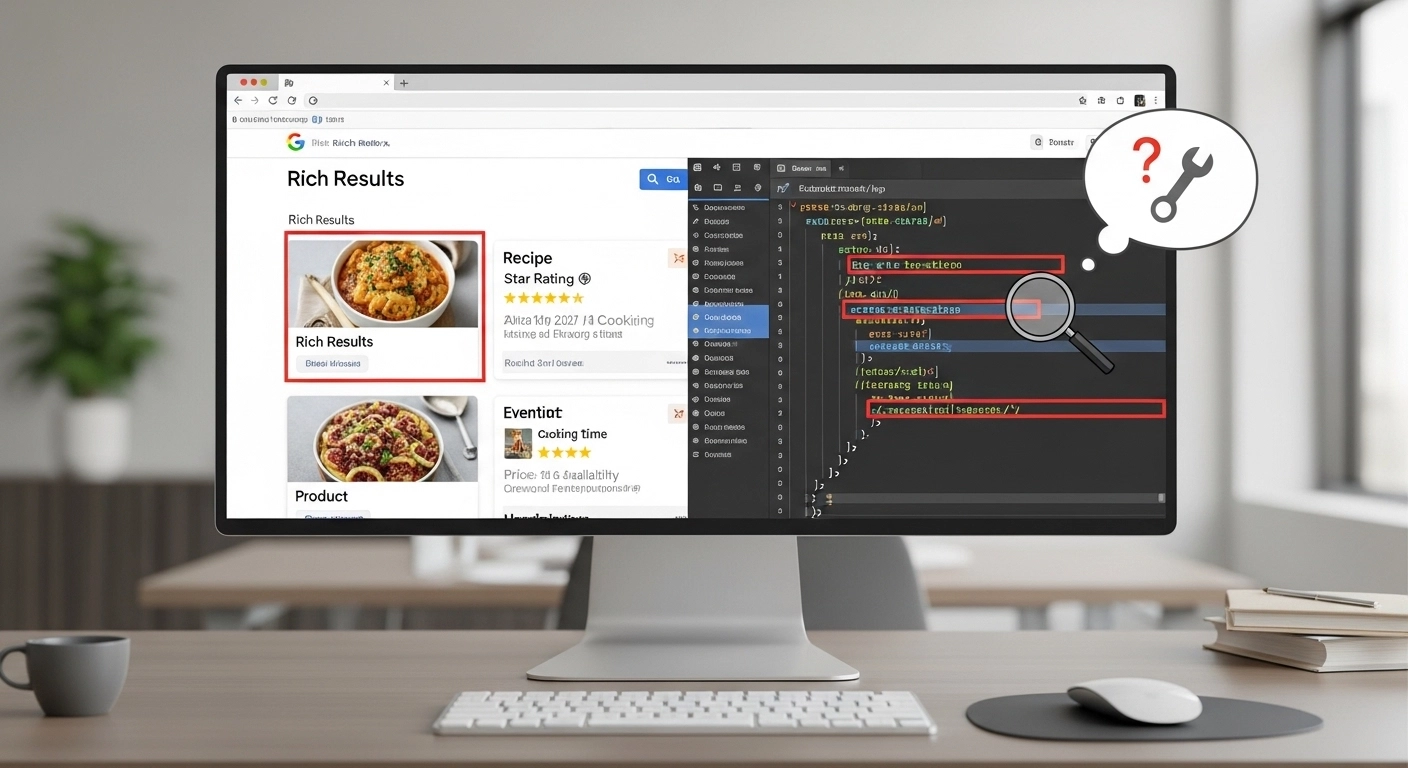
If your pages are not showing rich results in Google, you’re not alone. Many websites implement structured data but still don’t get enhanced listings like stars, FAQs, product snippets, or breadcrumbs.
The good news? Most issues are fixable once you understand how Google evaluates structured data and what blocks eligibility for rich results.
This guide breaks down rich results troubleshooting in a simple, practical way so you can diagnose issues and improve your chances of appearing in enhanced search results.
What Are Rich Results?
Rich results (formerly called rich snippets) are enhanced search listings that go beyond the standard blue link.
They can include:
- Star ratings ⭐
- Product prices
- FAQs
- Images
- Recipe details
- Event information
- Breadcrumb navigation
These appear when Google understands your content through structured data (Schema markup).
But here’s the catch:
Adding schema does NOT guarantee rich results.
Why Rich Results Fail to Appear
Before fixing anything, you need to understand the common reasons your pages are not eligible.
1. Invalid Structured Data
Even a small mistake in JSON-LD can break eligibility:
- Missing required fields
- Incorrect property names
- Broken syntax (extra commas, brackets, etc.)
👉 Example: A Product schema missing price or availability may be ignored.
2. Not Following Google Guidelines
Google has strict rules for rich results eligibility:
- Content must be visible to users (not hidden in code only)
- No misleading markup
- No spammy or irrelevant schema types
If your markup violates guidelines, Google simply ignores it.
3. Wrong Schema Type for Content
Using the wrong schema is a very common issue.
For example:
- Using Article schema for a product page
- Using FAQ schema on pages without actual Q&A content
- Applying Review schema incorrectly
Each page type has specific expected schema types.
4. Missing Required Properties
Every rich result type has required fields.
For example:
- Product: name, image, offers
- FAQ: question + answer pairs
- Article: headline, image, author
If any required field is missing, your rich results may not show.
5. Google Has Not Crawled or Indexed Yet
Sometimes everything is correct—but Google hasn’t processed it yet.
Reasons include:
- New pages not indexed
- Crawl delays
- Low internal linking
Step-by-Step Rich Results Troubleshooting Process
Let’s go through a practical debugging workflow.
Step 1: Use Google Rich Results Test
Start here:
👉 https://search.google.com/test/rich-results
Check:
- Errors (must fix immediately)
- Warnings (recommended to fix)
- Eligible rich result types
If Google says “Page is not eligible,” focus on schema issues first.
Step 2: Validate Structured Data
Use Schema Markup Validator:
👉 https://validator.schema.org/
Look for:
- JSON errors
- Missing required fields
- Incorrect nesting
Fix errors before moving forward.
Step 3: Check Google Search Console
Go to:
Search Console → Enhancements
You may see reports like:
- Products
- FAQ
- Breadcrumbs
- Reviews
Check:
- Error trends
- Pages affected
- Validation status
This is where real indexing problems show up.
Step 4: Confirm Indexing Status
Run:
site:yourdomain.com/page-url
If the page isn’t indexed:
- Submit URL in Search Console
- Improve internal linking
- Add sitemap
Step 5: Inspect Page Content Match
Google compares schema with visible content.
Make sure:
- Schema matches on-page content
- No fake reviews or ratings
- Prices and details are consistent
Mismatch = ignored rich results.
Step 6: Revalidate After Fixes
Once changes are made:
- Use “Validate Fix” in Search Console
- Wait for recrawl (can take days or weeks)
Common Rich Result Issues by Type
⭐ FAQ Rich Results
Problems often include:
- Questions not visible on page
- Duplicate FAQ sections
- Over-optimized or spammy content
🛍 Product Rich Results
Common issues:
- Missing price or availability
- Incorrect currency format
- No product images
📰 Article Rich Results
Issues include:
- Missing author info
- Low-quality or thin content
- No featured image
⭐ Review Snippets
Google often rejects:
- Self-serving reviews on business pages
- Fake ratings
- Missing reviewer information
Pro Tips for Better Rich Results Performance
- Keep schema clean and minimal
- Match structured data with visible content
- Use only relevant schema types per page
- Strengthen internal linking for faster indexing
- Regularly test key pages after updates
FAQ: Rich Results Troubleshooting
Why are my rich results not showing in Google?
Most likely reasons include invalid schema, missing required fields, or Google not indexing your page yet.
How long does it take for rich results to appear?
It can take anywhere from a few days to several weeks after fixing issues and getting re-crawled.
Do I need structured data for rich results?
Yes, structured data is required—but it must also follow Google’s guidelines to be eligible.
Can I force Google to show rich results?
No. You can only optimize eligibility; Google decides whether to display them.
What tool should I use first for troubleshooting?
Start with Google’s Rich Results Test, then confirm in Search Console.
Conclusion
Rich results troubleshooting is less about guesswork and more about systematic checking. Most issues come down to three things: incorrect schema, missing required fields, or mismatch between code and visible content.
Once you fix those fundamentals and validate properly in Google tools, your chances of earning rich results increase significantly.
