
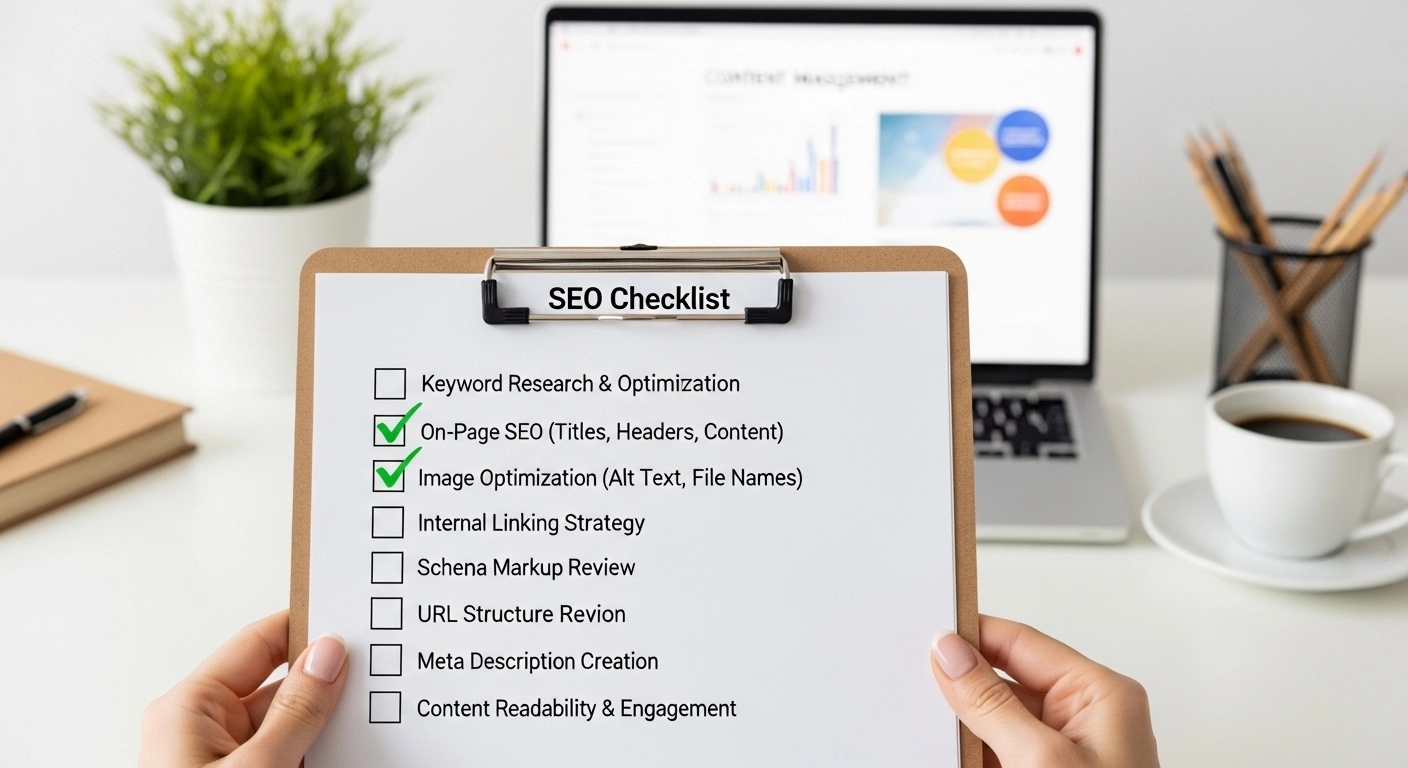
Publishing a blog post or webpage without checking SEO is like opening a store without a sign. Even great content can remain invisible if it isn’t optimized for search engines.
This SEO checklist for publishing will help you ensure every page you publish is optimized for visibility, rankings, and traffic. Whether you run a blog, an online store, or a business website, these steps will help your content perform better in search results.
1. Confirm Your Target Keyword
Before publishing, make sure your page focuses on one clear primary keyword.
Example:
- Primary keyword: SEO checklist for publishing
- Related keywords:
- SEO publishing checklist
- on-page SEO checklist
- blog post SEO checklist
- SEO steps before publishing
- SEO publishing checklist
Your keyword should appear naturally in:
- Page title
- URL
- Introduction
- Headings
- Image alt text
- Conclusion
Avoid forcing it into every sentence. Natural usage is better for both readers and search engines.
2. Optimize the Title Tag
Your title tag is one of the most important SEO elements.
Best practices:
- Keep it under 60 characters
- Place the keyword near the beginning
- Make it compelling for clicks
Example:
Good title:
SEO Checklist for Publishing: 15 Steps Before You Hit Publish
Bad title:
Things to Know About Websites and SEO Optimization
The first one is clear, specific, and keyword-focused.
3. Write a Strong Meta Description
The meta description doesn’t directly affect rankings, but it improves click-through rates.
Tips:
- Keep it 140–160 characters
- Include your keyword naturally
- Explain the benefit of the page
Example:
Follow this complete SEO checklist for publishing to optimize your blog posts, improve rankings, and drive more organic traffic.
4. Create a Clean SEO-Friendly URL
Short URLs perform better and are easier to understand.
Good URL example:
example.com/seo-checklist-for-publishing
Bad URL example:
example.com/blog/post?id=4587&seo=content-guide
Best practices:
- Use hyphens
- Keep URLs short
- Include the primary keyword
5. Use Proper Headings (H1, H2, H3)
Headings organize your content and help search engines understand the structure.
Structure example:
- H1: SEO Checklist for Publishing
- H2: Optimize the Title Tag
- H2: Write a Strong Meta Description
- H3: Example of a Good Description
Tips:
- Use only one H1
- Include keywords naturally
- Make headings clear and helpful
6. Optimize Your Content for Readability
Search engines prefer content that users enjoy reading.
Improve readability by:
- Writing short paragraphs
- Using bullet points
- Adding subheadings
- Avoiding complex sentences
Example:
Instead of writing a long block of text, break ideas into smaller sections. This keeps readers engaged and reduces bounce rate.
7. Add Internal Links
Internal links connect your pages and help search engines crawl your website.
Example:
If you write about SEO checklist for publishing, you can link to:
- Keyword research guide
- On-page SEO tutorial
- Content marketing strategy
Benefits:
- Improves site structure
- Keeps users on your site longer
- Helps distribute page authority
8. Add External Links to Trusted Sources
Linking to authoritative websites builds trust.
For example, you might link to:
- Search engine guidelines
- Research studies
- Industry reports
Use external links when they add value to the reader.
9. Optimize Images
Images improve user experience, but they must be optimized.
Checklist:
- Use compressed images
- Add descriptive file names
- Include alt text
Example:
Bad filename:
IMG_2938.jpg
Good filename:
seo-checklist-for-publishing.jpg
Alt text example:
SEO checklist steps before publishing a blog post
10. Check Mobile Friendliness
Most website traffic now comes from mobile devices.
Before publishing, make sure:
- Text is easy to read
- Images scale properly
- Buttons are clickable
- Page loads quickly
A poor mobile experience can hurt rankings.
11. Improve Page Speed
Slow websites lose both rankings and visitors.
Speed improvements:
- Compress images
- Use caching
- Reduce unnecessary scripts
- Use a reliable hosting provider
Fast pages improve both SEO and user experience.
12. Add Schema Markup (Optional but Powerful)
Schema helps search engines understand your content better.
Common types:
- Article schema
- FAQ schema
- Product schema
Benefits:
- Rich snippets
- Better visibility in search results
- Higher click-through rates
13. Proofread Before Publishing
Publishing errors can damage credibility.
Always check:
- Grammar
- Spelling
- Broken links
- Formatting issues
Tools like grammar checkers and link checkers can help.
14. Submit the Page to Search Engines
After publishing, submit your URL through search engine webmaster tools.
This helps search engines discover and index your page faster.
Steps:
- Copy your page URL
- Use the URL inspection tool
- Request indexing
15. Promote Your Content
SEO doesn’t end after publishing.
Promote your article through:
- Social media
- Email newsletters
- Online communities
- Internal site links
Promotion helps attract early traffic and backlinks.
Quick SEO Publishing Checklist
Before hitting publish, confirm:
✔ Primary keyword included
✔ SEO-optimized title
✔ Meta description written
✔ Clean URL
✔ Proper headings
✔ Internal links added
✔ Images optimized
✔ Mobile friendly
✔ Fast loading page
✔ Proofread content
If all boxes are checked, your content is ready to go live.
Frequently Asked Questions
What is an SEO publishing checklist?
An SEO publishing checklist is a list of steps to optimize content before publishing so it ranks better in search engines and attracts more organic traffic.
How many keywords should a blog post target?
Most blog posts should focus on one primary keyword and several related keywords or variations.
Do meta descriptions affect SEO rankings?
Meta descriptions do not directly influence rankings, but they improve click-through rates, which can indirectly help performance.
Should every blog post include internal links?
Yes. Internal links help search engines crawl your website and guide readers to related content.
Conclusion
Publishing content without SEO optimization is a missed opportunity. A simple SEO checklist for publishing ensures every article has the best chance to rank, attract readers, and generate traffic.
By optimizing titles, URLs, headings, images, and internal links, you can turn ordinary blog posts into powerful search-driven assets.
