
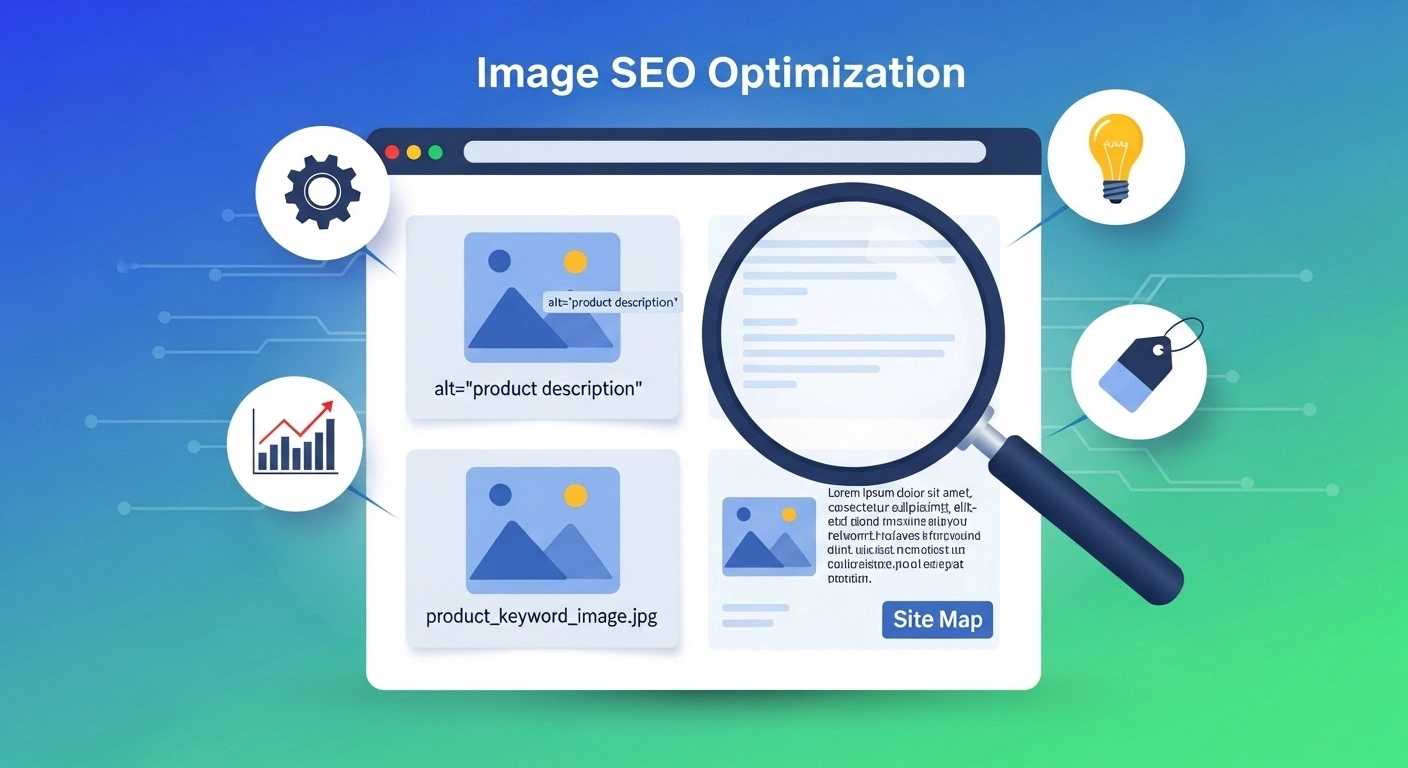
Images are no longer just visual decorations on a website—they are powerful SEO assets. When optimized correctly, they can drive traffic from Google Images, improve page speed, and boost overall search rankings.
In this guide, you’ll learn everything about Image SEO optimization, how it works, and how to use it to improve your website visibility.
What Is Image SEO Optimization?
Image SEO optimization is the process of improving images on your website so search engines can understand, index, and rank them properly.
It involves:
- Compressing image file sizes
- Using descriptive file names
- Adding alt text
- Choosing the right format
- Improving loading speed
When done right, your images can appear in Google Image Search and bring in consistent organic traffic.
Why Image SEO Matters for Your Website
Most website owners ignore image optimization—but that’s a missed opportunity.
Here’s why it matters:
1. Higher Search Visibility
Optimized images can rank in Google Images and drive extra traffic.
2. Faster Website Speed
Compressed images load faster, improving user experience and Core Web Vitals.
3. Better User Experience
Clear, fast-loading visuals keep users engaged longer.
4. Stronger Overall SEO
Google uses page speed and relevance as ranking signals—optimized images help both.
Key Elements of Image SEO Optimization
Let’s break down the most important factors you need to focus on.
1. Use Descriptive File Names
Before uploading, rename your images properly.
❌ Bad: IMG_12345.jpg
✅ Good: image-seo-optimization-guide.jpg
Search engines read file names to understand context.
2. Write Clear Alt Text
Alt text describes your image for both search engines and visually impaired users.
Example:
Alt text: “Checklist showing steps for image SEO optimization on a laptop screen”
Keep it natural and relevant—don’t stuff keywords.
3. Compress Images Without Losing Quality
Large images slow down your website.
Use tools like:
- TinyPNG
- ImageOptim
- ShortPixel
Aim for the smallest file size possible while keeping good quality.
4. Choose the Right Format
Different formats serve different purposes:
- JPEG – Best for photos
- PNG – Best for transparent images
- WebP – Best modern format for SEO and speed
WebP is highly recommended for performance.
5. Optimize Image Dimensions
Don’t upload oversized images.
If your blog displays images at 800px width, don’t upload 3000px images. Resize before uploading.
6. Add Structured Context Around Images
Google understands images better when surrounded by relevant content.
For example:
Instead of placing a random image, include:
- Captions
- Related paragraphs
- Contextual headings
7. Use Lazy Loading
Lazy loading ensures images load only when users scroll to them.
This improves:
- Page speed
- Mobile performance
- User experience
8. Create an Image Sitemap
An image sitemap helps Google discover images that might otherwise be missed.
This is especially useful for:
- E-commerce sites
- Blogs with many visuals
- Portfolio websites
Common Image SEO Mistakes to Avoid
Many websites fail because of simple errors:
- Using generic file names
- Ignoring alt text
- Uploading huge image files
- Using too many images without optimization
- Not using modern formats like WebP
Fixing these can instantly improve your SEO performance.
Real Example of Good Image SEO Optimization
Let’s say you run a blog about SEO tools.
Instead of:
- File name: screenshot1.png
- Alt text: image
Use:
- File name: best-seo-tools-dashboard.png
- Alt text: “Dashboard showing top SEO tools for keyword research and website analysis”
This makes your image meaningful to Google.
FAQ: Image SEO Optimization
1. What is image SEO optimization in simple words?
It means improving images so search engines can understand and rank them in search results.
2. Does image SEO help website ranking?
Yes. It improves page speed, user experience, and can bring traffic from Google Images.
3. What is the best image format for SEO?
WebP is currently the best format for balancing quality and speed.
4. Is alt text important for SEO?
Yes. Alt text helps Google understand your image and improves accessibility.
5. How do I optimize images quickly?
Start with compression, proper file names, and alt text. These three give the biggest impact.
Conclusion
Image SEO optimization is one of the easiest yet most powerful ways to improve your website performance. It not only boosts your search rankings but also enhances user experience and reduces loading time.
Most websites ignore it—but that’s exactly why it gives you an edge.
