
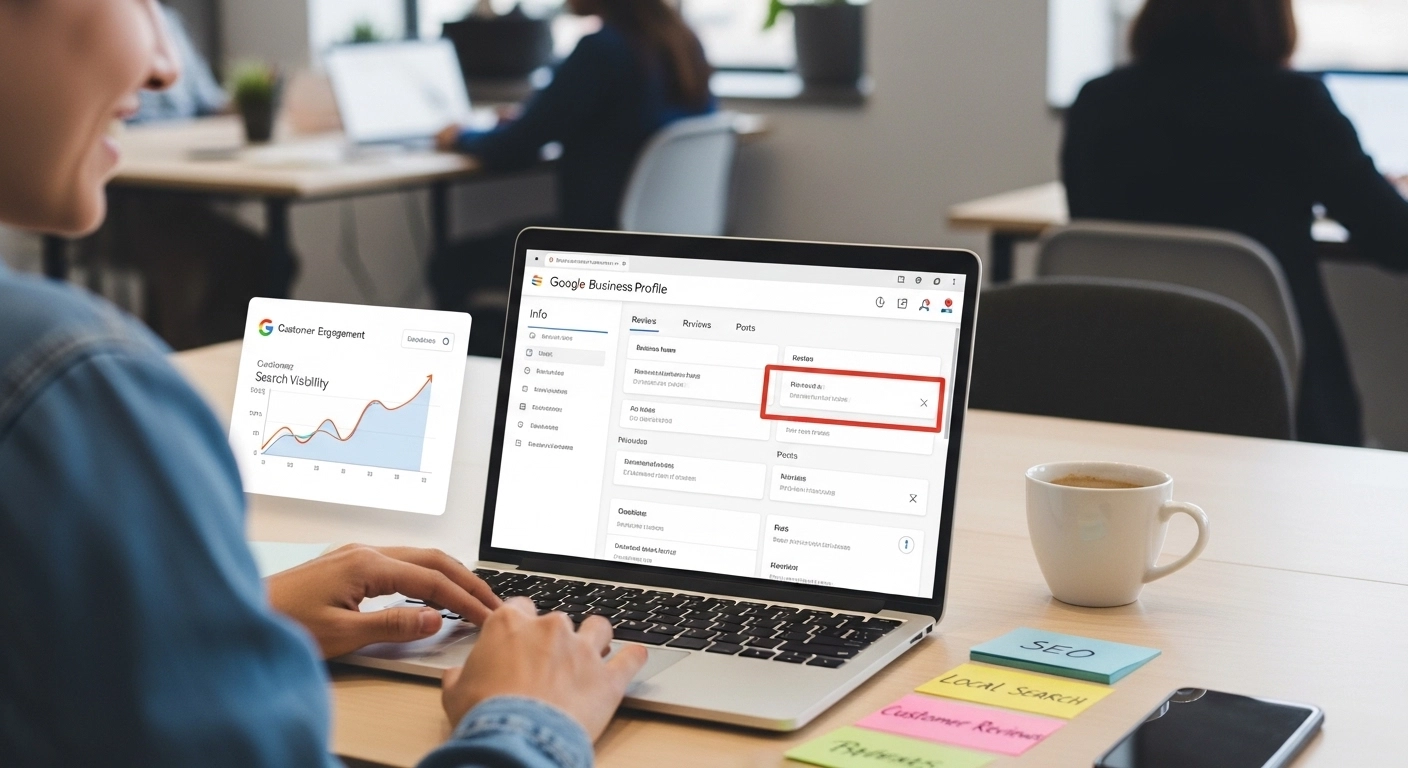
If you want more local customers, better visibility on Google, and higher trust before people even visit your website, your Google Business Profile is where it starts.
A well-optimized profile can push your business into the “Map Pack” (the top 3 local results on Google), which often drives the majority of local clicks and calls. The good news? You don’t need advanced SEO skills to improve it—you just need the right strategy.
Let’s break it down in a simple, practical way.
What Is Google Business Profile Optimization?
Google Business Profile optimization is the process of improving your business listing on Google so it ranks higher in local search results and attracts more customers.
It includes updating your business details, adding photos, collecting reviews, and using keywords naturally so Google understands exactly what you offer and where you are located.
In simple terms:
It’s how you make your business easier to find—and easier to trust.
Why It Matters for Local SEO
When someone searches “best restaurant near me” or “plumber in Dinga,” Google doesn’t show random websites first. It shows local business listings.
An optimized profile helps you:
- Appear in Google Maps results
- Increase phone calls and direction requests
- Build instant trust with reviews and photos
- Outrank competitors in your area
Even small improvements can lead to noticeable traffic changes.
Step 1: Complete Every Section of Your Profile
This is the foundation. Incomplete profiles rarely rank well.
Make sure you include:
- Business name (accurate and consistent)
- Address (real, verifiable location)
- Phone number
- Website link
- Business category (very important for ranking)
- Working hours
Pro tip:
Choose the most specific category possible. Instead of just “Restaurant,” use “Italian Restaurant” or “Fast Food Restaurant” if it fits.
Step 2: Write a Strong Business Description
Your description should clearly explain:
- What you do
- Who you serve
- Where you operate
Keep it natural. Avoid keyword stuffing.
Example:
We provide professional plumbing services in Hafizabad, specializing in emergency repairs, pipe installation, and residential maintenance with fast response times.
This helps both users and Google understand your business better.
Step 3: Add High-Quality Photos Regularly
Photos are not optional—they influence clicks and trust.
Add:
- Exterior photos (so customers can find you)
- Interior photos
- Product or service images
- Team photos (if possible)
Businesses with photos get significantly more engagement than those without them.
Step 4: Collect and Manage Customer Reviews
Reviews are one of the strongest ranking factors.
Encourage happy customers to leave reviews, and always respond professionally.
Good review reply example:
Thank you for your feedback! We’re glad you had a great experience and look forward to serving you again.
Even negative reviews should be handled calmly and politely.
Step 5: Use Posts to Stay Active
Google allows you to publish updates like:
- Offers and discounts
- New services
- Announcements
- Events
Posting regularly signals that your business is active, which can help visibility.
Step 6: Add Services and Products
Many businesses skip this—but it’s a mistake.
List your:
- Services with clear descriptions
- Prices (if possible)
- Key benefits
This helps Google match your profile to more specific searches.
Step 7: Keep NAP Consistent Everywhere
NAP stands for:
- Name
- Address
- Phone number
Make sure this information is identical across:
- Your website
- Social media
- Online directories
Even small inconsistencies can hurt your rankings.
Common Mistakes to Avoid
Many businesses struggle because they:
- Leave profiles incomplete
- Use incorrect categories
- Ignore reviews
- Don’t post updates
- Use inconsistent business details
Fixing these alone can improve rankings quickly.
Simple SEO Tips for Better Ranking
To take your optimization further:
- Add local keywords naturally (city/service-based terms)
- Get backlinks from local websites
- Embed Google Maps on your website
- Improve website speed and mobile usability
These signals work together with your profile to boost visibility.
FAQ: Google Business Profile Optimization
1. How long does it take to see results?
Usually 2–6 weeks, depending on competition and activity level.
2. Do reviews affect ranking?
Yes. Reviews are one of the strongest local ranking signals.
3. Can I rank without a website?
Yes, but having a website significantly improves trust and ranking potential.
4. How often should I update my profile?
At least once a week (posts, photos, or updates).
5. What is the biggest ranking factor?
Relevance, distance, and prominence—reviews and completeness play a major role in prominence.
Conclusion
Google Business Profile optimization is one of the fastest ways to grow local visibility without heavy advertising. A complete profile, strong reviews, regular updates, and consistent business information can dramatically improve your local search performance.
If you want more calls, more visits, and more real customers, this is where you should start—not later, but now.
