

Pagination is a quiet but powerful part of SEO. If your site has blog archives, product listings, or category pages, pagination determines how search engines crawl, understand, and rank your content.
Done right, it improves crawl efficiency and user experience. Done wrong, it can dilute rankings, waste crawl budget, and bury your best pages.
This guide breaks down pagination SEO best practices in a simple, actionable way—no fluff, just what works.
What Is Pagination in SEO?
Pagination is the process of splitting content across multiple pages. Think of:
- Related Artical: Thin Content Improvement: A Practical Guide to Better Rankings
- “Load more” or numbered product pages in eCommerce
Each page typically has its own URL, like:
/blog//blog/page/2//category/shoes?page=3
Why Pagination Matters for SEO
Pagination directly impacts three critical SEO areas:
1. Crawl Budget
Search engines have limited time to crawl your site. Poor pagination can waste that budget on low-value pages.
2. Indexation
If pagination is misconfigured, important pages may not get indexed—or worse, compete with each other.
- 3. Link Equity (Authority Flow)
- Related Atical: Yoast SEO Setup Guide: A Complete Beginner-to-Pro Walkthrough
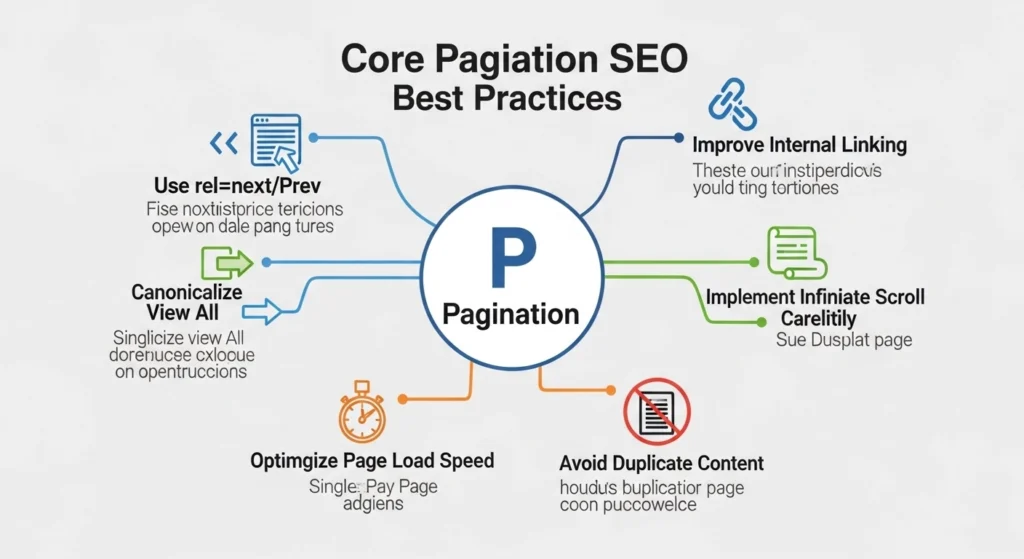
Core Pagination SEO Best Practices
1. Use Crawlable, Static URLs
Each paginated page should have a unique, clean URL:
- ✅
/category/page/2/ - ❌
/category?sessionid=123&page=2
- Why it matters:
- Search engines need stable URLs to crawl and index content efficiently.
- Related Artical: Keyword Cannibalization Fix: A Practical Guide to Stop Competing With Yourself
2. Implement Self-Referencing Canonical Tags
Every paginated page should have a canonical tag pointing to itself:
- Page 1 → canonical to Page 1
- Page 2 → canonical to Page 2
- Do NOT canonical all pages to Page 1. That removes deeper pages from the index.
- Related Artical: Keyword Cannibalization Fix: A Practical Guide to Stop Competing With Yourself
3. Optimize Internal Linking Structure
Make pagination easy to navigate:
- Link sequentially (Next/Previous)
- Include numbered links when possible
- Ensure all pages are reachable within a few clicks
- Pro tip:
- Add links from Page 1 to deeper pages if they contain valuable content.
- Related Artical: SEO for Ecommerce Blogs: A Complete Guide to Driving Traffic and Sales
4. Use Clear, Unique Titles and Meta Descriptions
Each page should have slightly distinct metadata:
- Page 1: “Men’s Running Shoes – Page 1”
- Page 2: “Men’s Running Shoes – Page 2”
- This helps search engines differentiate pages and improves click-through rates.
- Related Artical: CTR Optimization in SERPs: How to Get More Clicks Without Ranking Higher
5. Avoid Indexing Thin or Low-Value Pages
Not all paginated pages deserve indexing.
Use noindex for:
- Very deep pages (e.g., Page 10+)
- Pages with little unique value
- Filtered or duplicate-heavy pages
- Balance is key:
- Let search engines access links, but control what gets indexed.
- Related artical: Measuring SEO ROI: A Practical Guide to Proving Your Organic Search Value
6. Don’t Rely on rel=”next” and rel=”prev”
These tags were once recommended, but search engines no longer use them as a primary signal.
Instead, focus on:
- Strong internal linking
- Logical site structure
- Clear content hierarchy|
- Related Artical: Measuring SEO ROI: A Practical Guide to Proving Your Organic Search Value
7. Consider “View All” Pages (Carefully)
A “View All” page combines all paginated content into one page.
Use it if:
- The page loads fast
- Content isn’t too heavy
- Related Artical: GA4 for SEO Tracking: A Practical Guide to Measuring What Actually Matters
8. Improve User Experience (UX)
SEO and UX go hand in hand.
Make pagination:
- Easy to navigate on mobile
- Fast-loading
- Clearly labeled
Alternative:
“Load more” buttons or infinite scroll can work—but only if implemented with crawlable links behind the scenes.
9. Handle Filters and Sorting Properly
Pagination often combines with filters (price, size, category).
Best practices:
- Prevent duplicate URLs with parameters
- Use canonical tags wisely
- Block unnecessary parameter combinations in robots.txt
10. Monitor Performance in Search Console
Track how pagination behaves:
- Indexed pages
- Crawl stats
- Duplicate content issues
Look for signs like:
- Important pages not indexed
- Too many low-value pages indexed
Common Pagination SEO Mistakes
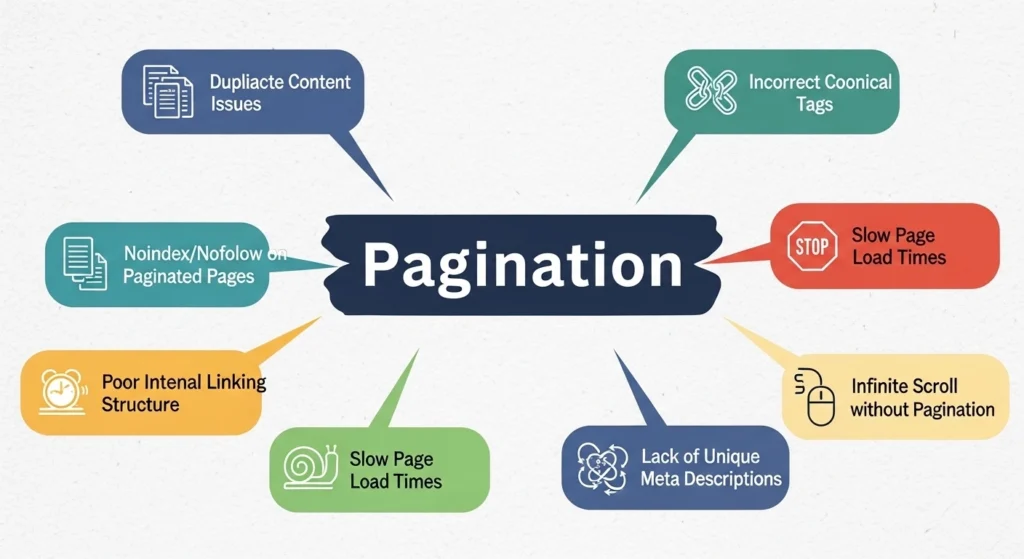
Avoid these pitfalls:
- Canonicalizing all pages to Page 1
- Blocking paginated pages entirely in robots.txt
- Creating endless URL variations with filters
- Using JavaScript-only pagination without crawlable links
- Ignoring deep pages with valuable content
Practical Example

Let’s say you run an online store:
/shoes/(Page 1)/shoes/page/2//shoes/page/3/
Best setup:
- Each page has its own canonical
- Unique title tags (“Page 2”, “Page 3”)
- Crawlable internal links
- Noindex applied to very deep pages if needed
This ensures search engines can discover all products without confusion.
FAQ: Pagination SEO Best Practices
Q1: Should paginated pages be indexed?
Yes—if they contain valuable, unique content. Otherwise, consider noindex for deeper pages.
Q2: Is infinite scroll bad for SEO?
Not inherently. But it must load crawlable URLs in the background so search engines can access all content.
Q3: Should I canonical all pages to the first page?
No. This can remove important pages from search results.
Q4: Do I still need rel=”next” and rel=”prev”?
No. Focus on internal linking and structure instead.
Q5: How deep should pagination go?
As deep as needed for users—but limit indexation of low-value pages.
Final Thoughts
Pagination isn’t just a technical detail—it’s a strategic SEO lever.
When you:
- Use clean URLs
- Apply correct canonical tags
- Optimize internal linking
- Control indexation
…you help search engines understand your site better and improve rankings across the board.
