
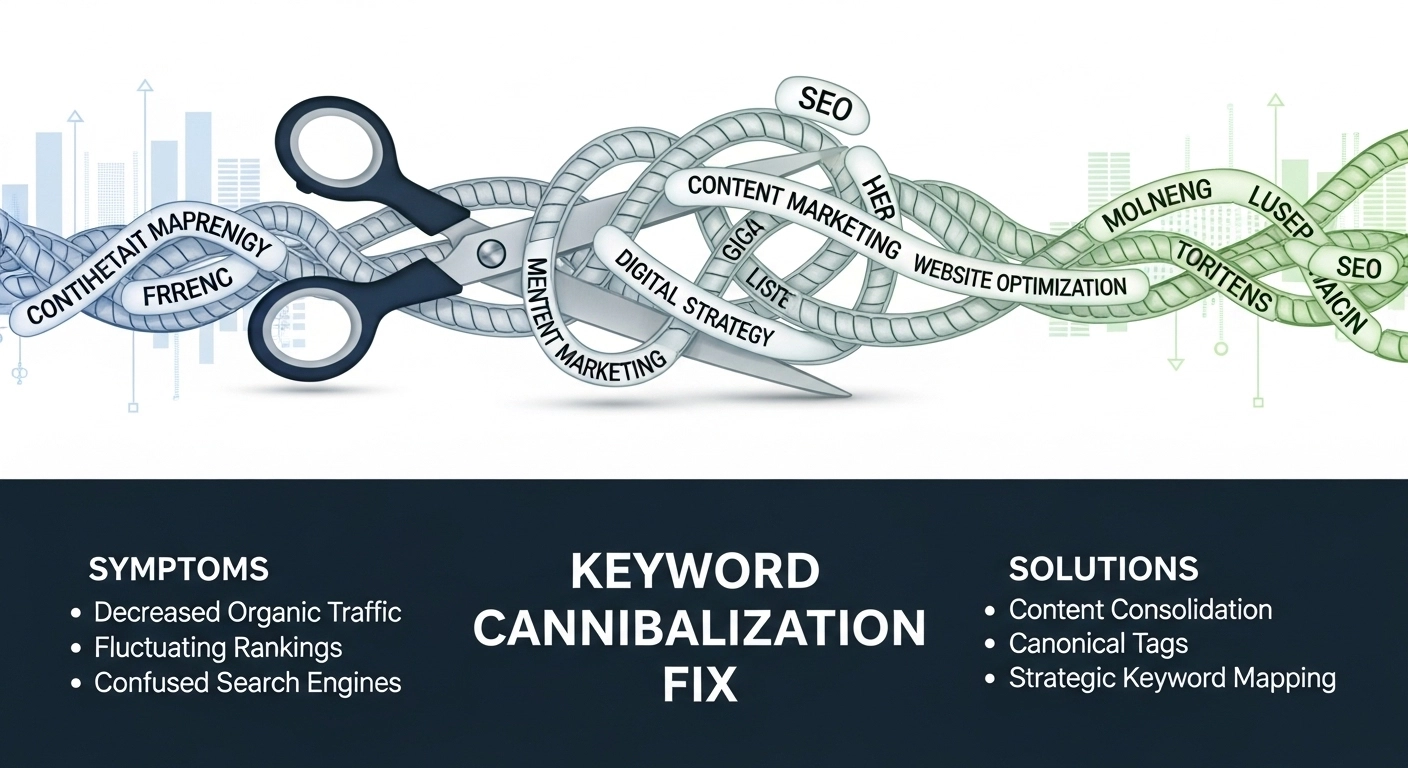
If multiple pages on your site target the same keyword, you’re not doubling your chances to rank—you’re splitting them. That’s keyword cannibalization. It confuses search engines, dilutes authority, and often pushes all your pages down the results.
Here’s a clear, no-nonsense way to find and fix it—without hurting traffic.
What Is Keyword Cannibalization?
Keyword cannibalization happens when two or more pages on your website target the same (or very similar) search intent. Instead of one strong page ranking well, Google rotates or suppresses them.
Common signs:
- Multiple URLs ranking for the same keyword
- Rankings that fluctuate constantly
- Pages stuck on page 2–3 despite good content
- Lower click-through rate than expected
Why It Hurts Your SEO
- Diluted authority: Backlinks and internal links are spread across multiple pages
- Confused intent: Google can’t tell which page best satisfies the query
- Wasted crawl budget: Bots spend time on duplicate or overlapping content
- Lower conversions: Users land on the “wrong” page
Step 1: Find Cannibalization Issues
Start simple.
1. Google Search Check
Search:
site:yourdomain.com "target keyword"
If you see multiple pages targeting the same term, that’s a red flag.
2. Use SEO Tools
Tools like Ahrefs, SEMrush, or Google Search Console can show:
- Pages ranking for the same query
- Keyword overlap
- Position changes over time
3. Check Intent Overlap
Even if keywords differ slightly, similar intent can still cause cannibalization:
These likely compete.
Step 2: Choose the Right Fix (Don’t Guess)
Not every case needs the same solution. Pick based on intent and performance.
Option 1: Merge Content (Best for Similar Pages)
If two pages target the same intent, combine them into one stronger resource.
How:
- Pick the higher-performing URL as the main page
- Move useful content from the weaker page
- Update and improve the merged page
- Redirect the old page (301) to the main one
Example:
Two posts:
- “SEO Basics Guide”
- “SEO for Beginners”
→ Merge into one complete guide.
Option 2: Differentiate Intent
If both pages are valuable but too similar, make them clearly different.
How:
- Adjust titles and headings
- Target different stages of the funnel
- Use unique keywords
Example:
- Page 1: “Keyword Research Guide (Beginner)”
- Page 2: “Advanced Keyword Research Strategies”
Option 3: Use Canonical Tags
If you need both pages (e.g., similar product pages), use a canonical tag to tell Google which one to prioritize.
Option 4: Noindex the Weaker Page
If a page adds little SEO value but must exist (like filtered pages), use noindex.
Option 5: Improve Internal Linking
Guide Google toward the right page.
Do this:
- Link to your main page using consistent anchor text
- Reduce internal links to weaker competing pages
- Build topical clusters around the main page
Step 3: Strengthen the Main Page
Fixing cannibalization isn’t just removing pages—it’s building one strong page.
Improve:
- Content depth and clarity
- On-page SEO (title, headings, meta description)
- Internal links
- User experience (readability, structure)
Make it the obvious best answer.
Real Example
A blog has three articles:
All target the same keyword.
Fix:
- Merge into one complete “On-Page SEO Guide”
- Add checklist section inside
- Redirect the other two URLs
Result: One stronger page ranks higher instead of three weak ones.
Common Mistakes to Avoid
- Deleting pages without redirects
- Merging pages with different intent
- Ignoring internal linking
- Keeping thin content “just in case”
- Targeting the same keyword across multiple blog posts
FAQ
What is the fastest way to fix keyword cannibalization?
Merging similar pages and redirecting the weaker ones usually gives the quickest impact.
Can keyword cannibalization fix improve rankings?
Yes. Consolidating authority into one page often leads to better rankings and higher traffic.
Should I delete duplicate pages?
Only if they have no value. Otherwise, merge or redirect them.
How many pages should target one keyword?
Ideally, one primary page per keyword or intent.
Final Thoughts
Keyword cannibalization is one of the most common—and fixable—SEO problems. Instead of letting your pages compete, make them work together.
Audit your content, pick a clear winner, and build one strong page per intent. The results are usually faster rankings, better traffic, and higher conversions.
