
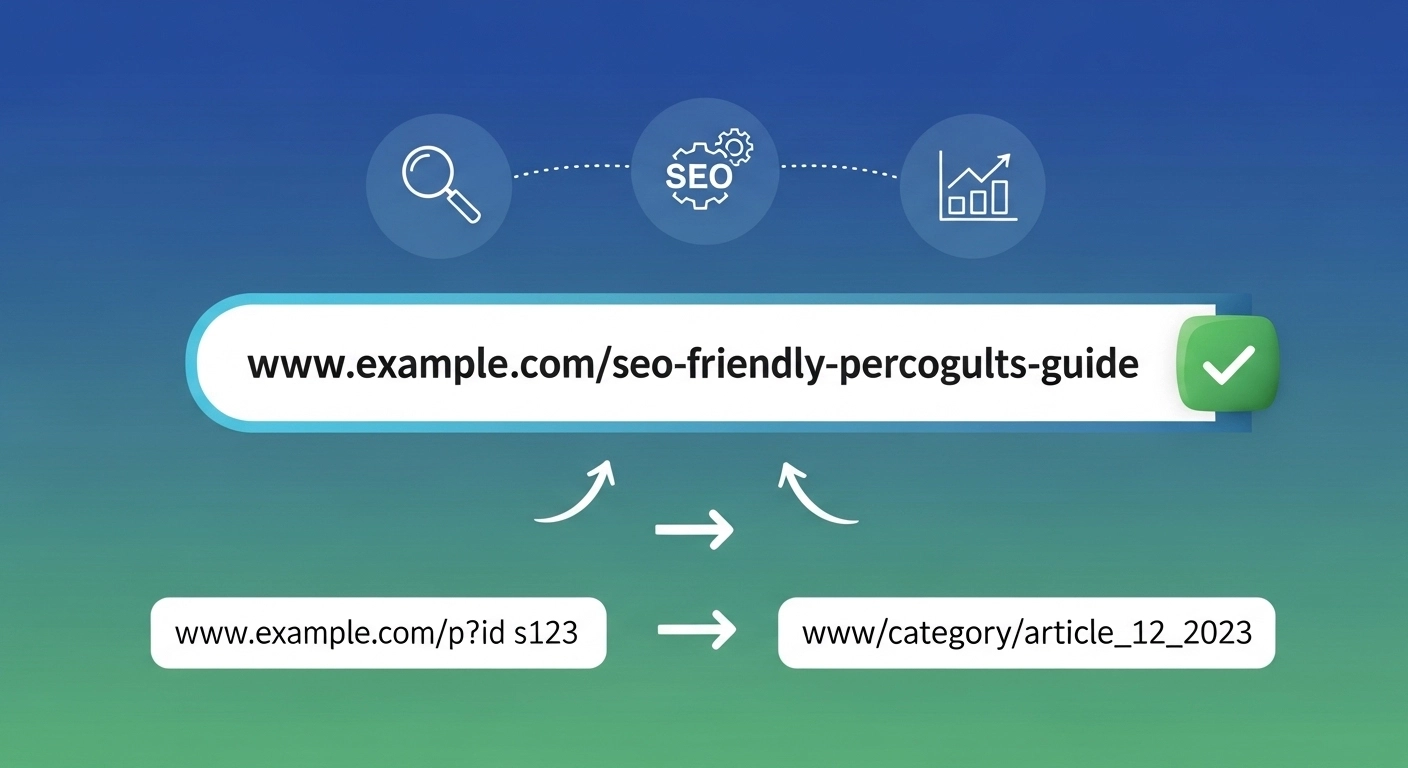
A permalink is more than just a link—it’s a signal to search engines and users about what your page is about. Done right, SEO-friendly permalinks improve crawlability, boost click-through rates, and make your content easier to share.
This guide breaks down exactly how to create clean, optimized URLs that support your rankings and user experience.
What Are SEO-Friendly Permalinks?
A permalink is the permanent URL of a webpage or blog post. An SEO-friendly permalink is short, readable, and includes relevant keywords that clearly describe the page content.
Example:
- ❌ Bad:
example.com/p=123?ref=blog - ✅ Good:
example.com/seo-friendly-permalinks
The second version tells both users and search engines what to expect before they even click.
Why Permalink Structure Matters for SEO
Search engines use URLs to understand page context. While they’re not the strongest ranking factor, optimized permalinks still play an important role.
Key benefits:
- Improved crawlability: Clean URLs are easier for search engines to index.
- Better user experience: Readable links build trust and clarity.
- Higher CTR: Users are more likely to click meaningful URLs.
- Keyword relevance: URLs reinforce your target topic.
Best Practices for SEO-Friendly Permalinks
1. Keep URLs Short and Simple
Shorter URLs are easier to read, remember, and share.
- ❌
example.com/how-to-create-the-best-seo-friendly-permalinks-for-your-website-in-2026 - ✅
example.com/seo-friendly-permalinks
Focus on clarity, not length.
2. Include Your Primary Keyword
Your main keyword should appear naturally in the URL.
Example:
- Target keyword: SEO-friendly permalinks
- URL:
example.com/seo-friendly-permalinks
Avoid forcing multiple keywords—keep it clean.
3. Use Hyphens to Separate Words
Search engines read hyphens as spaces.
- ✅
seo-friendly-permalinks - ❌
seo_friendly_permalinks - ❌
seofriendlypermalinks
Hyphens improve readability and indexing.
4. Avoid Stop Words
Words like “and,” “the,” “of,” and “in” add clutter.
- ❌
example.com/the-best-guide-to-seo-friendly-permalinks - ✅
example.com/seo-friendly-permalinks-guide
Remove anything that doesn’t add meaning.
5. Use Lowercase Letters Only
URLs are case-sensitive on some servers. Stick to lowercase to avoid duplication issues.
- ✅
example.com/seo-tips - ❌
example.com/SEOTips
6. Remove Dates (When Possible)
Unless you run a news site, dates can make content look outdated.
- ❌
example.com/2023/05/seo-permalinks - ✅
example.com/seo-permalinks
Timeless URLs keep content evergreen.
7. Avoid Special Characters
Stick to letters, numbers, and hyphens.
- ❌
example.com/seo-permalinks!@# - ✅
example.com/seo-permalinks
Clean URLs reduce errors and improve compatibility.
8. Match URL to Search Intent
Your permalink should reflect what users are searching for.
Examples:
- Informational:
example.com/what-are-seo-friendly-permalinks - How-to:
example.com/create-seo-friendly-permalinks - Guide:
example.com/seo-permalinks-guide
Aligning URLs with intent improves relevance and rankings.
Recommended Permalink Structures
example.com/post-name
For Content Hubs:
example.com/category/post-name
For E-commerce:
example.com/product/product-name
Avoid deep, complex structures unless necessary.
Common Mistakes to Avoid
- Using auto-generated URLs (e.g.,
?id=456) - Stuffing multiple keywords
- Changing URLs frequently without redirects
- Adding unnecessary folders
- Ignoring URL consistency across the site
Should You Change Existing Permalinks?
Be careful. Changing URLs can hurt SEO if not handled properly.
If you must update a permalink:
- Set up a 301 redirect from the old URL to the new one
- Update internal links
- Resubmit your sitemap
Only change URLs when there’s a clear SEO or usability benefit.
Practical Example: Before and After
Before:example.com/blog/article123?id=seo
After:example.com/seo-friendly-permalinks
The improved version is cleaner, keyword-rich, and user-friendly.
FAQ: SEO-Friendly Permalinks
What is the ideal length for a permalink?
Keep it under 60 characters if possible. Shorter URLs perform better for readability and sharing.
Do permalinks affect rankings?
Yes, but indirectly. They help search engines understand content and improve user experience, which impacts SEO performance.
Should I include categories in URLs?
Only if they add value. Avoid deep or cluttered structures.
Can I change permalinks after publishing?
Yes, but always use a 301 redirect to avoid losing traffic and rankings.
Are keywords in URLs still important?
Yes, but don’t overdo it. Use one clear, relevant keyword.
Conclusion
SEO-friendly permalinks are a small detail with a big impact. Clean, keyword-focused URLs improve visibility, usability, and trust—all essential for strong SEO performance.
If your URLs are messy or outdated, start optimizing them today. Focus on clarity, simplicity, and intent.
