
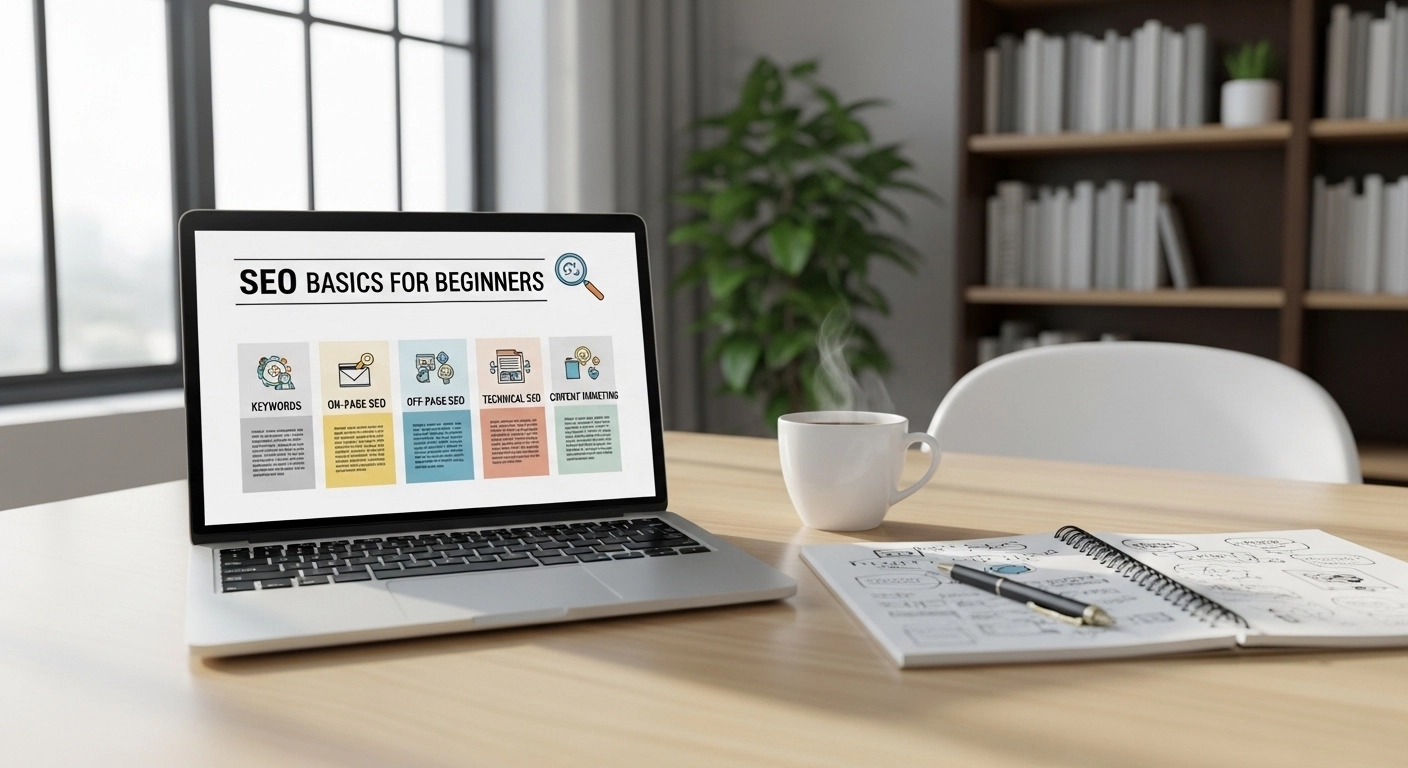
If you’ve ever wondered how websites show up on Google—and how yours can too—you’re in the right place. Search Engine Optimization (SEO) is the process of improving your website so it ranks higher in search results, bringing in free, consistent traffic.
The best part? You don’t need to be a tech expert to get started.
This beginner-friendly guide breaks down SEO into clear, actionable steps you can apply right away.
What Is SEO (and Why It Matters)
SEO stands for Search Engine Optimization. It’s how you help search engines understand your content so they can show it to the right people.
When done right, SEO helps you:
- Increase organic (free) traffic
- Build trust and credibility
- Reach people actively searching for your content
- Grow your business long-term
Unlike paid ads, SEO keeps working over time—even when you stop actively investing in it.
How Search Engines Work (Simple Version)
Search engines like Google follow three main steps:
- Crawling – Bots scan your website
- Indexing – Your pages are stored in a database
- Ranking – Pages are shown based on relevance and quality
Your goal is to make your content easy to find, understand, and trust.
Keyword Research: The Foundation of SEO
Keywords are the words people type into search engines.
How to find beginner-friendly keywords:
- Think like your audience (What would they search?)
- Use tools like Google Autocomplete
- Focus on long-tail keywords (e.g., “SEO basics for beginners”)
Example:
Instead of targeting:
- “SEO” (too competitive)
Try:
- “SEO basics for beginners”
- “how to do SEO step by step”
These are easier to rank for and attract the right audience.
On-Page SEO: Optimize What’s on Your Page
On-page SEO is about improving your content and structure.
Key elements to optimize:
1. Title Tag
- Include your main keyword
- Keep it under 60 characters
- Make it clickable
2. Meta Description
- Summarize your content
- Add your keyword naturally
- Keep it under 160 characters
3. Headings (H1, H2, H3)
- Use one H1 (main title)
- Break content into sections
4. Content Quality
- Solve the reader’s problem
- Be clear, helpful, and original
5. Internal Links
- Link to other pages on your site
Simple Formula:
Title + Headings + Keyword + Useful Content + Internal Links = Better Rankings
Technical SEO: Make Your Site Easy to Use
You don’t need to be a developer to handle basic technical SEO.
Focus on:
- Fast loading speed
- Mobile-friendly design
- Secure site (HTTPS)
- Clean URLs (example: yoursite.com/seo-basics)
Quick Tip:
If your site is slow or hard to use, visitors leave—and rankings drop.
Content: The Heart of SEO
Content is what drives SEO success.
What makes great SEO content?
- Answers real questions
- Easy to read (short paragraphs)
- Well-structured
- Includes keywords naturally
Example:
Bad:
- Stuffed with keywords, hard to read
Good:
- Clear, helpful, written for humans first
Consistency matters more than perfection.
Backlinks: Build Authority
Backlinks are links from other websites to yours.
They act like “votes of trust” for your content.
Beginner ways to get backlinks:
- Write high-quality content
- Guest post on blogs
- Share content on social media
- Create useful guides people want to link to
User Experience (UX) Matters More Than Ever
Google prioritizes websites that people enjoy using.
Improve UX by:
- Using simple navigation
- Avoiding clutter
- Making content easy to scan
- Adding clear calls-to-action
If users stay longer and interact more, your rankings improve.
Common SEO Mistakes to Avoid
- Keyword stuffing
- Ignoring mobile users
- Publishing thin or low-quality content
- Not updating old content
- Expecting instant results
SEO is a long-term game—not a quick fix.
Simple SEO Checklist for Beginners
- Choose the right keyword
- Write helpful, original content
- Optimize title and headings
- Add internal links
- Ensure your site is fast and mobile-friendly
- Update content regularly
FAQ: SEO Basics for Beginners
1. How long does SEO take to work?
SEO usually takes 3–6 months to show noticeable results, depending on competition and consistency.
2. Do I need tools for SEO?
Not at the start. You can begin with free tools like Google Search and basic keyword research methods.
3. Is SEO better than paid ads?
Both have value. SEO is long-term and cost-effective, while ads provide quick results.
4. Can I do SEO myself?
Yes. With the right strategy and consistency, beginners can successfully handle SEO.
Final Thoughts: Start Simple, Stay Consistent
SEO isn’t about tricks—it’s about helping people find useful information.
Start with the basics:
- Understand your audience
- Create helpful content
- Optimize your pages
- Stay consistent
You don’t need to do everything at once. Small improvements over time lead to big results.
