
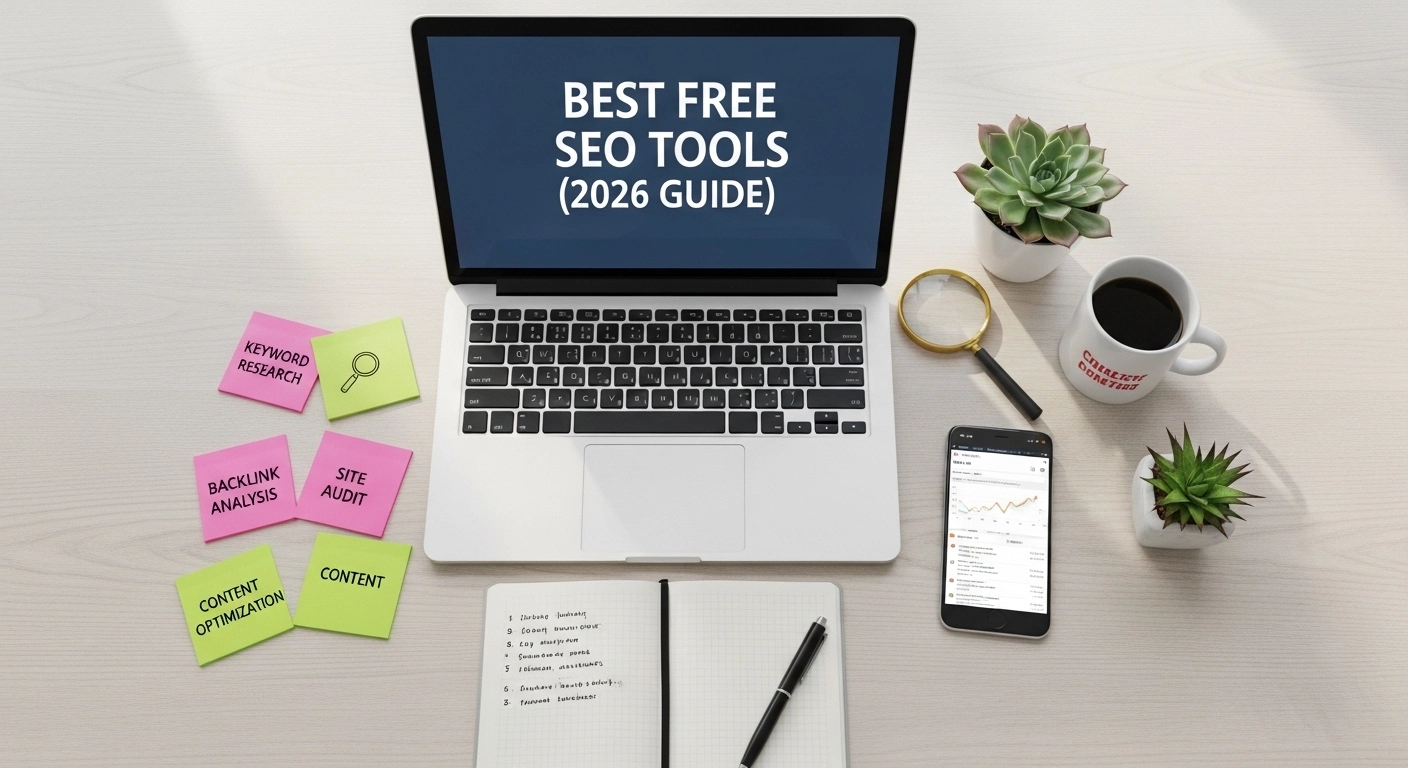
Search engine optimization (SEO) doesn’t have to be expensive. In fact, many of the best SEO tools are completely free and powerful enough to help beginners and professionals improve their rankings.
Whether you run a blog, an online store, or a business website, the right tools can help you find keywords, analyze competitors, fix website errors, and track performance.
In this guide, you’ll discover the best free SEO tools you can start using today to grow your traffic and improve your search rankings.
1. Google Search Console
Best for: Monitoring your website’s performance in Google search.
Google Search Console is one of the most important SEO tools available—and it’s completely free.
It shows how your website appears in search results and helps you fix problems that may hurt your rankings.
Key Features
- See which keywords bring traffic to your website
- Submit your website sitemap
- Identify indexing issues
- Monitor mobile usability
- Track clicks, impressions, and rankings
Example
If your page ranks for the keyword “best running shoes”, Search Console can show:
- how many people searched it
- how many clicked your page
- your average ranking position
This helps you improve pages that are close to ranking higher.
2. Google Keyword Planner
Best for: Keyword research and search volume data.
Google Keyword Planner is widely used to discover keywords people search on Google.
Even though it was created for ads, it’s also a powerful free keyword research tool.
What You Can Do
- Discover new keyword ideas
- Check monthly search volume
- Analyze competition level
- Find long-tail keywords
Example
Search for “SEO tools” and you might discover related keywords like:
- free SEO tools
- best SEO software
- SEO tools for beginners
- technical SEO tools
These can become new blog topics.
3. Ubersuggest (Free Version)
Best for: Keyword ideas and competitor analysis.
Ubersuggest offers a free plan that gives helpful SEO insights.
Key Features
- Keyword suggestions
- Domain overview
- Backlink analysis
- Content ideas
- SEO difficulty score
Example
Enter a competitor’s website and you can see:
- which pages bring them the most traffic
- which keywords they rank for
This makes it easier to create better content and compete in search results.
4. Ahrefs Free Webmaster Tools
Best for: Website SEO audits and backlink analysis.
Ahrefs is one of the most respected SEO platforms, and their free webmaster tools provide powerful insights.
What It Shows
- Backlinks pointing to your website
- Broken links
- Technical SEO issues
- Keyword rankings
Example
If your website has broken pages, the tool alerts you so you can fix them before they affect rankings.
5. Google Analytics
Best for: Understanding your website visitors.
Google Analytics helps you understand who visits your website and how they interact with your content.
Important Metrics
- Website traffic
- User behavior
- Bounce rate
- Top pages
- Traffic sources
Example
You can see whether your traffic comes from:
- Google search
- social media
- referrals from other websites
This helps you focus on the channels that bring the most visitors.
6. AnswerThePublic
Best for: Finding content ideas and questions people search.
AnswerThePublic shows real questions people ask on search engines.
This makes it perfect for creating blog posts that match search intent.
Example Results
If you search “SEO tools”, you may see questions like:
- What are the best SEO tools?
- Which SEO tools are free?
- How do SEO tools work?
Each question can become a blog article or FAQ section.
7. Screaming Frog SEO Spider (Free Version)
Best for: Technical SEO audits.
Screaming Frog is a website crawler that analyzes your site structure.
The free version can scan up to 500 pages.
What It Finds
- Broken links
- Missing title tags
- Duplicate content
- Redirect issues
- Meta description errors
This helps ensure your site is search-engine friendly.
8. Yoast SEO (For WordPress Websites)
Best for: On-page SEO optimization.
If you run a website on WordPress, Yoast SEO is one of the easiest ways to improve your pages.
What It Helps With
- Optimizing titles and meta descriptions
- Creating XML sitemaps
- Improving readability
- Managing keywords
Yoast gives a green light score when your content is optimized correctly.
How to Use These Tools Together
The best SEO strategy combines multiple tools.
Here’s a simple workflow:
- Keyword research → Google Keyword Planner
- Content ideas → AnswerThePublic
- On-page optimization → Yoast SEO
- Technical SEO audit → Screaming Frog
- Track performance → Google Search Console + Google Analytics
This combination can greatly improve your website’s search rankings.
FAQ: Best Free SEO Tools
What is the best free SEO tool?
Google Search Console is often considered the best free SEO tool because it provides direct data from Google about your website’s performance.
Can I do SEO without paid tools?
Yes. Many successful websites use free tools like Google Search Console, Google Analytics, and Ubersuggest to manage their SEO strategy.
Are free SEO tools accurate?
Most free tools provide reliable data, especially tools created by Google. However, some features may be limited compared to premium tools.
Which free SEO tool is best for beginners?
Ubersuggest and Google Keyword Planner are great for beginners because they make keyword research simple and easy to understand.
Conclusion
You don’t need expensive software to succeed with SEO. The best free SEO tools can help you research keywords, analyze competitors, fix technical issues, and track your rankings.
Start with tools like Google Search Console, Google Analytics, and Keyword Planner, then add others like Ubersuggest or Screaming Frog as your website grows.
The key is to use the data to create better content and improve your website consistently.
