
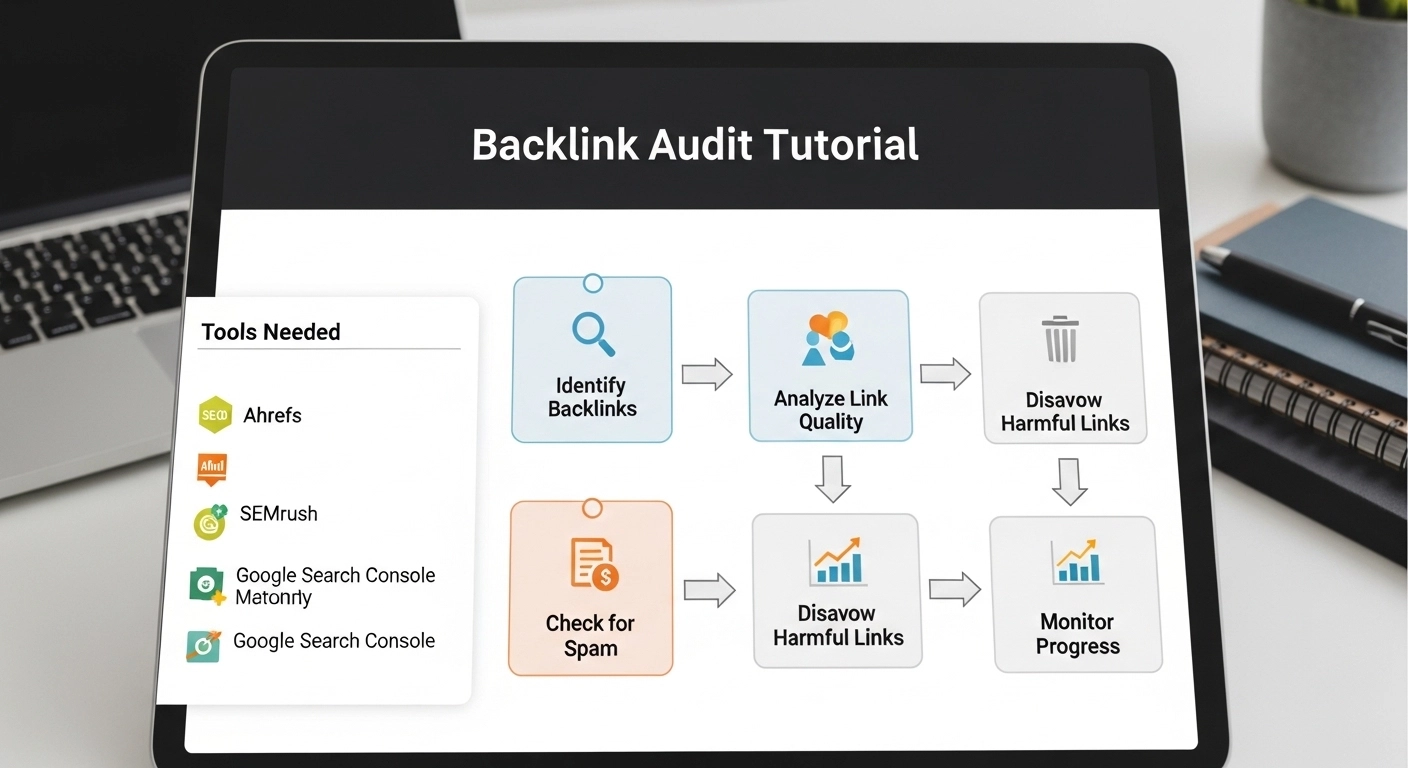
Backlinks can boost your rankings—or quietly destroy them. A proper backlink audit helps you spot harmful links, protect your site from penalties, and improve overall SEO performance.
This tutorial walks you through a practical, no-fluff process to audit your backlinks like a pro.
What Is a Backlink Audit?
A backlink audit is the process of analyzing all links pointing to your website to evaluate their quality, relevance, and impact on your SEO.
The goal is simple:
- Keep high-quality links
- Remove or disavow harmful ones
- Identify opportunities to build better backlinks
Why Backlink Audits Matter
Search engines use backlinks as a trust signal. But not all links are good.
A regular audit helps you:
- Avoid algorithm penalties
- Improve keyword rankings
- Strengthen domain authority
- Remove spammy or toxic links
- Understand your link profile
If your rankings suddenly drop, a backlink audit should be one of your first steps.
Step 1: Collect Your Backlink Data
Start by exporting your backlinks from reliable tools like:
- Google Search Console
- Ahrefs
- SEMrush
- Moz
Combine all data into one spreadsheet and remove duplicates.
What to include:
- Referring domain
- Anchor text
- Link type (dofollow/nofollow)
- Target URL
- Domain authority (or similar metric)
Step 2: Analyze Link Quality
Not all backlinks are equal. Focus on quality over quantity.
Check for these factors:
1. Domain Authority / Trust
High-authority sites pass more value.
2. Relevance
Links from sites related to your niche are more powerful.
3. Anchor Text
Watch for over-optimized anchors like:
- “Buy cheap SEO services”
- Exact-match keywords repeated too often
4. Link Placement
Editorial links (within content) are stronger than sidebar or footer links.
Step 3: Identify Toxic Backlinks
Toxic links can harm your rankings.
Common signs of bad backlinks:
- Spammy or low-quality websites
- Irrelevant foreign-language sites
- Link farms or PBNs
- Sites with thin or duplicate content
- Excessive exact-match anchor text
- Links from penalized domains
If a site looks suspicious, trust your judgment—it probably is.
Step 4: Categorize Your Links
Create three categories in your spreadsheet:
1. Good Links
- Relevant, high-quality, natural
👉 Keep them
2. Neutral Links
- Not harmful but not strong
👉 Leave them for now
3. Toxic Links
- Spammy, irrelevant, or manipulative
👉 Remove or disavow
Step 5: Remove Harmful Links
Before disavowing, try manual removal.
How to do it:
- Visit the linking site
- Find contact info
- Send a polite removal request
Example email:
Hi,
I noticed a link to my website on your page.
Could you please remove it?
Thanks in advance.
Keep records of your outreach.
Step 6: Disavow Remaining Toxic Links
If removal doesn’t work, use Google’s Disavow Tool.
Steps:
- Create a
.txtfile listing bad domains - Upload it in Google Disavow Tool
- Wait for Google to process it
Important: Only disavow truly harmful links. Mistakes can hurt your SEO.
Step 7: Find Link Building Opportunities
A backlink audit isn’t just cleanup—it’s growth.
Look for:
- Competitor backlinks you can replicate
- Broken links you can replace
- Mentions of your brand without links
- Guest posting opportunities
Turn your audit into a strategy.
Step 8: Monitor Regularly
Backlink profiles change constantly.
Set a schedule:
- Monthly check (recommended)
- Quarterly deep audit
Use alerts to track new backlinks and catch issues early.
Practical Example
Let’s say you run a blog about SEO.
You find:
- 50 links from spammy directories
- 20 links from irrelevant gambling sites
- 10 strong links from marketing blogs
👉 Action:
- Keep the 10 strong links
- Disavow the 70 toxic ones
- Find similar sites to the good ones and build more links there
Simple, effective, and results-driven.
Backlink Audit Checklist
- Export backlinks from multiple tools
- Merge and clean data
- Analyze link quality
- Identify toxic links
- Categorize links
- Request removals
- Disavow harmful domains
- Build new quality backlinks
- Monitor regularly
FAQ
How often should I do a backlink audit?
At least once every 1–3 months, depending on your site size.
Can bad backlinks hurt my rankings?
Yes. Toxic links can trigger penalties or reduce trust signals.
Should I disavow all low-quality links?
No. Only disavow links that are clearly harmful or spammy.
What is a good backlink?
A link from a relevant, authoritative, and trustworthy website.
Do nofollow links matter?
Yes. They don’t pass full SEO value but still help with traffic and diversity.
Conclusion
A backlink audit isn’t just a technical task—it’s a critical part of your SEO strategy.
By removing harmful links and strengthening your profile with high-quality backlinks, you protect your rankings and set the foundation for long-term growth.
