
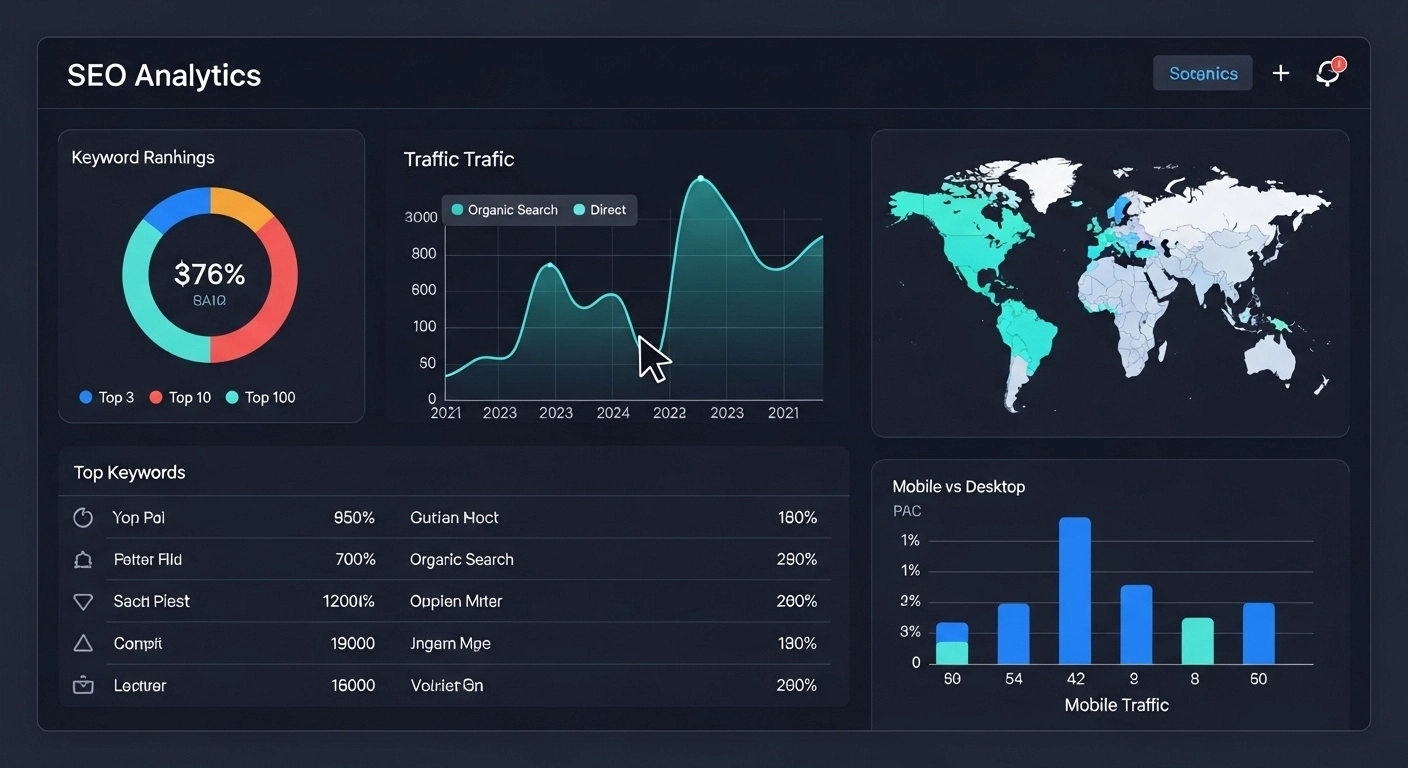
If you’re doing SEO without tracking data, you’re basically guessing. And in 2026, guessing is expensive.
SEO analytics tracking is what turns your website from “just publishing content” into a system that consistently improves traffic, rankings, and conversions. It shows what’s working, what’s failing, and where your next big opportunity is hiding.
Let’s break it down in a simple, practical way.
What Is SEO Analytics Tracking?
SEO analytics tracking is the process of collecting and analyzing data about how your website performs in search engines.
It helps you understand things like:
- Which keywords bring traffic
- Which pages rank on Google
- How users behave on your site
- Where you’re losing visitors
- Which content actually converts
Instead of relying on assumptions, you use real numbers to guide decisions.
Why SEO Analytics Tracking Matters
Without tracking, SEO becomes random. With tracking, it becomes strategic.
Here’s what proper tracking gives you:
1. Clear performance visibility
You can instantly see whether your SEO efforts are improving or declining.
2. Better content decisions
You stop writing blindly and start creating content based on actual search demand.
3. Higher ROI
You invest time in pages that bring traffic and conversions, not the ones that just “feel right.”
4. Faster problem detection
If rankings drop or traffic falls, you can quickly find the cause.
Key Metrics You Should Track
Not all data matters equally. Focus on what actually impacts growth.
1. Organic Traffic
This is the number of visitors coming from search engines.
Tools like Google Analytics show:
- Total organic users
- Traffic trends over time
- Which pages bring the most visitors
2. Keyword Rankings
Track where your pages rank for target keywords.
Important questions:
- Are you on page 1 or page 3?
- Are you improving or dropping?
3. Click-Through Rate (CTR)
CTR shows how often people click your site in search results.
Low CTR usually means:
- Weak title tags
- Unappealing meta descriptions
4. Bounce Rate & Engagement
These metrics show how users interact with your content.
If users leave quickly, your content may not match search intent.
5. Conversions
Traffic alone doesn’t matter. What matters is action.
Examples:
- Purchases
- Sign-ups
- Contact form submissions
6. Backlink Growth
Backlinks still matter for SEO authority.
Track:
- New backlinks
- Lost backlinks
- Referring domains
Best Tools for SEO Analytics Tracking
You don’t need dozens of tools. A few solid ones are enough.
Google Analytics 4 (GA4)
Tracks user behavior, traffic sources, and conversions.
Google Search Console
Shows:
- Keywords you rank for
- Impressions and clicks
- Indexing issues
SEO Tools (Ahrefs, SEMrush, etc.)
Help you track:
- Keyword rankings
- Competitor performance
- Backlink profiles
Heatmap Tools (Hotjar, Microsoft Clarity)
Show how users interact with your pages visually.
How to Set Up SEO Analytics Tracking (Step-by-Step)
Here’s a simple setup process:
Step 1: Install Google Analytics
Connect GA4 to your website to track traffic and behavior.
Step 2: Connect Google Search Console
This gives you keyword-level search data.
Step 3: Define Your Goals
Set clear goals like:
- Increase organic traffic by 30%
- Rank in top 3 for main keywords
- Improve conversion rate
Step 4: Track Key Pages
Focus on:
- Blog posts
- Landing pages
- Service pages
Step 5: Monitor Weekly, Not Daily
SEO is long-term. Weekly reviews are enough to spot trends.
Common SEO Tracking Mistakes
Many websites collect data but don’t use it properly. Avoid these mistakes:
Tracking too many metrics
Focus only on what impacts growth.
Ignoring search intent
High traffic doesn’t matter if users don’t engage.
Not acting on data
Insights without action are useless.
Forgetting mobile performance
Most traffic is mobile—don’t ignore it.
Practical Example of SEO Analytics in Action
Imagine you have a blog post ranking on page 2 for a keyword.
Your data shows:
- High impressions
- Low CTR
- Average time on page is low
What this means:
- Your title isn’t attractive enough
- Your content may not fully match search intent
Fix:
- Rewrite title for higher CTR
- Improve introduction
- Add missing sections users expect
Result:
Within weeks, rankings often improve naturally.
The Role of SEO Analytics in Content Strategy
SEO analytics tracking doesn’t just measure performance—it shapes your entire content strategy.
You can:
- Find content gaps competitors missed
- Identify high-performing topics
- Expand successful posts into clusters
- Remove or update weak content
This is how websites grow from small blogs into authority sites.
FAQ: SEO Analytics Tracking
1. What is SEO analytics tracking in simple words?
It’s the process of monitoring how your website performs in Google search and how users interact with your content.
2. Which tool is best for SEO tracking?
Google Search Console and Google Analytics are essential. SEO tools like Ahrefs or SEMrush add deeper insights.
3. How often should I check SEO analytics?
Weekly checks are enough for most websites. Daily monitoring is unnecessary.
4. Can SEO work without tracking?
Technically yes, but it will be slow, inconsistent, and inefficient.
5. What is the most important SEO metric?
Organic traffic combined with conversions gives the clearest picture of success.
Conclusion
SEO analytics tracking is not optional—it’s the foundation of smart SEO.
It helps you understand what drives traffic, what converts visitors, and what needs improvement. Without it, you’re just publishing content and hoping it works. With it, every decision becomes data-driven and predictable.
