
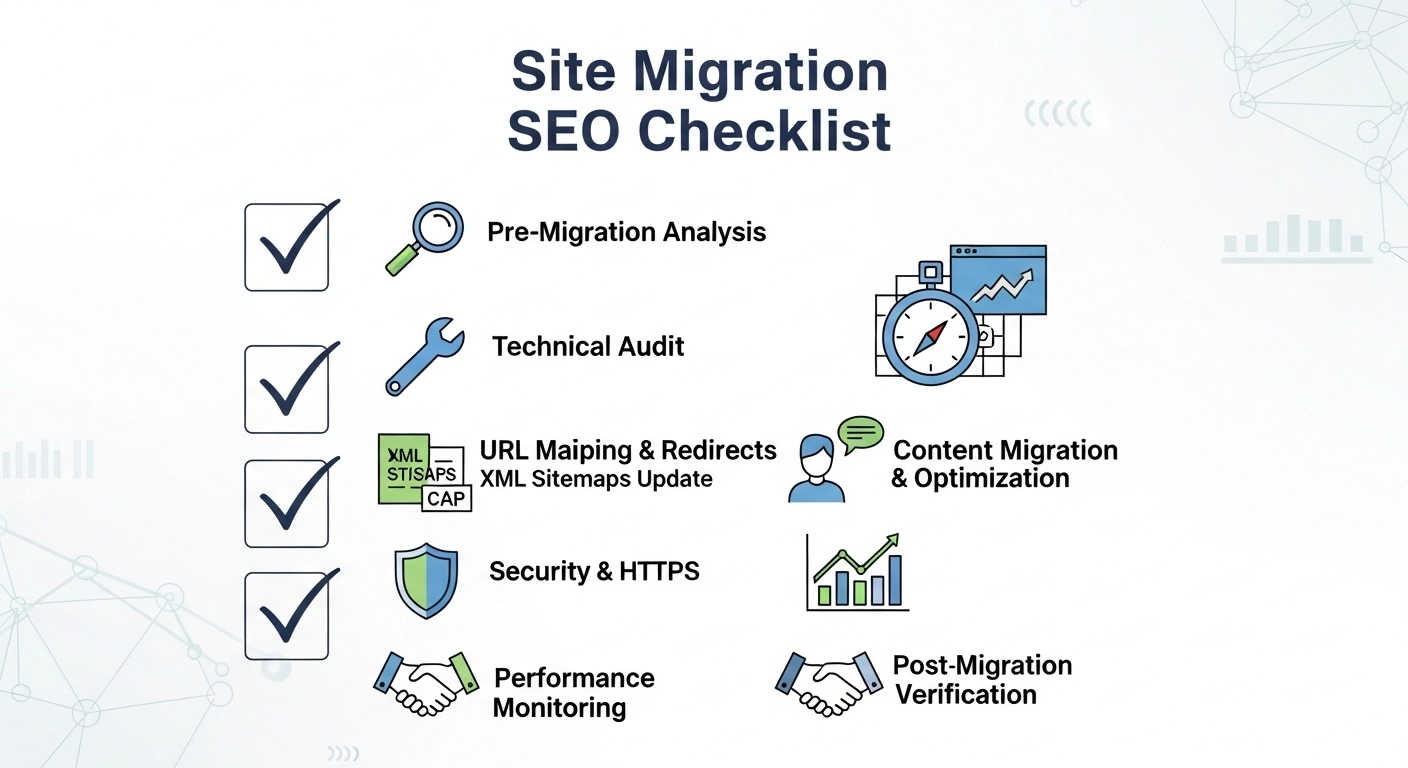
The good news: with a solid site migration SEO checklist, you can protect your rankings and even improve your search visibility.
This guide walks you through exactly what to do before, during, and after a site migration so your transition goes smoothly.
What Is a Site Migration?
A site migration happens when significant changes are made to a website that can affect search engine visibility. These changes might include:
- Moving to a new domain
- Switching from HTTP to HTTPS
- Changing URL structure
- Redesigning the website
- Migrating to a new CMS or platform
- Consolidating multiple websites
Search engines treat these changes seriously. If handled incorrectly, Google may struggle to understand where your content moved.
That’s why a structured migration plan is essential.
Pre-Migration SEO Checklist (Before Launch)
Preparation is where most migrations succeed—or fail.
1. Crawl and Audit Your Current Website
Start by documenting your existing website.
Use tools like:
- Screaming Frog
- Ahrefs
- SEMrush
- Sitebulb
Export data for:
- All URLs
- Title tags
- Meta descriptions
- Header tags
- Canonical tags
- Internal links
- Status codes
This creates your SEO backup plan.
Example:
If your current blog page ranks for “email marketing tips,” you’ll want to ensure that page is properly migrated and redirected.
2. Benchmark Your Current SEO Performance
Track key metrics before migration so you can measure impact later.
Record:
- Organic traffic
- Top ranking keywords
- Indexed pages
- Backlinks
- Conversion rates
Sources to check:
- Google Analytics
- Google Search Console
- Rank tracking tools
Pro tip: Save screenshots of top-performing pages and rankings.
3. Create a Complete URL Mapping Plan
This is the most critical step in any SEO migration.
Build a spreadsheet that maps:
Old URL → New URL
Example:
| Old URL | New URL |
| /blog/email-marketing-tips | /blog/best-email-marketing-strategies |
| /services/seo | /seo-services |
Every important page should have a destination.
Never leave valuable URLs without redirects.
4. Plan Your Redirect Strategy (301 Redirects)
Use 301 redirects to tell search engines that a page permanently moved.
Correct example:
Old
example.com/services/seo
Redirects to
example.com/seo-services
Avoid:
- Redirect chains
- Redirect loops
- Redirecting everything to the homepage
Each page should redirect to the most relevant new page.
5. Backup Your Website
Before migration, create full backups of:
- Website files
- Databases
- Media files
- CMS settings
If something breaks, you’ll have a safe restore point.
Migration Day SEO Checklist
This is where planning turns into execution.
6. Implement 301 Redirects
Upload your redirect rules to:
- .htaccess
- Nginx configuration
- CMS redirect plugins
Test several URLs manually to ensure they work.
Tools like Redirect Checker or Screaming Frog can help validate them.
7. Update Internal Links
Internal links should point directly to new URLs, not old ones.
Why?
Internal redirects waste crawl budget and slow site speed.
Example:
Bad
/blog/seo-tips → redirect → /blog/seo-strategies
Good
Direct link to /blog/seo-strategies
8. Update Technical SEO Elements
Verify these elements after migration:
- Canonical tags
- Meta titles & descriptions
- Robots.txt
- Structured data
- Open Graph tags
- Image alt text
Small errors here can cause big indexing issues.
9. Generate and Submit a New XML Sitemap
Create a new sitemap with the updated URLs.
Then submit it in Google Search Console.
This helps search engines crawl your new site faster.
Post-Migration SEO Checklist (After Launch)
The work isn’t finished once the site goes live.
Monitoring is critical.
10. Crawl the New Website
Run a fresh crawl to identify issues like:
- 404 errors
- Broken links
- Missing metadata
- Redirect chains
- Orphan pages
Fix issues immediately to prevent ranking loss.
11. Monitor Google Search Console
Check regularly for:
- Index coverage errors
- Crawl anomalies
- Manual actions
- Mobile usability issues
Also watch how many pages Google is indexing.
12. Track Rankings and Traffic
Some fluctuation is normal after migration.
But you should monitor:
- Keyword rankings
- Organic traffic
- Page indexing
- Bounce rates
If major pages lose rankings, check redirect accuracy and page optimization.
13. Update Backlinks (If Possible)
If high-authority websites link to your old URLs, ask them to update the links.
Why?
Direct links pass more SEO value than redirected ones.
Focus on:
- Guest posts
- Partner sites
- Business directories
- Major publications
14. Keep Redirects Active
Never remove redirects too soon.
Best practice:
Keep them live for at least 12 months.
Many SEO experts keep them indefinitely.
Common Site Migration Mistakes
Avoid these costly errors:
- Forgetting redirects
- Redirecting all pages to the homepage
- Launching without testing
- Blocking search engines via robots.txt
- Changing content and URLs at the same time
- Not tracking performance
Even large companies have lost millions in traffic due to migration mistakes.
Simple Site Migration SEO Checklist (Quick Version)
Before Migration
- Crawl existing website
- Benchmark SEO performance
- Map old URLs to new URLs
- Plan 301 redirects
- Backup website
During Migration
- Implement redirects
- Update internal links
- Update metadata and canonicals
- Generate new sitemap
After Migration
- Crawl new site
- Monitor Search Console
- Track rankings and traffic
- Update backlinks
- Maintain redirects
FAQ
How long does SEO recovery take after a site migration?
Typically 2–6 weeks, depending on site size and how well redirects are implemented. Large sites may take several months to stabilize.
Will I lose traffic after a site migration?
Minor fluctuations are normal. However, with proper redirects and planning, traffic loss should be minimal and temporary.
What is the most important step in SEO migration?
Accurate 301 redirects and URL mapping.
Without them, search engines cannot connect your old pages to new ones.
Should I change content during a site migration?
It’s safer to migrate first, then update content later. Changing everything at once makes troubleshooting much harder.
Final Thoughts
A website migration doesn’t have to destroy your SEO.
With the right site migration SEO checklist, you can protect your rankings, maintain organic traffic, and even improve site performance.
The key is preparation, precise redirects, and post-launch monitoring.
