
Redirects are a normal part of managing a website. You might redirect an old page to a new one after updating content, changing URLs, or redesigning your site. But when redirects stack on top of each other, they create redirect chains—and that can hurt your SEO and slow down your website.
In this guide, you’ll learn what redirect chains are, why they matter for SEO, and how to fix them quickly.
What Is a Redirect Chain?
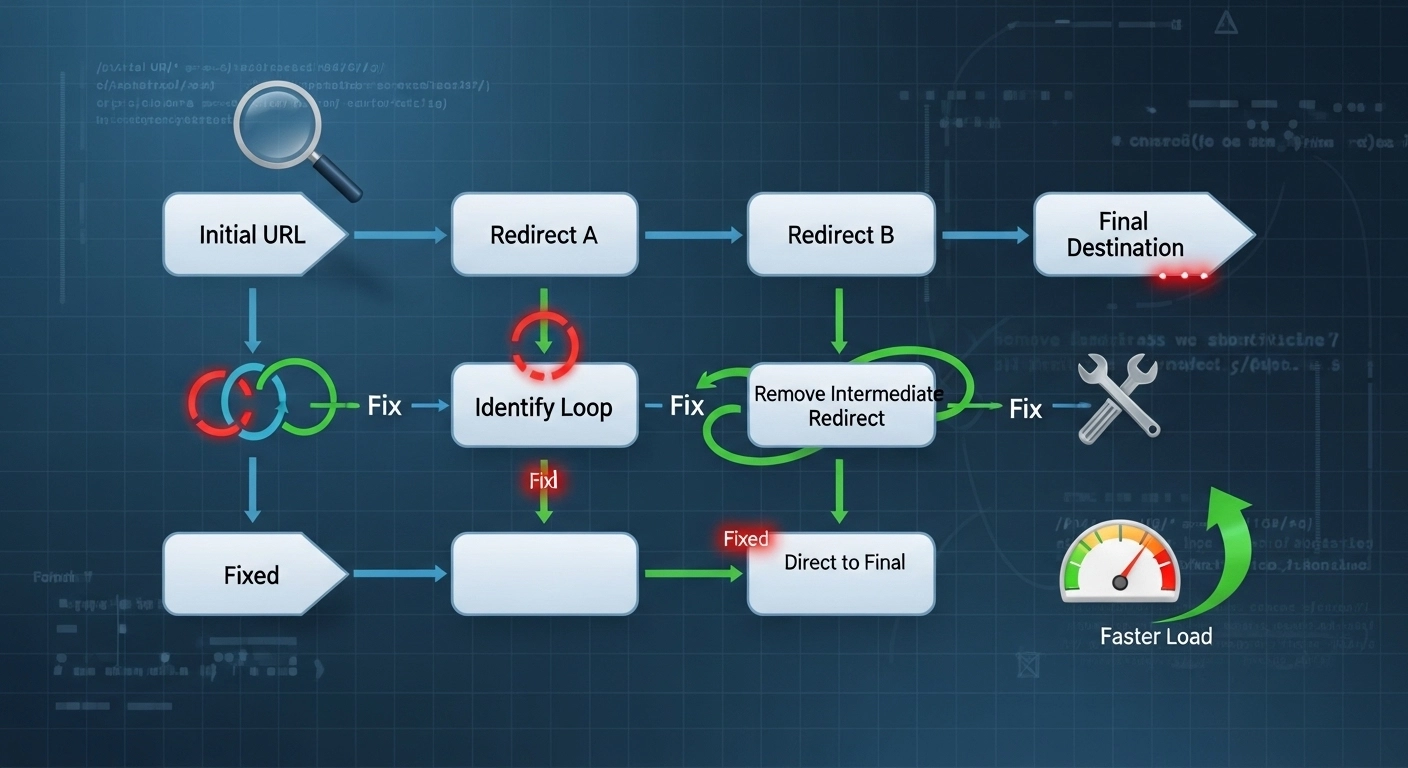
A redirect chain happens when one URL redirects to another URL, which then redirects again to a third URL.
Example:
URL A → URL B → URL C → Final Page
Instead of going directly to the final page, the browser has to pass through multiple redirects. Each extra step wastes time and resources.
A better structure would be:
URL A → Final Page
This is called a direct redirect.
Why Redirect Chains Are Bad for SEO
Redirect chains might seem harmless, but they can cause several SEO and performance problems.
1. Slower Page Load Time
Every redirect adds another request between the browser and server. This increases loading time and hurts user experience.
Google considers page speed an important ranking factor.
2. Loss of Link Equity
When multiple redirects exist, some link authority (PageRank) can be lost along the chain.
Direct redirects pass value more efficiently.
3. Crawling Inefficiency
Search engine bots have a crawl budget. If Googlebot spends time following redirect chains, it may crawl fewer important pages.
4. Indexing Issues
Long redirect chains sometimes prevent search engines from reaching the final page properly. In extreme cases, pages might not get indexed.
Common Causes of Redirect Chains
Redirect chains often happen by accident during website changes.
Website Migration
When moving from:
http → https
non-www → www
old domain → new domain
Multiple redirect rules can stack together.
URL Structure Changes
Changing URLs multiple times can create chains like:
/blog-post → /blog/post → /articles/post
CMS Plugins
Some WordPress or SEO plugins automatically create redirects, which can conflict with existing rules.
Old Redirects Never Removed
Developers sometimes add new redirects without cleaning up old ones.
How to Find Redirect Chains
Before fixing redirect chains, you need to identify them.
1. Use SEO Tools
Popular tools that detect redirect chains include:
Ahrefs Site Audit
Screaming Frog SEO Spider
Semrush Site Audit
Google Search Console (coverage issues)
These tools crawl your website and show redirect paths.
2. Check URLs Manually
You can also test URLs using redirect checker tools.
Example:
example.com/old-page
If it redirects multiple times before loading, you have a chain.
How to Fix Redirect Chains
Fixing redirect chains is usually simple once you know where they exist.
1. Redirect Directly to the Final URL
Instead of this:
A → B → C
Change it to:
A → C
Update the redirect rule so users and search engines go straight to the final destination.
2. Update Internal Links
Many redirect chains happen because internal links still point to old URLs.
Fix this by updating links to the final URL.
Example:
Bad internal link:
example.com/old-page
Good internal link:
example.com/new-page
3. Clean Up Old Redirect Rules
Check your:
.htaccess file
server configuration
CMS redirect plugin
Remove unnecessary or outdated redirect rules.
4. Avoid Redirect Loops
While fixing chains, make sure you don’t create redirect loops.
Example of a loop:
Page A → Page B
Page B → Page A
This prevents the page from loading at all.
Best Practices to Prevent Redirect Chains
Following a few simple practices can keep your website clean and SEO-friendly.
Always redirect directly to the final page
Avoid multiple hops.
Update links during site changes
Whenever URLs change, update internal links immediately.
Audit redirects regularly
Run a technical SEO audit every few months.
Plan URL structure carefully
Frequent URL changes increase the risk of redirect problems.
Example: Redirect Chain Fix in Practice
Imagine an online store updated its blog URLs over time.
Current redirect chain:
example.com/blog-seo-tips
→ example.com/blog/seo-tips
→ example.com/seo-tips-guide
Solution:
example.com/blog-seo-tips
→ example.com/seo-tips-guide
After fixing the chain:
Page loads faster
Search engines crawl efficiently
Link authority transfers better
Redirect Chains Fix: Quick Checklist
Use this simple checklist during your SEO audit.
Identify redirect chains using SEO tools
Map the redirect path
Change redirects to point directly to the final URL
Update internal links
Remove unnecessary redirect rules
Test pages after changes
FAQ: Redirect Chains Fix
What is the difference between a redirect chain and a redirect loop?
A redirect chain sends users through multiple URLs before reaching the final page. A redirect loop happens when URLs redirect back and forth endlessly, preventing the page from loading.
How many redirects are too many?
Even two redirects can slow down crawling and page loading. The best practice is only one redirect to the final page.
Do redirect chains affect Google rankings?
Yes. Redirect chains can reduce crawl efficiency, slow page speed, and weaken link equity—factors that can negatively impact SEO performance.
Are redirect chains bad for users?
Yes. Multiple redirects increase page loading time, which can frustrate users and increase bounce rates.
Conclusion
Redirect chains are a common technical SEO issue that can quietly damage your site’s performance. They slow down page loading, waste crawl budget, and weaken link authority.
The good news is that fixing redirect chains is usually quick and straightforward. By auditing your redirects, updating internal links, and redirecting directly to the final URL, you can improve both SEO and user experience.
