
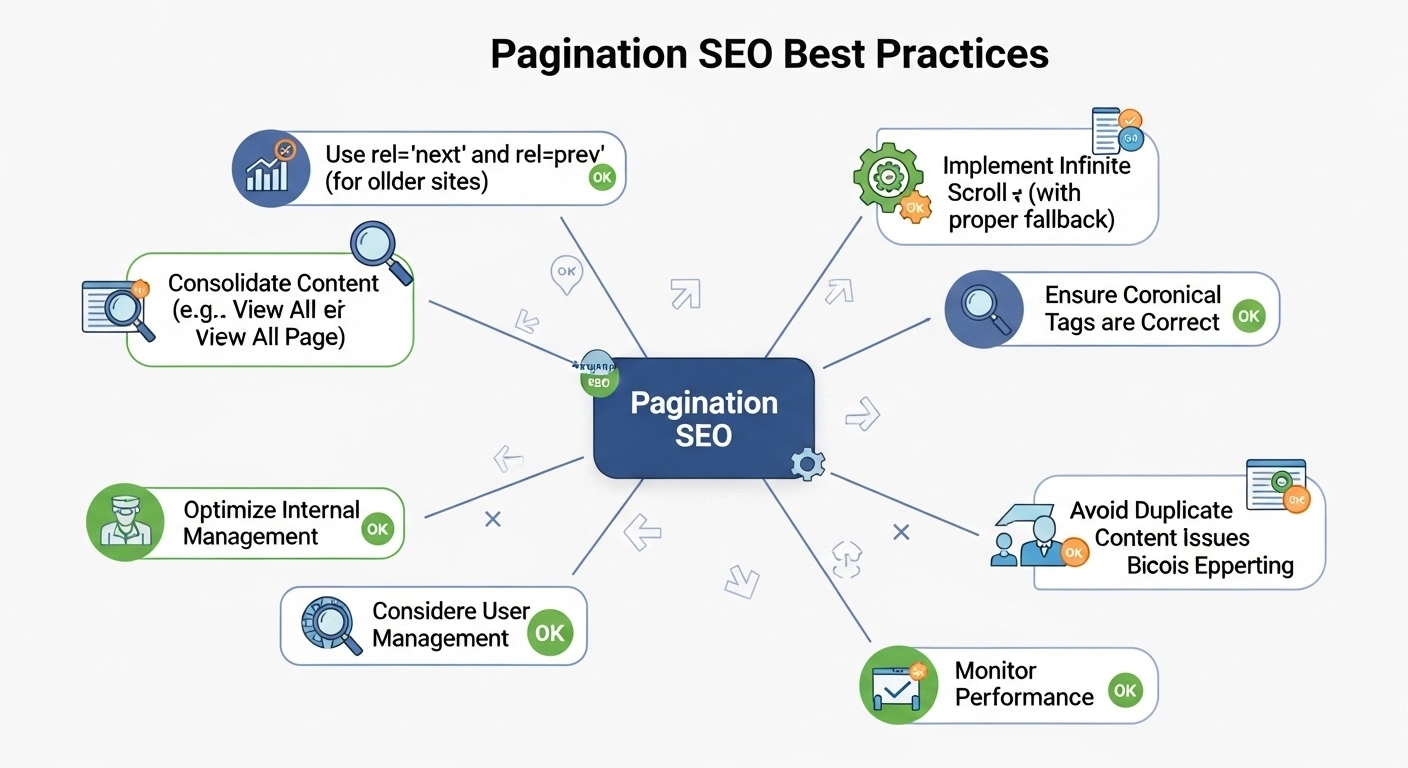
If your website has many pages—like blog archives, product listings, or category pages—pagination is essential. Pagination helps users navigate large amounts of content by splitting it into multiple pages (Page 1, Page 2, Page 3, etc.).
But if pagination isn’t handled correctly, it can create SEO issues like duplicate content, crawling problems, and lost rankings.
In this guide, you’ll learn the best pagination SEO practices, how search engines treat paginated pages, and how to implement pagination without hurting your rankings.
What Is Pagination in SEO?
Pagination is the process of dividing long lists of content into multiple pages to improve usability and performance.
For example:
- Page 1: yoursite.com/blog
- Page 2: yoursite.com/blog?page=2
- Page 3: yoursite.com/blog?page=3
You’ll commonly see pagination on:
- Blog archives
- E-commerce category pages
- Forums
- News websites
- Search results pages
Pagination improves user experience, but it must also be optimized so search engines can properly crawl and index your pages.
Why Pagination Matters for SEO
Pagination affects three major SEO factors:
1. Crawl Efficiency
Search engines have a crawl budget. If pagination isn’t structured well, bots may waste time crawling unnecessary pages.
2. Link Equity Distribution
Proper pagination helps distribute internal link authority across your pages.
3. Indexing Control
Without optimization, search engines may index hundreds of low-value paginated pages.
The goal is to balance usability and search engine crawling.
1. Use Clean, Consistent Pagination URLs
The best pagination URLs are simple and predictable.
Good examples
example.com/blog/page/2
example.com/category/shoes/page/3
Avoid
example.com/blog?id=54892&page=2&sort=old
Clean URLs help both users and search engines understand the page structure.
2. Keep Self-Referencing Canonical Tags
Each paginated page should use a self-referencing canonical tag.
Example for Page 2:
<link rel=”canonical” href=”https://example.com/blog/page/2/” />
This tells search engines that the page is not a duplicate, but its own valid page.
Avoid canonicalizing all pages to Page 1. That can stop other pages from being indexed.
3. Optimize Internal Linking Between Pages
Pagination should create a clear linking structure.
Example:
Page 1 → Page 2 → Page 3 → Page 4
Add navigation like:
- Previous
- Next
- Page numbers
Example HTML:
Previous | 1 | 2 | 3 | Next
This helps search engines crawl deeper pages and distribute link authority.
4. Avoid Thin Content on Paginated Pages
Many paginated pages contain very little content, which can hurt SEO.
Improve them by adding:
- Unique headings
- Short intro text
- Helpful category descriptions
- Internal links
Example:
Instead of:
“Page 2”
Use:
“Running Shoes – Page 2 of Our Collection”
5. Optimize Title Tags for Paginated Pages
Add the page number to your titles.
Example:
Page 1
Best Running Shoes for Men | BrandName
Page 2
Best Running Shoes for Men – Page 2 | BrandName
This helps search engines understand each page is part of a sequence.
6. Don’t Block Paginated Pages in Robots.txt
Some site owners block pagination like this:
Disallow: /page/
This is usually a mistake.
Search engines need to crawl pagination to discover deeper content.
Blocking them can cause indexing issues for important pages.
7. Use “Load More” Carefully
Many modern websites replace pagination with infinite scroll or load-more buttons.
This can create SEO problems if content loads only with JavaScript.
Best solution:
Use hybrid pagination:
- Infinite scroll for users
- Traditional paginated URLs for search engines
Example:
example.com/blog/page/2
example.com/blog/page/3
8. Link to Important Pages Earlier
Products or articles buried on Page 10 or deeper are harder for search engines to find.
Best practices:
- Show more items per page
- Feature top content on Page 1
- Add internal links from other pages
This improves crawlability and rankings.
Example of Good Pagination Structure
example.com/blog
example.com/blog/page/2
example.com/blog/page/3
example.com/blog/page/4
Each page includes:
- Self-canonical tag
- Page number in title
- Internal links to next and previous pages
- Unique meta information
This creates a search-friendly structure.
Common Pagination SEO Mistakes
Avoid these common errors:
❌ Canonicalizing all pages to Page 1
❌ Blocking pagination in robots.txt
❌ Using JavaScript-only infinite scroll
❌ Duplicate titles on every page
❌ Very deep pagination (Page 50+)
Fixing these issues can significantly improve crawl efficiency.
FAQ: Pagination SEO
Does pagination hurt SEO?
No. Pagination itself does not hurt SEO. Poor implementation, however, can create crawling and indexing issues.
Should paginated pages be indexed?
Usually yes. If the pages contain useful content or product listings, they should remain indexable.
Is infinite scroll bad for SEO?
Not necessarily, but search engines must have access to paginated URLs behind the infinite scroll.
Should page numbers appear in title tags?
Yes. Adding page numbers helps search engines distinguish between paginated pages.
Final Thoughts
Pagination is often overlooked, but it plays a critical role in technical SEO. When implemented correctly, it helps search engines crawl your site efficiently while improving user navigation.
The key pagination SEO best practices are simple:
- Use clean URLs
- Keep self-canonical tags
- Maintain clear internal linking
- Avoid blocking paginated pages
- Optimize titles and content
Follow these principles, and your paginated pages will support your rankings instead of hurting them.
