
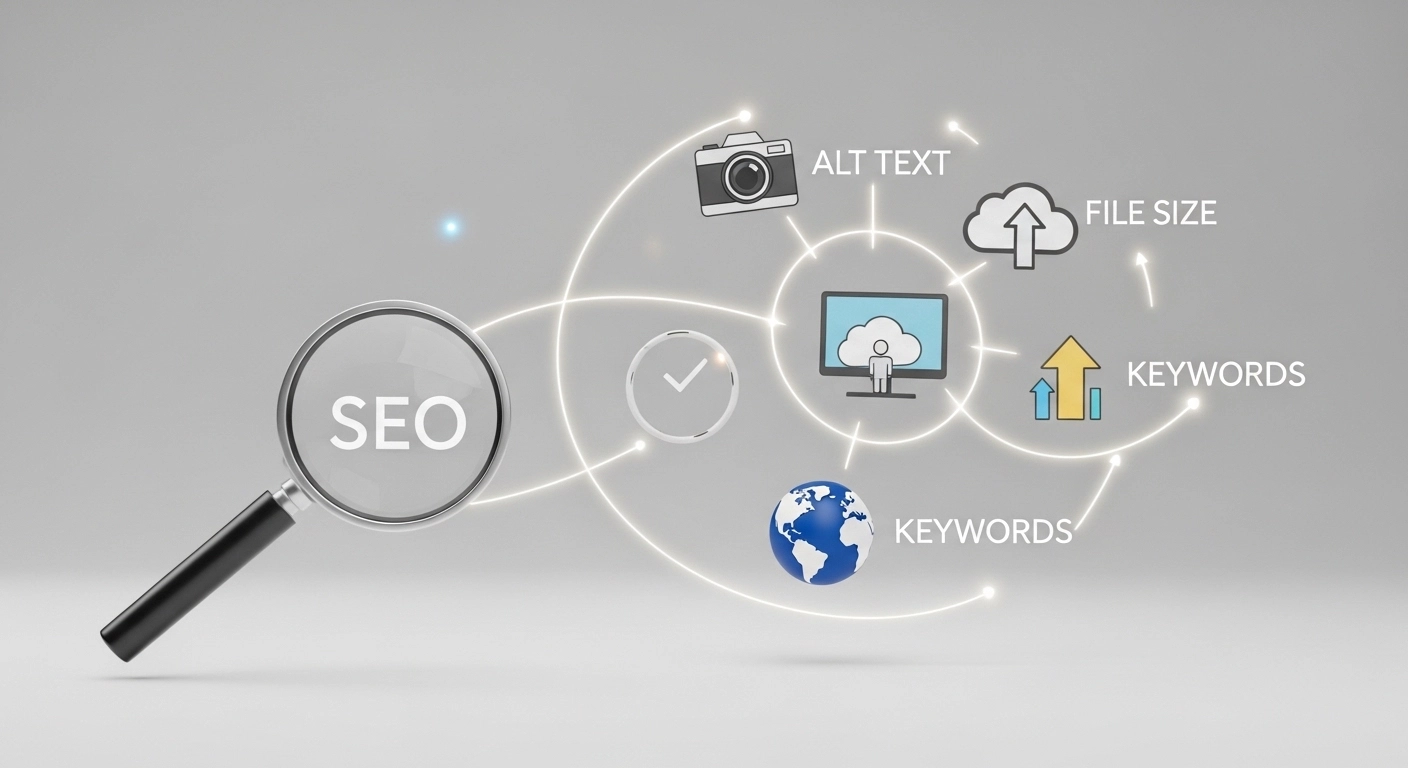
Images make content more engaging, easier to understand, and more memorable. But most websites upload images without optimizing them for search engines. That’s a missed opportunity.
Image SEO optimization helps search engines understand your images, improves page speed, and increases your chances of appearing in Google Image Search. When done correctly, it can bring consistent organic traffic to your website.
This guide walks you through exactly how to optimize images for SEO—step by step.
What Is Image SEO?
Image SEO is the process of optimizing images so search engines can crawl, understand, and rank them in search results.
It involves improving elements like:
- Image file names
- Alt text
- Image size and format
- Page load speed
- Structured data
- Image context on the page
When these elements are optimized, your images can rank not only in Google Images but also in regular search results.
Why Image SEO Matters
Many websites ignore image optimization, but it plays a major role in SEO performance.
Here’s why it matters:
1. More organic traffic
Optimized images can appear in Google Image Search and bring new visitors who may never find your site otherwise.
2. Better page speed
Large images slow down websites. Optimizing them improves load time, which is a ranking factor.
3. Improved accessibility
Alt text helps screen readers describe images for visually impaired users.
4. Higher engagement
Relevant images keep readers on the page longer and make content easier to understand.
10 Best Practices for Image SEO Optimization
1. Use Descriptive File Names
Search engines use file names to understand image content.
Avoid generic names like:
IMG_4829.jpg
Instead use descriptive keywords:
image-seo-optimization-checklist.jpg
This simple change helps Google understand what the image represents.
2. Write Clear and Helpful Alt Text
Alt text (alternative text) describes the image for search engines and screen readers.
Good alt text:
- Describes the image accurately
- Includes relevant keywords naturally
- Stays concise
Example:
Bad alt text
image
Good alt text
Image SEO optimization checklist for website traffic
3. Choose the Right Image Format
Using the correct format improves performance.
Common formats:
- JPEG – best for photographs
- PNG – best for graphics with transparency
- WebP – modern format with smaller file sizes
- SVG – ideal for icons and logos
For most websites, WebP offers the best balance of quality and speed.
4. Compress Images Without Losing Quality
Large image files slow down your site.
Use compression tools such as:
- TinyPNG
- ImageOptim
- Squoosh
Aim to keep images under 200 KB whenever possible.
5. Resize Images Before Uploading
Uploading a 4000px image when your site displays it at 800px wastes bandwidth.
Always resize images to match your actual display size.
Example:
If your blog layout displays images at 1200px width, upload them at 1200px, not 4000px.
6. Use Responsive Images
Responsive images ensure your images display properly across devices.
Use the srcset attribute so browsers load the most appropriate image size.
This improves both mobile performance and SEO.
7. Add Image Captions When Relevant
Captions are one of the most frequently read elements on a page.
They help users quickly understand the image context.
Example:
Caption:
“Example of optimized image file naming for SEO.”
While captions are not a direct ranking factor, they improve user engagement and context.
8. Place Images Near Relevant Text
Google uses surrounding text to understand images.
For best results:
- Place images near related content
- Use descriptive headings
- Avoid random or unrelated visuals
Example:
If your section discusses image compression, place a screenshot or chart showing compression results.
9. Create an Image Sitemap
An image sitemap helps search engines discover images more efficiently.
It’s especially useful for:
- Large websites
- E-commerce stores
- Photography sites
Adding image URLs to your sitemap increases indexing chances.
10. Use Lazy Loading
Lazy loading delays image loading until users scroll to them.
Benefits include:
- Faster initial page load
- Better user experience
- Improved Core Web Vitals
Most modern CMS platforms support lazy loading automatically.
Common Image SEO Mistakes to Avoid
Many websites lose ranking opportunities because of small mistakes.
Watch out for these issues:
- Uploading huge image files
- Using generic file names
- Missing alt text
- Hosting images on slow servers
- Using images unrelated to the content
Fixing these simple issues can significantly improve SEO performance.
Image SEO Optimization Checklist
Use this quick checklist before publishing any content:
✔ Use keyword-rich file names
✔ Add descriptive alt text
✔ Compress images
✔ Choose the right format (WebP recommended)
✔ Resize images correctly
✔ Use responsive images
✔ Add captions where helpful
✔ Place images near relevant text
✔ Enable lazy loading
✔ Include images in sitemap
FAQ: Image SEO Optimization
Does image SEO really improve rankings?
Yes. Optimized images can rank in Google Images and also help improve page SEO through better speed, accessibility, and content relevance.
What is the best image format for SEO?
WebP is usually the best choice because it provides high quality with smaller file sizes compared to JPEG or PNG.
How many images should a blog post include?
There’s no fixed number, but a good rule is one image every 200–400 words when it improves understanding.
Is alt text a ranking factor?
Alt text helps search engines understand images and improves accessibility. While indirect, it strongly contributes to image search rankings.
Conclusion
Image SEO optimization is one of the most overlooked opportunities in search engine optimization. With the right strategy, your images can drive additional organic traffic, improve user experience, and boost your overall rankings.
The good news is that image SEO doesn’t require complex tools. By following simple practices—like descriptive file names, optimized alt text, compressed images, and proper formats—you can significantly improve your site’s performance.
Start optimizing your images today, and you’ll create faster pages, better rankings, and a stronger SEO foundation.
