
If you want search engines to find, crawl, and index your website efficiently, creating an XML sitemap is one of the simplest and most important steps you can take.
An XML sitemap acts like a roadmap for search engines. It lists all the important pages on your website so Google and other search engines can discover them faster.
In this guide, you’ll learn exactly how to create an XML sitemap, submit it to search engines, and make sure it helps your SEO instead of hurting it.
What Is an XML Sitemap?
An XML sitemap is a file that lists the URLs on your website in a structured format that search engines can read.
It helps search engines understand:
- Which pages exist on your website
- Which pages are most important
- When pages were last updated
- How pages relate to each other
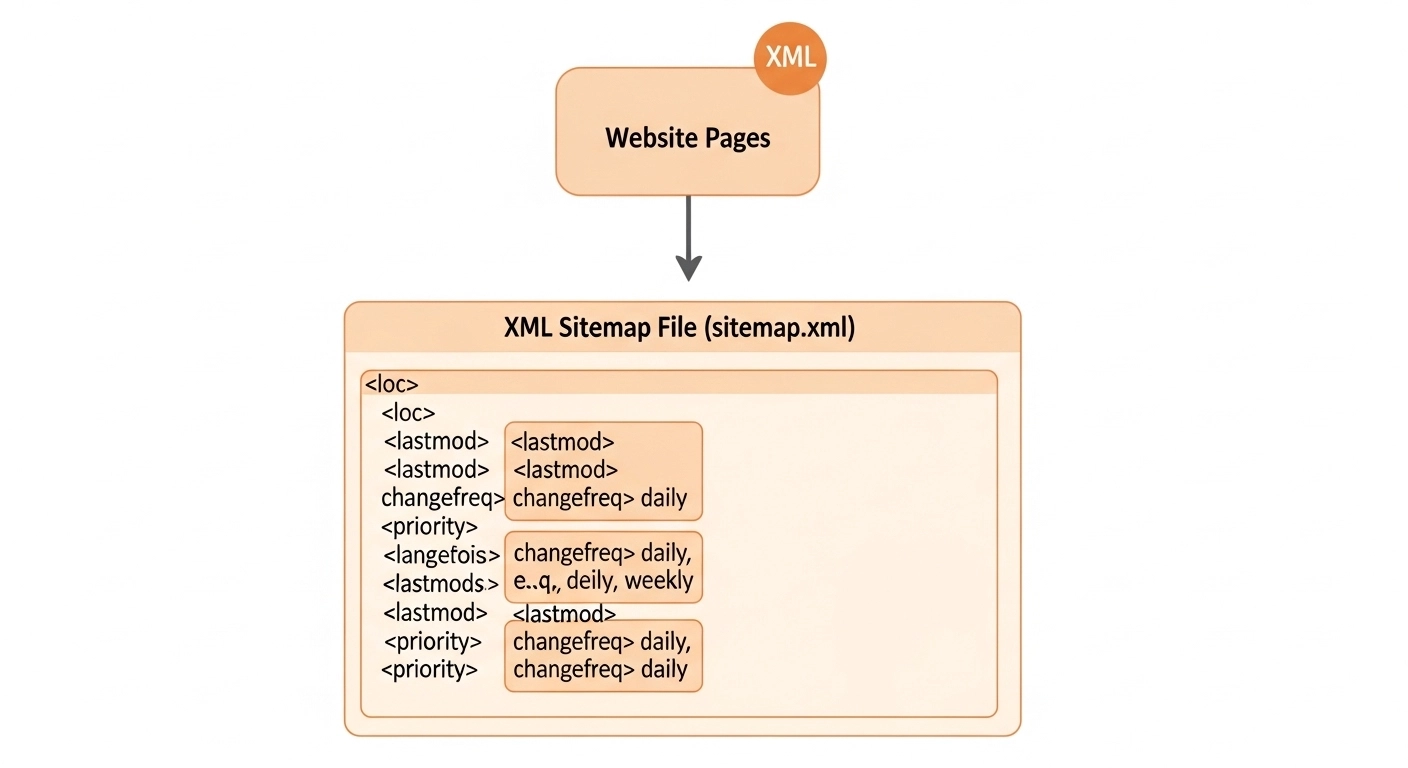
A typical XML sitemap file looks like this:
<url>
<loc>https://example.com/blog/seo-tips</loc>
<lastmod>2026-02-20</lastmod>
</url>
While search engines can discover pages through links, a sitemap ensures nothing important gets missed.
Why XML Sitemaps Matter for SEO
XML sitemaps don’t guarantee rankings, but they improve crawling and indexing, which is essential for SEO.
Here’s why they matter:
1. Faster Page Discovery
Search engines can find new pages immediately instead of waiting to discover them through links.
2. Better Indexing for Large Websites
Sites with hundreds or thousands of pages benefit the most from sitemaps.
3. Helps New Websites
If your site has few backlinks, search engines may struggle to find pages without a sitemap.
4. Highlights Important Pages
You can show search engines which URLs matter most.
When You Need an XML Sitemap
You should create an XML sitemap if your website:
- Has many pages
- Is new or recently launched
- Has deep page structures
- Contains media-heavy content
- Updates frequently (blogs, news sites)
Even small websites benefit from having one.
How to Create an XML Sitemap (Step-by-Step)
There are several ways to create an XML sitemap. The best method depends on the type of website you run.
Method 1: Create an XML Sitemap Using WordPress Plugins
If you run a WordPress site, this is the easiest method.
Popular SEO plugins automatically generate sitemaps.
Step 1: Install an SEO Plugin
Common options include:
- Yoast SEO
- Rank Math
- All in One SEO
Step 2: Enable XML Sitemaps
Most plugins automatically generate a sitemap once activated.
Your sitemap will usually appear at:
Step 3: Check the Sitemap
Open the URL in your browser to confirm it lists your pages.
Method 2: Use an Online XML Sitemap Generator
If your site is not built on WordPress, you can use a generator tool.
Steps:
- Go to an XML sitemap generator tool
- Enter your website URL
- Choose crawl settings
- Generate the sitemap
- Download the file
The file will typically be named:
sitemap.xml
Upload it to your website’s root directory.
Method 3: Manually Create an XML Sitemap
For developers or small websites, you can create one manually.
Example structure:
<?xml version=”1.0″ encoding=”UTF-8″?>
<urlset xmlns=”http://www.sitemaps.org/schemas/sitemap/0.9″>
<url>
<loc>https://example.com/</loc>
<lastmod>2026-03-01</lastmod>
</url>
<url>
<loc>https://example.com/blog</loc>
</url>
</urlset>
Save the file as sitemap.xml and upload it to your website.
How to Submit Your XML Sitemap to Google
Once your sitemap is ready, submit it through Google Search Console.
Steps:
- Open Google Search Console
- Select your website property
- Click Sitemaps in the left menu
- Enter:
sitemap.xml
- Click Submit
Google will start crawling the listed pages.
Best Practices for XML Sitemaps
To maximize SEO benefits, follow these guidelines:
Include Only Important Pages
Exclude:
- Duplicate pages
- Admin pages
- Thank-you pages
- Filtered URLs
Keep URLs Clean
Use canonical versions of URLs only.
Update the Sitemap Automatically
Whenever you publish or update content, the sitemap should update too.
Stay Within Sitemap Limits
One sitemap can contain:
- 50,000 URLs
- 50MB file size
Large websites should use multiple sitemap files.
Common XML Sitemap Mistakes to Avoid
Many websites make simple sitemap mistakes that hurt SEO.
Avoid these:
- Including broken URLs
- Listing noindex pages
- Submitting multiple outdated sitemaps
- Forgetting to update the sitemap
- Blocking sitemap pages in robots.txt
Regularly check your sitemap in Google Search Console for errors.
FAQ
What is the difference between an HTML sitemap and an XML sitemap?
An XML sitemap is designed for search engines, while an HTML sitemap helps users navigate your website.
Both can be useful, but XML sitemaps are essential for SEO.
Where should the XML sitemap be located?
Your sitemap should be placed in the root directory of your website:
How often should I update my sitemap?
Ideally, it should update automatically whenever new content is published.
Most SEO plugins handle this automatically.
Do small websites need XML sitemaps?
Yes, although search engines can still find pages through links, a sitemap ensures all important pages get discovered quickly.
Conclusion
Learn how to create an XML sitemap step by step to help search engines crawl and index your website faster. A simple guide for beginners and website owners.
is one of the simplest yet most powerful technical SEO tasks you can do for your website.
It helps search engines discover your pages faster, crawl your site efficiently, and index your content correctly.
To recap:
- Generate an XML sitemap using a plugin, generator, or manual method
- Upload it to your website
- Submit it to Google Search Console
- Keep it updated and error-free
When done correctly, your sitemap becomes a direct communication channel between your website and search engines.
