
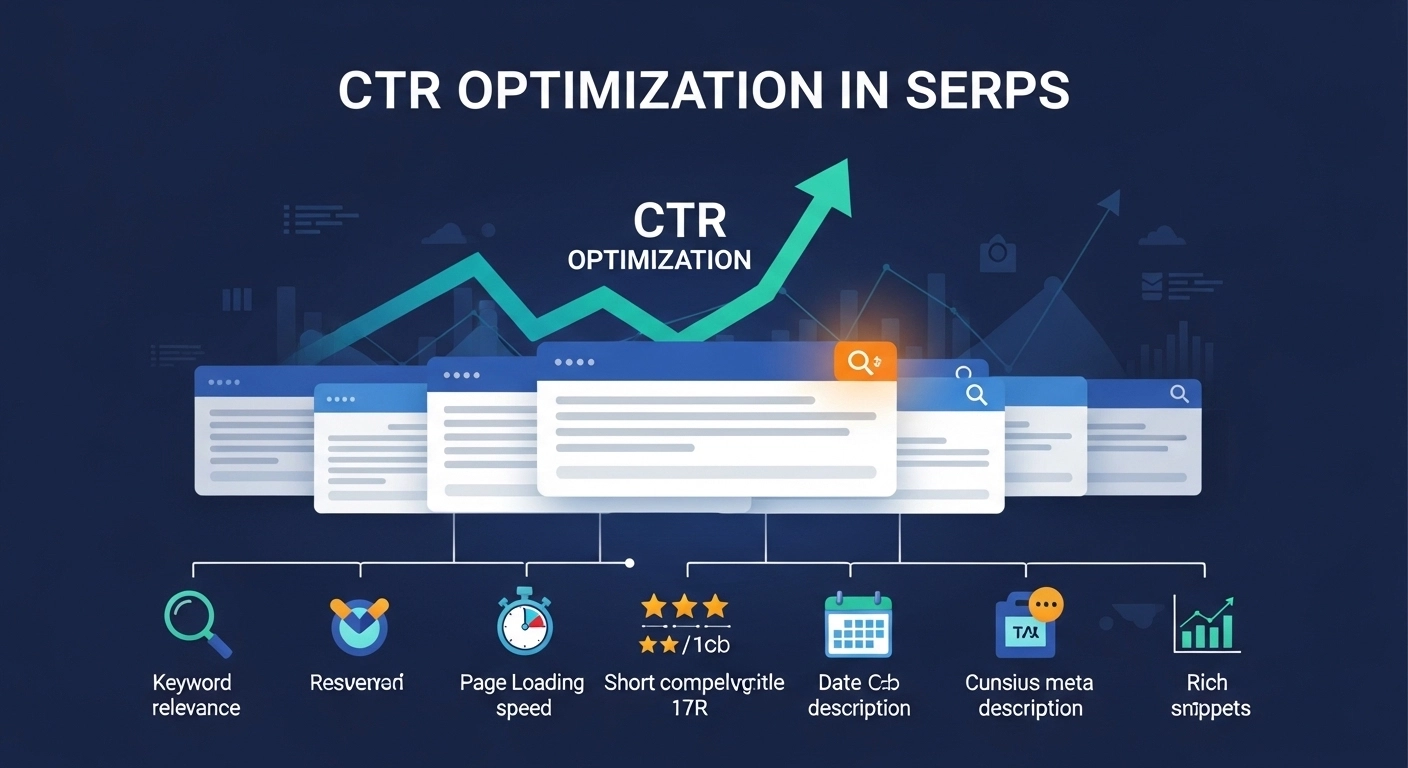
Getting your page to appear in Google search results is only half the battle. The real win happens when people click your result instead of someone else’s. That’s where CTR optimization in SERPs comes in.
CTR (Click-Through Rate) optimization focuses on improving how your page appears in search results so more users choose your link. Even small improvements can bring significantly more traffic without increasing rankings.
In this guide, you’ll learn what CTR optimization is, why it matters, and the practical tactics you can use to increase clicks from search results.
What Is CTR in SEO?
CTR (Click-Through Rate) measures the percentage of people who click your search result after seeing it in Google.
Formula:
CTR = (Clicks ÷ Impressions) × 100
Example:
- Your page appears 1,000 times in search results
- 80 people click it
CTR = 8%
A higher CTR means your listing is more attractive and relevant to searchers.
Why CTR Optimization in SERPs Matters
Optimizing CTR can impact your SEO performance in several ways:
1. More traffic without higher rankings
Improving your title and description can double clicks without moving up in rankings.
2. Stronger user signals
When more users click your result, it sends signals that your content is relevant.
3. Better ROI from existing content
Instead of writing new articles, you can simply optimize what already ranks.
4. Competitive advantage
Even if you rank below competitors, a compelling result can attract more clicks.
Key Elements That Influence CTR in SERPs
Several factors affect whether users click your search result.
1. SEO Title (Title Tag)
Your title is the first thing users see, so it must grab attention.
Best practices:
- Keep it 50–60 characters
- Include the primary keyword
- Use power words or numbers
- Focus on clear benefits
Example:
Poor title
CTR Optimization Tips
Better title
10 CTR Optimization Strategies That Boost Search Traffic
2. Meta Description
The meta description acts like a mini advertisement for your page.
Tips for better descriptions:
- Keep it around 150–160 characters
- Clearly explain the value of the page
- Include a call-to-action
Example:
Learn proven CTR optimization strategies to increase clicks from Google search results. Improve titles, meta descriptions, and rich snippets today.
3. URL Structure
Clean, simple URLs improve trust and readability.
Example:
Bad URL
example.com/p?id=23892
Good URL
example.com/ctr-optimization-serps
4. Rich Snippets
Rich snippets add extra information to search results, which increases visibility.
Examples include:
- Star ratings
- FAQs
- Product pricing
- Review counts
These enhancements make your listing stand out visually.
5. Use of Numbers and Power Words
Certain words naturally attract clicks.
Examples:
- Proven
- Easy
- Ultimate
- Best
- Step-by-Step
- 2026 Guide
Example title:
7 Proven CTR Optimization Techniques for Higher Google Clicks
6. Matching Search Intent
If your title promises something the content doesn’t deliver, users will quickly leave.
Google prefers results that accurately match what users want.
Example intents:
- Informational: What is CTR optimization
- How-to: How to improve CTR in Google
- List-based: Best CTR optimization tools
7. Brand Trust
Recognizable brands often receive higher CTRs because users trust them.
Ways to build trust:
- Consistent publishing
- Author expertise
- High-quality content
- Strong site reputation
Practical CTR Optimization Strategies
Here are actionable ways to increase clicks from SERPs.
Rewrite Underperforming Titles
Use Google Search Console to find pages with:
- High impressions
- Low CTR
Rewrite titles to make them more compelling.
Add Brackets or Parentheses
These make titles more noticeable.
Example:
CTR Optimization Strategies (SEO Guide for 2026)
Use Emotional Triggers
Emotions drive clicks.
Examples:
- surprising
- powerful
- shocking
- essential
Example:
5 Powerful CTR Optimization Tricks Most SEO Experts Ignore
Target Long-Tail Keywords
Long-tail keywords match user intent better and often improve CTR.
Example:
Instead of
CTR optimization
Use
how to improve CTR in Google search results
Test and Update Regularly
CTR optimization is not a one-time task.
Monitor performance and adjust:
- Title tags
- Meta descriptions
- Structured data
Even small changes can produce significant increases in clicks.
Tools That Help Improve CTR
Several SEO tools help analyze and optimize CTR.
Popular options include:
- Google Search Console – track impressions and CTR
- Ahrefs – keyword and SERP analysis
- SEMrush – SEO performance tracking
- Rank tracking tools – monitor search positions
These tools help identify pages that need CTR improvement.
FAQ: CTR Optimization in SERPs
What is a good CTR for SEO?
CTR varies by ranking position, but generally:
- Position 1: 20–35%
- Position 2–3: 10–20%
- Position 4–10: 2–10%
These numbers depend on keyword competition and search intent.
Does CTR affect Google rankings?
Google has never confirmed CTR as a direct ranking factor, but strong engagement signals often correlate with better rankings.
How can I increase my CTR quickly?
Quick improvements include:
- Rewrite title tags
- Improve meta descriptions
- Add numbers or power words
- Use structured data
Why do high-ranking pages sometimes have low CTR?
Common reasons include:
- Weak titles
- Poor meta descriptions
- Strong competitors
- SERP features pushing results down
Conclusion
CTR optimization in SERPs is one of the most overlooked yet powerful SEO strategies. You don’t always need higher rankings to get more traffic. Sometimes, you just need a better search result that attracts clicks.
By improving your titles, meta descriptions, rich snippets, and search intent alignment, you can significantly increase organic traffic from existing rankings.
Final Tip
Review your pages in Google Search Console, identify low-CTR pages with high
