
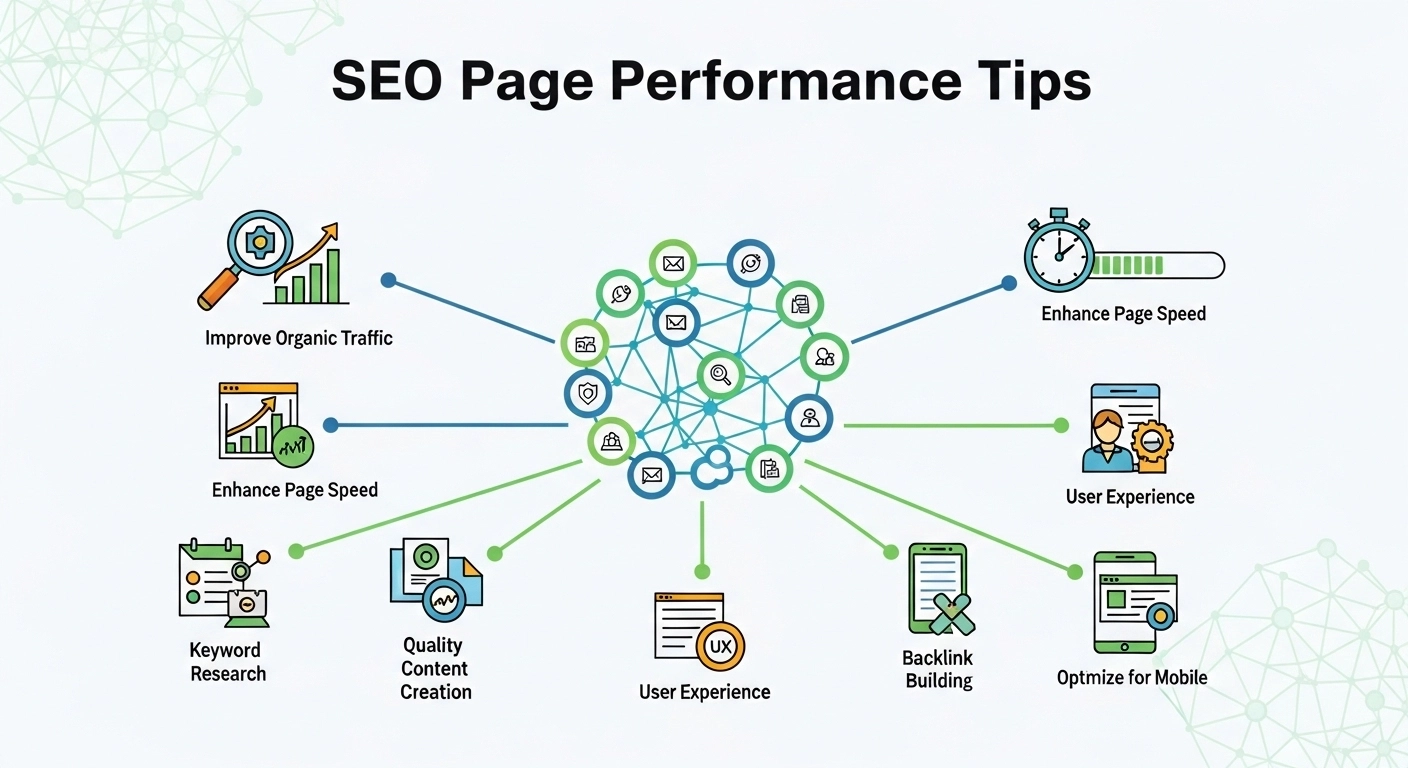
If your pages load slowly or feel clunky, you’re leaving rankings, traffic, and conversions on the table. Page performance is no longer just a technical concern—it’s a core part of SEO. Faster, smoother pages improve user satisfaction, reduce bounce rates, and help search engines understand and rank your content more effectively.
In this guide, you’ll learn practical, high-impact SEO page performance tips you can apply today.
Why Page Performance Matters for SEO
Search engines prioritize pages that deliver a great user experience. Performance affects:
- Core Web Vitals (loading, interactivity, visual stability)
- Crawl efficiency (how quickly bots can access and index pages)
- User engagement (bounce rate, dwell time, conversions)
A slow page doesn’t just frustrate users—it signals low quality.
1. Improve Core Web Vitals First
Focus on these three metrics:
- Largest Contentful Paint (LCP): How fast your main content loads
- Interaction to Next Paint (INP): How responsive your page feels
- Cumulative Layout Shift (CLS): How stable your layout is
Quick wins:
- Use a fast hosting provider
- Optimize above-the-fold content
- Avoid layout shifts from ads or images without dimensions
2. Optimize Images Without Losing Quality
Large images are one of the biggest performance killers.
Best practices:
- Use modern formats like WebP or AVIF
- Compress images before uploading
- Set proper width/height attributes
- Implement lazy loading for offscreen images
Example:
A 2MB image reduced to 200KB can cut load time dramatically without visible quality loss.
3. Minimize and Combine CSS, JavaScript, and HTML
Heavy code slows everything down.
What to do:
- Minify CSS, JS, and HTML
- Remove unused code (especially from themes/plugins)
- Load JavaScript deferred or async
- Inline critical CSS for faster rendering
4. Use a Content Delivery Network (CDN)
A CDN stores copies of your site on servers worldwide, delivering content from the closest location to the user.
Benefits:
- Faster global load times
- Reduced server load
- Better reliability
Popular CDNs include Cloudflare, Akamai, and Fastly.
5. Enable Browser Caching
Caching allows returning visitors to load your site faster.
How it helps:
- Stores static files (images, CSS, JS) locally
- Reduces repeat requests to the server
Set proper cache headers like:
Cache-Control: max-age=31536000
6. Choose Fast, Reliable Hosting
Your hosting provider directly impacts speed.
Look for:
- SSD or NVMe storage
- High uptime (99.9%+)
- Server locations near your audience
- Built-in caching support
Cheap hosting often leads to slow performance—don’t cut corners here.
7. Reduce Server Response Time (TTFB)
Time to First Byte (TTFB) measures how quickly your server responds.
Improve it by:
- Optimizing your database
- Using server-side caching
- Upgrading hosting if needed
- Reducing heavy backend processes
8. Limit Plugins and Third-Party Scripts
Too many plugins = slower site.
Watch out for:
- Tracking scripts
- Chat widgets
- Ad networks
- Social media embeds
Only keep what’s essential and test performance impact regularly.
9. Use Lazy Loading for Better Performance
Lazy loading delays loading of non-critical resources until needed.
Works best for:
- Images
- Videos
- Iframes
This improves initial load speed and user experience.
10. Optimize for Mobile Performance
Google uses mobile-first indexing, so your mobile site must be fast.
Tips:
- Use responsive design
- Avoid heavy popups
- Optimize touch interactions
- Test on real devices
11. Fix Broken Links and Redirect Chains
Performance isn’t just speed—it’s efficiency.
Clean up:
- 404 errors
- Long redirect chains
- Broken internal links
These waste crawl budget and slow down page loading.
12. Monitor Performance Regularly
SEO is ongoing. You need consistent monitoring.
Use tools like:
- Google PageSpeed Insights
- Lighthouse
- GTmetrix
- Search Console (Core Web Vitals report)
Track improvements and fix issues continuously.
Practical Example: Before vs After Optimization
| Metric | Before | After |
|---|---|---|
| Page Load Time | 5.2s | 1.8s |
| LCP | 4.5s | 1.9s |
| Bounce Rate | 68% | 42% |
| Conversion Rate | 1.2% | 3.1% |
Small technical fixes can lead to major SEO and business gains.
FAQ: SEO Page Performance Tips
What is a good page load time for SEO?
Aim for under 2 seconds. Faster is always better.
Do Core Web Vitals affect rankings?
Yes, they are part of Google’s ranking signals, especially for user experience.
Does image optimization really matter?
Absolutely. Images often make up the majority of page weight.
How often should I check performance?
At least once a month—or after major site changes.
Is a CDN necessary?
Not mandatory, but highly recommended for global audiences.
Final Thoughts
Page performance is one of the fastest ways to improve SEO results without creating new content. A faster site means better rankings, happier users, and higher conversions.
Start with the basics—optimize images, clean up code, improve hosting—and build from there. Even small improvements can have a big impact.
