
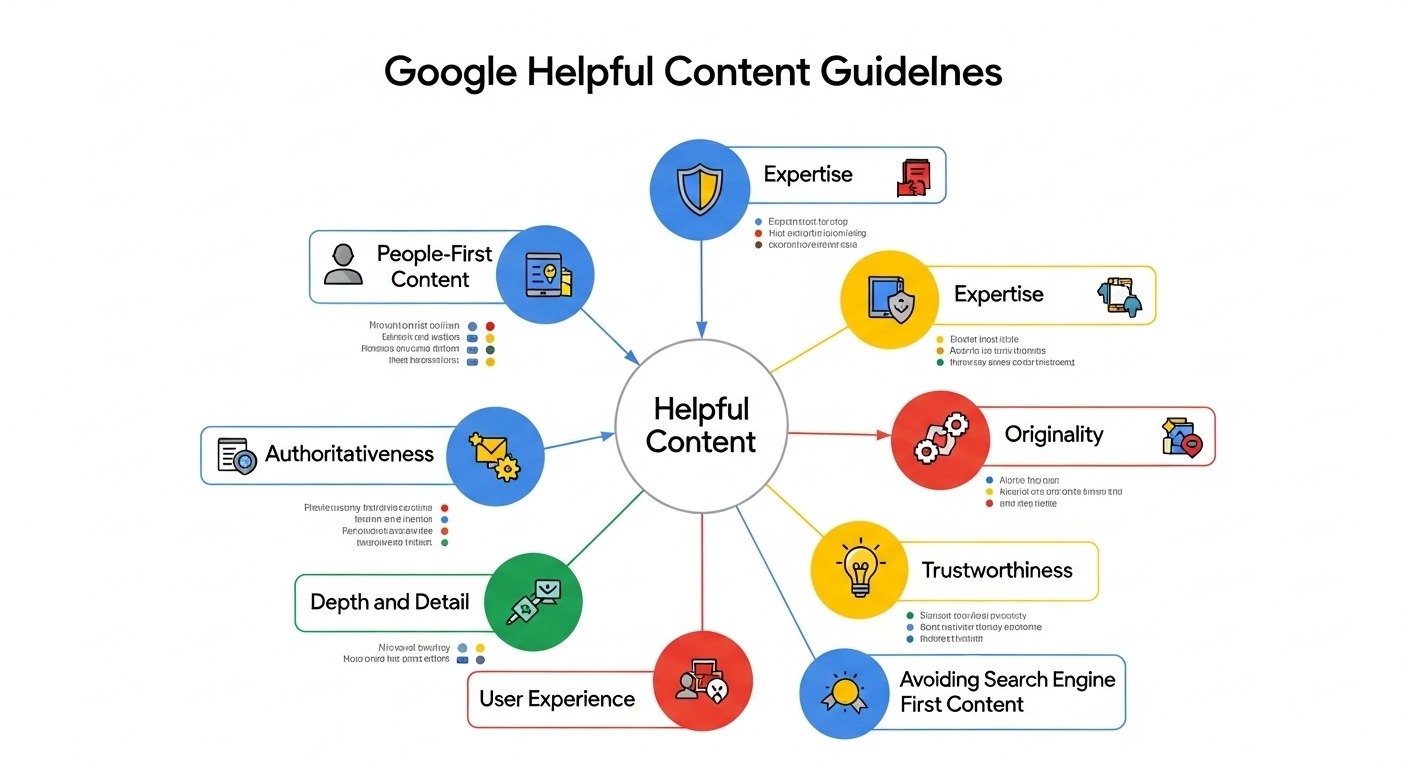
Search engines are evolving fast, and one thing is clear: Google wants content created for people—not for search engines.
The Google Helpful Content Guidelines are part of Google’s effort to reward high-quality, useful, human-focused content while reducing the visibility of pages written only to manipulate rankings.
If you publish blogs, run a niche site, or manage a business website, understanding these guidelines is essential. In this guide, we’ll break down what the helpful content system is, why it matters for SEO, and how you can create content that performs well in search.
What Are Google Helpful Content Guidelines?
Google’s helpful content guidelines are part of the Helpful Content System, an algorithm designed to identify content that genuinely helps users and demote content created primarily for search engine rankings.
In simple terms:
If your content solves a reader’s problem or answers their question clearly, it’s helpful.
But if it exists only to capture keywords and traffic without delivering value, Google is likely to ignore or downrank it.
The system analyzes signals across an entire website, meaning low-quality content on some pages can affect the performance of your whole site.
Why Google Introduced the Helpful Content System
For years, many websites ranked by producing massive amounts of low-value articles optimized around keywords.
Examples included:
- Thin product reviews without real testing
- AI-generated articles with no editing
- Listicles written just to target search phrases
- Content copied or rewritten from other sites
Google introduced helpful content guidelines to ensure search results prioritize:
- Expertise
- Experience
- Original insights
- Real solutions for readers
The goal is simple: better search results for users.
People-First Content vs Search-First Content
The easiest way to understand the guidelines is by comparing two types of content.
People-First Content
This type of content focuses on the reader.
Examples:
- A travel blog written by someone who actually visited the destination
- A product review based on real testing
- A tutorial with clear steps and screenshots
- An expert sharing insights from real experience
People-first content answers questions clearly and provides unique value.
Search-First Content
This content exists mainly to rank in Google.
Examples:
- Articles stuffed with keywords
- Generic “Top 10” lists copied from competitors
- Posts covering topics outside the site’s expertise
- Content written only because the keyword has high search volume
Google’s helpful content system aims to reduce the visibility of this type of content.
Key Principles of Google Helpful Content Guidelines
If you want to create content that aligns with Google’s expectations, focus on these principles.
1. Demonstrate Real Experience
Content should show first-hand knowledge or experience.
Example:
Instead of writing:
“The best hiking boots are comfortable and durable.”
Write:
“After testing these hiking boots on a 10-mile trail in Yosemite, I noticed the grip performed well on wet rock but the toe box felt slightly narrow.”
Specific details signal real expertise.
2. Focus on a Clear Audience
Successful sites usually have a defined niche and audience.
For example:
- A fitness blog for beginners
- A tech site reviewing smartphones
- A cooking blog for quick weeknight meals
Publishing random topics just to chase keywords weakens your authority.
3. Provide Complete Answers
Helpful content should leave the reader satisfied.
If someone searches:
“How to fix a slow WordPress site”
A helpful article should include:
- Possible causes
- Step-by-step fixes
- Tools to diagnose the problem
- Real examples
If users need to search again immediately, your content likely didn’t solve the problem.
4. Avoid Content Written Only for Rankings
Google warns against practices such as:
- Writing about trending topics outside your expertise
- Using automation without human editing
- Publishing hundreds of thin pages targeting slight keyword variations
Quality always beats quantity.
5. Show Expertise and Trustworthiness
Google evaluates content using signals related to E-E-A-T:
- Experience
- Expertise
- Authoritativeness
- Trustworthiness
Ways to strengthen these signals include:
- Author bios
- Sources and references
- Real case studies
- Accurate information
Practical Examples of Helpful Content
Here are examples of content that performs well under Google’s guidelines.
Example 1: Product Review
Weak version:
“This laptop has good battery life and a nice display.”
Helpful version:
“During two weeks of daily use, the laptop averaged about 9 hours of battery life while running Chrome, Slack, and Zoom meetings.”
Example 2: Tutorial
Weak version:
“Install the plugin and optimize your site.”
Helpful version:
- Install the caching plugin
- Enable page caching
- Turn on browser caching
- Test performance using PageSpeed Insights
Clear steps make content more useful.
Example 3: Comparison Article
Weak version:
A short paragraph about each product copied from manufacturer descriptions.
Helpful version:
- Side-by-side comparison table
- Pros and cons
- Real usage scenarios
- Who each product is best for
This depth creates real value.
Common Mistakes That Hurt Content Quality
Many websites lose rankings because they unknowingly violate helpful content principles.
Watch out for these mistakes:
- Publishing huge volumes of low-quality articles
- Writing about topics unrelated to your niche
- Overusing AI tools without editing
- Copying competitor content
- Focusing on search volume instead of usefulness
Fixing these issues can dramatically improve SEO performance.
How to Audit Your Existing Content
If you already have a blog, review your content using these questions:
- Does this article answer the search query completely?
- Does it show real expertise or experience?
- Is it original or mostly rewritten from other sites?
- Would someone bookmark or share this page?
- Does it provide unique insights?
Pages that fail these tests may need rewriting, improving, or removing.
FAQ: Google Helpful Content Guidelines
What is the Google Helpful Content Update?
It’s an algorithm update designed to reward people-first content and reduce the visibility of low-value pages created mainly for SEO.
Does AI content violate Google guidelines?
Not necessarily. AI content is allowed if it’s useful, accurate, and reviewed by humans. Purely automated content with little value can still be penalized.
Can low-quality pages affect my entire website?
Yes. Google’s helpful content system evaluates signals across your site, so too many weak pages can impact overall rankings.
How long does it take to recover from helpful content issues?
Recovery can take weeks or months. Google typically reassesses sites over time after improvements are made.
Final Thoughts: Create Content That Truly Helps People
The Google Helpful Content Guidelines send a clear message:
Websites that prioritize readers will win in search.
Instead of chasing keywords or publishing endless articles, focus on:
- Real expertise
- Clear answers
- Practical insights
- Content written for a specific audience
