
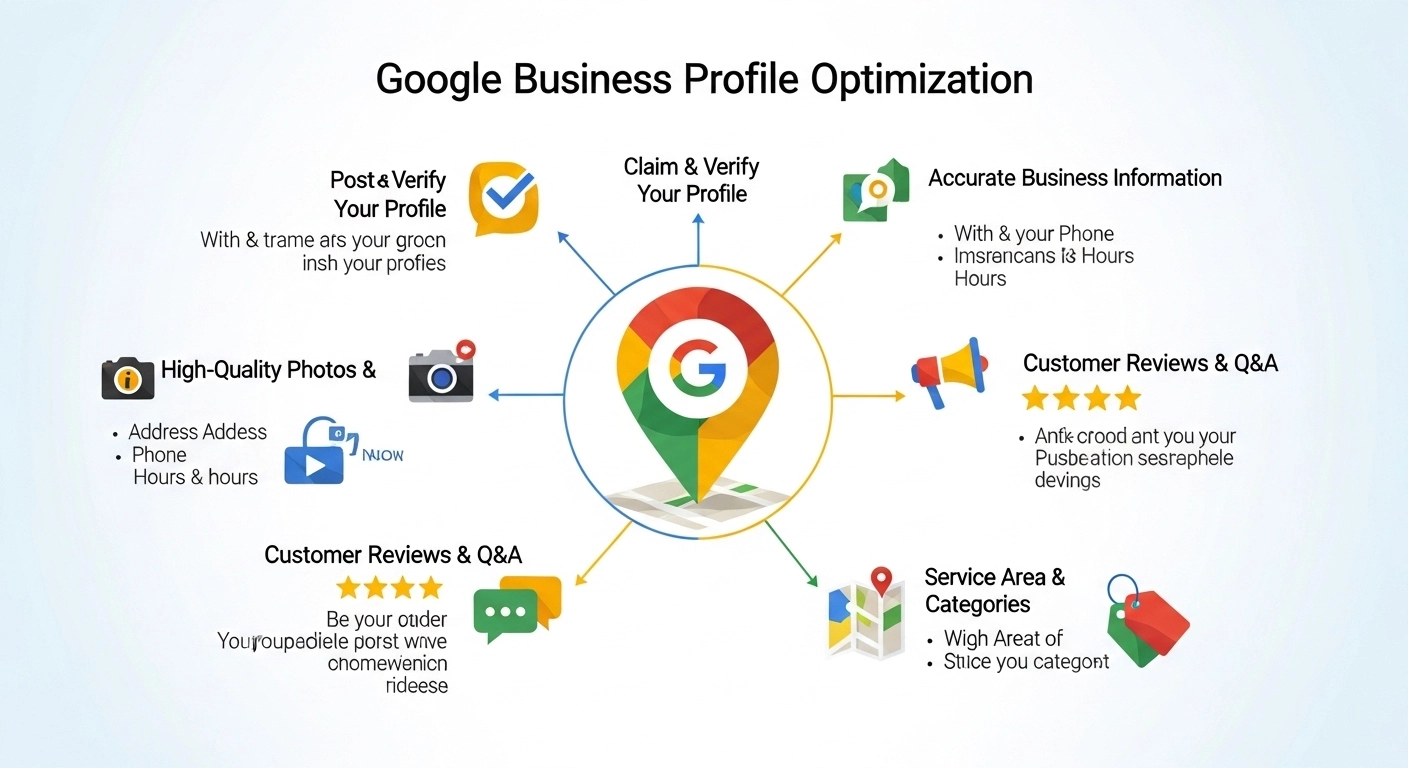
If you want your business to appear when people search “near me” on Google, your Google Business Profile (GBP) is one of the most powerful tools available.
But simply creating a profile isn’t enough. To appear in the Google Local Pack and attract real customers, you need proper Google Business Profile optimization.
This guide explains exactly how to optimize your profile so you rank higher, build trust, and convert local searches into paying customers.
What Is Google Business Profile Optimization?
Google Business Profile optimization is the process of improving your business listing on Google so it appears higher in local search results and Google Maps.
When optimized correctly, your profile helps customers quickly find key information like:
- Business name
- Location
- Hours
- Phone number
- Reviews
- Photos
- Services
An optimized profile increases visibility, credibility, and customer engagement.
Example:
If someone searches “best coffee shop near me,” Google shows a map pack with three businesses. Those listings are usually businesses with well-optimized profiles.
Why Google Business Profile Optimization Matters
Local searches often lead directly to purchases. Studies consistently show that people searching for nearby services are ready to act.
Benefits of optimizing your profile include:
Higher Local Rankings
Optimized profiles are more likely to appear in the top 3 local results.
More Website Traffic
Customers can easily visit your website directly from the listing.
More Phone Calls and Directions
Users can tap to call or get directions instantly.
Improved Trust with Reviews
A strong review profile builds credibility with potential customers.
Step-by-Step Google Business Profile Optimization
1. Claim and Verify Your Business
First, claim your business listing on Google and complete the verification process.
Verification proves to Google that you own the business and allows you to manage the listing.
Once verified, you can update information, respond to reviews, and publish posts.
2. Use Accurate Business Information (NAP)
Your Name, Address, and Phone Number (NAP) must be:
- Accurate
- Consistent across the web
- Identical on your website and directories
Example:
Good:
Bright Smile Dental Clinic
123 Main Street
Dallas, TX
(214) 555-1234
Avoid variations like abbreviations or different phone numbers across platforms.
Consistency helps Google trust your business information.
3. Choose the Right Business Categories
Your primary category has a major impact on rankings.
Choose the category that best describes your core service.
Example:
Primary Category:
- Italian Restaurant
Secondary Categories:
- Pizza Restaurant
- Pasta Shop
- Takeout Restaurant
Avoid adding irrelevant categories just for traffic.
4. Write a Strong Business Description
Your business description should clearly explain:
- What your business does
- Who you serve
- What makes you different
Example:
“ABC Plumbing provides reliable residential plumbing services in Chicago, including leak repair, drain cleaning, water heater installation, and emergency plumbing.”
Tips:
- Keep it natural and readable
- Include important services
- Avoid promotional language like “best in the world”
5. Add High-Quality Photos
Businesses with photos receive more clicks, calls, and direction requests.
Add images such as:
- Exterior storefront
- Interior space
- Products
- Team members
- Work examples
Tips:
- Use high-resolution images
- Add photos regularly
- Show real work, not stock photos
6. Collect and Respond to Customer Reviews
Reviews are one of the strongest ranking signals for local SEO.
Encourage happy customers to leave reviews.
Best practices:
- Ask customers after a successful service
- Send a direct review link
- Respond to every review politely
Example response:
“Thank you for the kind review! We’re glad you enjoyed our service and look forward to helping you again.”
Even responding to negative reviews professionally improves trust.
7. Post Regular Updates
Google Business Profile allows you to publish posts similar to social media updates.
You can share:
- Promotions
- New products
- Events
- Business updates
- Blog content
Posting regularly signals to Google that your business is active.
8. Add Services and Products
Listing your services helps Google understand your business and match it to relevant searches.
Example:
Services for a digital marketing agency:
- SEO services
- Google Ads management
- Website design
- Local SEO optimization
Each service can include descriptions and pricing if available.
9. Enable Messaging
Messaging allows customers to contact you directly from your listing.
Benefits include:
- Quick responses
- Higher conversion rates
- Better customer experience
Just make sure someone monitors messages regularly.
10. Use the Q&A Section
The Questions and Answers section is often overlooked.
Add common questions yourself, such as:
- Do you offer free estimates?
- What areas do you serve?
- Are appointments required?
Then answer them clearly.
This helps customers and adds more relevant keywords to your profile.
Common Google Business Profile Optimization Mistakes
Avoid these mistakes that can hurt rankings:
Incomplete Profiles
Missing information reduces visibility.
Keyword Stuffing in Business Name
Adding keywords unnaturally can lead to suspension.
Ignoring Reviews
Unanswered reviews look unprofessional.
Using Stock Photos Only
Real photos build trust.
Outdated Hours or Contact Information
Incorrect details frustrate customers.
Simple FAQ
How long does Google Business Profile optimization take?
You may start seeing improvements in 2–6 weeks, but stronger rankings often take 2–3 months with consistent activity and reviews.
Is Google Business Profile free?
Yes. Creating and optimizing a profile is completely free and can generate significant local traffic.
How often should I update my profile?
Ideally, update it weekly by adding posts, photos, or responding to reviews.
Do reviews help local rankings?
Yes. Reviews influence both rankings and customer trust, making them one of the most important factors.
Final Thoughts
Google Business Profile optimization is one of the most powerful local SEO strategies for small businesses.
A well-optimized profile can help you:
- Rank higher in Google Maps
- Attract more local customers
- Increase calls, visits, and sales
The key is consistency: keep your information accurate, post updates regularly, collect reviews, and engage with customers.
