
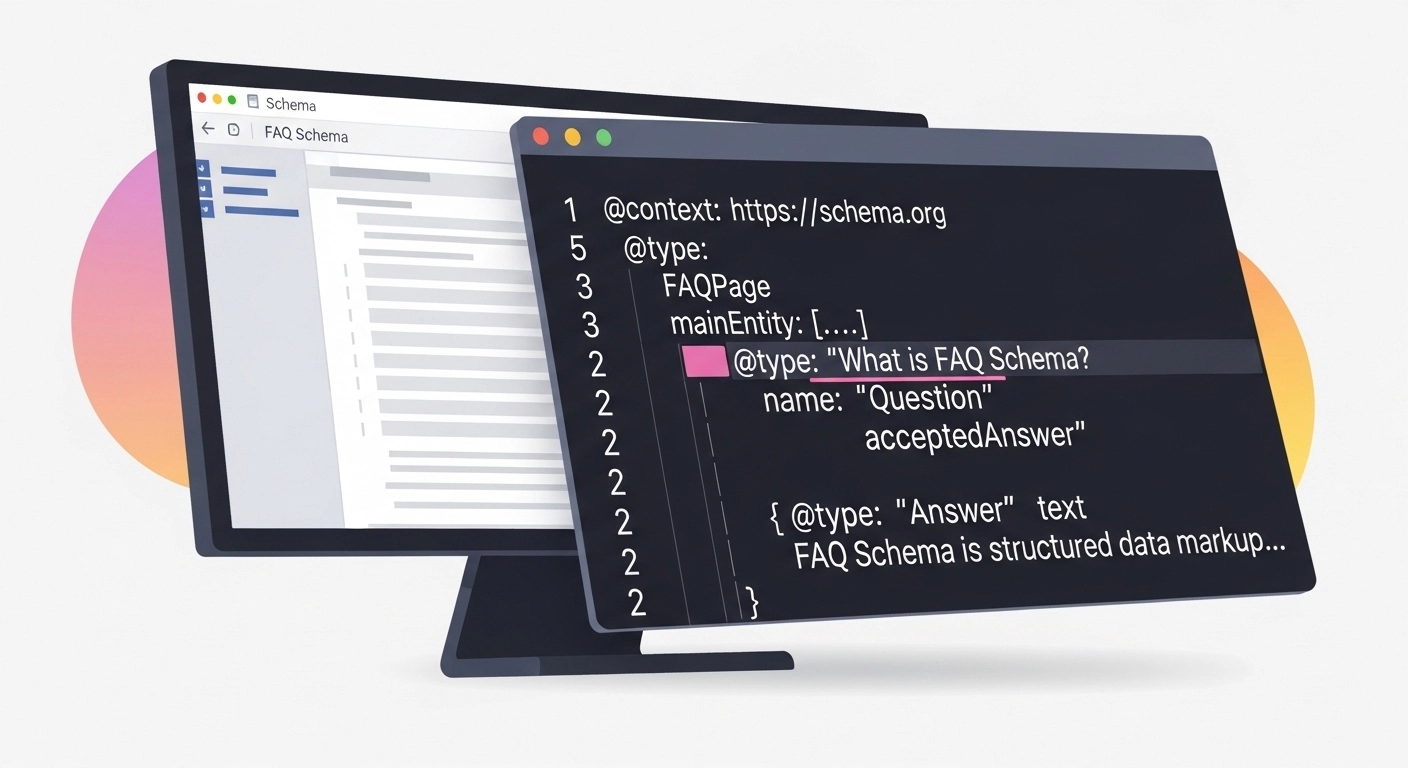
If you want more visibility in search results without creating tons of new content, FAQ schema implementation is one of the easiest wins in SEO.
When implemented correctly, FAQ schema helps search engines understand your content and can trigger rich results in Google—those expanded search listings that show questions and answers directly on the results page.
The result?
More screen space, better click-through rates, and improved user trust.
This guide walks you through what FAQ schema is, why it matters, and exactly how to implement it step by step.
What Is FAQ Schema?
FAQ schema is a type of structured data markup that tells search engines a page contains frequently asked questions and answers.
It uses the Schema.org vocabulary and is typically added in JSON-LD format to your page’s HTML.
When Google understands this structured data, it may display your FAQ content directly in search results like this:
- A search result listing
- Expandable questions under the result
- Answers visible without leaving the SERP
This enhanced display is called a rich result.
Why FAQ Schema Matters for SEO
Adding FAQ schema does not guarantee rich results, but it significantly improves your chances.
Here are the key benefits.
1. Higher Click-Through Rates
FAQ rich results occupy more space on the search results page.
More visibility often means more clicks.
2. Better Search Intent Matching
FAQs help you answer long-tail and conversational queries, which are common in voice search and AI-driven search.
3. Improved User Experience
Users can quickly find answers to common questions without digging through long content.
4. Increased Topical Authority
Answering multiple related questions signals expertise on a topic.
When You Should Use FAQ Schema
FAQ schema works best when:
- Your page contains multiple questions with direct answers
- The questions reflect real user queries
- The answers are clear, factual, and concise
Common pages that benefit include:
- Product pages
- Service pages
- Blog posts
- Knowledge base articles
Avoid using FAQ schema for promotional content or questions that users cannot see on the page.
How FAQ Schema Works
FAQ schema uses a simple structure.
Each FAQ item contains:
- Question
- Answer
Example structure:
FAQPage
├ Question
│ └ Answer
├ Question
│ └ Answer
Google reads this structured data and associates it with the visible content on your page.
Step-by-Step FAQ Schema Implementation
Here’s the easiest way to add FAQ schema to a page.
1. Write Your Questions and Answers
Start with real questions users search for.
Example:
Question: What is FAQ schema?
Answer: FAQ schema is structured data that helps search engines understand frequently asked questions on a page.
Keep answers:
- Short
- Clear
- Direct
2. Create the JSON-LD Schema Markup
Google recommends JSON-LD format.
Example FAQ schema code:
<script type=”application/ld+json”>
{
“@context”: “https://schema.org”,
“@type”: “FAQPage”,
“mainEntity”: [{
“@type”: “Question”,
“name”: “What is FAQ schema?”,
“acceptedAnswer”: {
“@type”: “Answer”,
“text”: “FAQ schema is structured data that helps search engines understand frequently asked questions and answers on a page.”
}
},
{
“@type”: “Question”,
“name”: “Does FAQ schema help SEO?”,
“acceptedAnswer”: {
“@type”: “Answer”,
“text”: “FAQ schema can improve search visibility by enabling rich results that display questions and answers directly in search listings.”
}
}]
}
</script>
3. Add the Code to Your Page
Place the JSON-LD script inside the page’s HTML.
Common placement options:
- Inside the <head> section
- Near the bottom of the page before </body>
If you use a CMS like WordPress, you can add it through:
- SEO plugins
- Header/footer code insertion tools
4. Test Your Schema
Before publishing, test your markup using:
- Google Rich Results Test
- Schema Markup Validator
These tools show errors, warnings, and whether your page is eligible for rich results.
5. Request Indexing
After publishing:
- Open Google Search Console
- Enter the page URL
- Click Request Indexing
Google will re-crawl the page and process the structured data.
Best Practices for FAQ Schema
To maximize SEO impact, follow these guidelines.
Match Visible Content
Every question and answer in your schema must appear on the page.
Hidden or misleading schema can result in penalties.
Keep Answers Concise
Ideal length:
40–60 words
This format works well for rich snippets and voice search.
Use Natural Questions
Think like your audience.
Instead of:
FAQ schema definition
Use:
What is FAQ schema?
Avoid Overusing FAQs
Too many questions can dilute relevance.
A good range is:
3–8 FAQs per page
Common FAQ Schema Mistakes
Even experienced SEO professionals make these mistakes.
1. Adding schema without visible FAQs
Google requires the content to be visible to users.
2. Keyword stuffing questions
Questions should sound natural, not like search queries.
3. Duplicate FAQs across pages
Use unique FAQs tailored to each page topic.
4. Using FAQ schema for advertising
Promotional answers violate Google guidelines.
Real Example of FAQ Schema in Action
Imagine a blog post about technical SEO.
Instead of just writing content, you add questions like:
- What is technical SEO?
- Why is site speed important?
- How does schema markup help SEO?
When FAQ schema is implemented, Google may show those questions directly in the search results, giving your page a larger and more engaging listing.
FAQ
What is FAQ schema implementation?
FAQ schema implementation is the process of adding structured data markup to a webpage so search engines can understand and display frequently asked questions and answers as rich results.
Does FAQ schema improve SEO rankings?
FAQ schema does not directly boost rankings, but it can increase click-through rates and visibility through rich search results.
What format should FAQ schema use?
Google recommends JSON-LD structured data because it is easy to implement and maintain.
How many FAQs should a page include?
Most SEO experts recommend 3–8 FAQs per page to keep content focused and useful.
Can any page use FAQ schema?
Only pages that genuinely contain visible FAQs with clear answers should use this markup.
Conclusion
FAQ schema implementation is one of the simplest structured data strategies that can deliver real SEO impact.
By helping search engines understand your content, FAQ schema can unlock rich results, increase visibility, and drive more qualified traffic to your site.
The key is simple:
- Write helpful questions
- Provide clear answers
- Add accurate JSON-LD markup
- Test and validate your schema
