
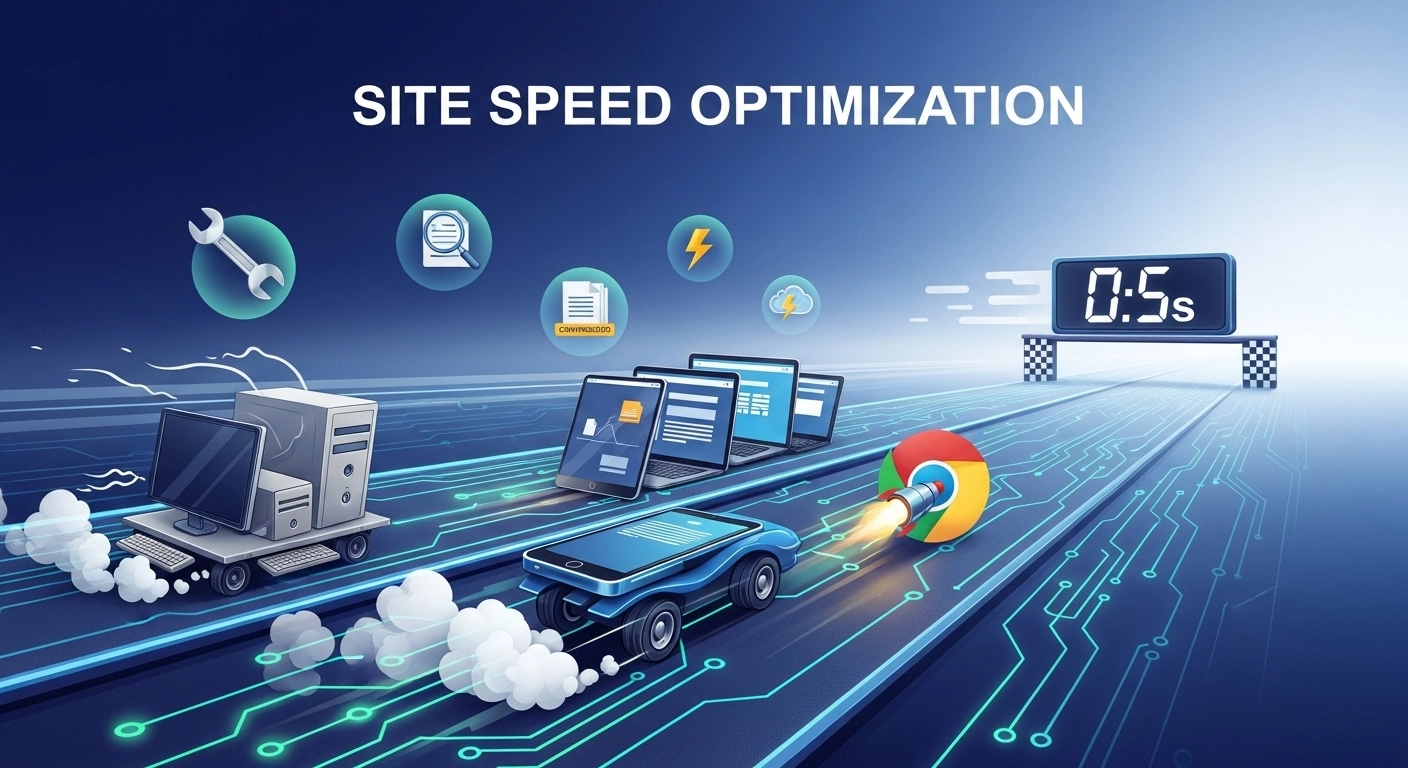
A slow website frustrates visitors and hurts your search rankings. People expect pages to load almost instantly. If your site takes more than a few seconds, many users will leave before they even see your content.
That’s where site speed optimization comes in.
Improving your website’s speed not only enhances user experience but also boosts SEO, increases conversions, and reduces bounce rates. In this guide, you’ll learn what site speed optimization is, why it matters, and the most effective ways to make your website faster.
What Is Site Speed Optimization?
Site speed optimization is the process of improving how quickly your website loads and becomes interactive for users.
It involves several technical and content-related improvements such as:
- Compressing images
- Reducing unnecessary code
- Using faster hosting
- Enabling caching
- Optimizing scripts and assets
The goal is simple: deliver your content to users as quickly as possible.
A faster website leads to better user engagement, improved search engine rankings, and higher conversion rates.
Why Site Speed Matters for SEO and Users
Website speed directly affects how users interact with your site. Even a one-second delay can significantly impact engagement.
Here’s why speed matters:
1. Better Search Engine Rankings
Search engines consider page speed an important ranking factor. Faster websites have a better chance of appearing higher in search results.
2. Lower Bounce Rates
Visitors tend to leave slow websites. A fast site keeps users engaged and encourages them to explore more pages.
3. Higher Conversion Rates
For e-commerce and service sites, faster pages often lead to more sales and sign-ups.
4. Improved Mobile Experience
Mobile users rely on speed even more. Optimizing performance ensures your site loads quickly on all devices.
Key Factors That Affect Website Speed
Several technical elements influence how quickly your site loads.
Hosting Quality
Cheap or overcrowded hosting servers slow down your website. A reliable hosting provider with solid infrastructure can dramatically improve performance.
Large Images
Uncompressed images are one of the biggest causes of slow pages.
Too Many Plugins
While plugins add functionality, too many can overload your site and increase load time.
Heavy JavaScript and CSS
Excessive scripts and stylesheets make browsers work harder to render pages.
No Caching
Without caching, your site reloads everything from scratch for every visitor.
Proven Site Speed Optimization Techniques
Here are the most effective ways to make your website faster.
1. Compress and Optimize Images
Images often account for most of a page’s weight.
Best practices include:
- Use modern formats like WebP
- Resize images before uploading
- Enable image compression
- Use lazy loading for off-screen images
This alone can cut page load time significantly.
2. Enable Browser Caching
Browser caching stores certain files locally on a user’s device.
This means returning visitors don’t need to download the same resources again, making pages load much faster.
Caching works especially well for:
- Logos
- CSS files
- JavaScript
- Fonts
3. Minify CSS, HTML, and JavaScript
Minification removes unnecessary characters like spaces and comments from code.
Smaller files load faster and reduce server requests.
Many modern website platforms offer built-in tools or plugins to automate this process.
4. Use a Content Delivery Network (CDN)
A CDN stores copies of your website on servers around the world.
When someone visits your site, the content is delivered from the nearest server, reducing load time and latency.
CDNs are especially useful for sites with global traffic.
5. Reduce HTTP Requests
Every file on a webpage requires a request to the server.
Reducing these requests speeds up loading. You can do this by:
- Combining CSS and JS files
- Removing unused scripts
- Using lightweight themes
6. Upgrade Your Hosting
If your site is growing, basic shared hosting might not be enough.
Consider upgrading to:
- Managed hosting
- VPS hosting
- Cloud hosting
Better infrastructure results in faster response times and improved stability.
7. Enable GZIP Compression
GZIP compression reduces the size of files sent from the server to the browser.
Smaller files mean faster downloads and quicker page rendering.
Most modern servers support this feature and it can reduce page size by up to 70%.
Tools to Test Your Website Speed
Before optimizing, you need to measure performance.
Popular tools include:
- Google PageSpeed Insights
- GTmetrix
- Pingdom Website Speed Test
- WebPageTest
These tools identify slow elements and suggest improvements.
Best Practices for Long-Term Site Speed
Site speed optimization is not a one-time task. It requires ongoing monitoring.
Follow these best practices:
- Regularly audit site performance
- Keep plugins and themes updated
- Monitor server performance
- Remove unused scripts and assets
- Optimize images before uploading
Consistent maintenance keeps your site running smoothly.
Frequently Asked Questions
What is a good website loading speed?
Ideally, a website should load in under 3 seconds. Faster is always better, especially for mobile users.
Does site speed affect SEO?
Yes. Search engines use page speed as a ranking factor. Faster websites typically perform better in search results.
How can I check my website speed?
You can use tools like Google PageSpeed Insights or GTmetrix to analyze your site’s performance and identify issues.
What slows down a website the most?
Common causes include large images, slow hosting, excessive plugins, heavy scripts, and lack of caching.
Final Thoughts
Site speed optimization is one of the most impactful improvements you can make to your website. Faster pages lead to better user experience, improved SEO rankings, and higher conversions.
The good news is that most speed improvements come from simple actions like compressing images, enabling caching, and optimizing code.
If you start implementing these techniques today, you’ll likely see noticeable improvements in both performance and search visibility.
