
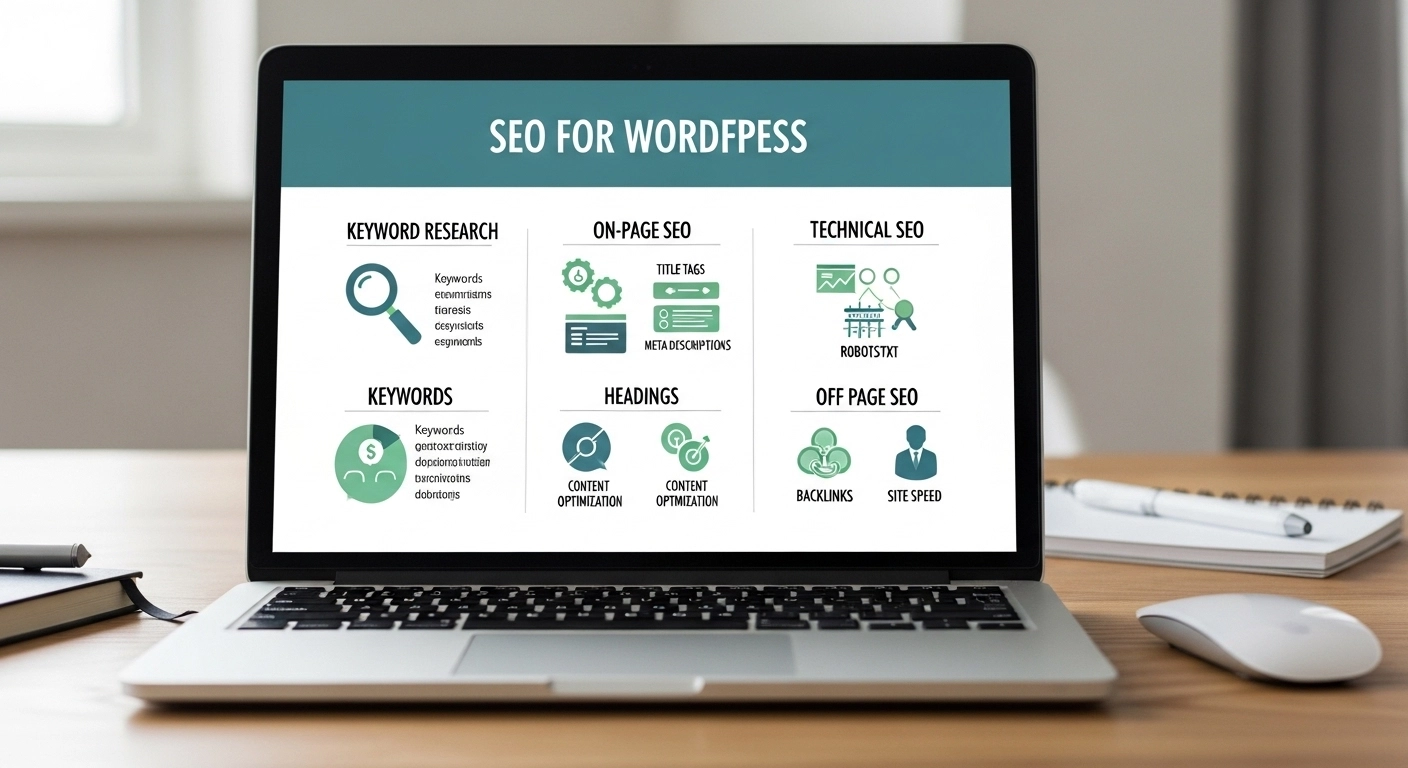
If you run a website on WordPress, you already have a powerful foundation for search engine optimization. But WordPress alone won’t automatically push your site to the top of Google. To rank higher and attract consistent traffic, you need to optimize your site the right way.
This guide breaks down SEO for WordPress in simple, practical steps—no jargon, no fluff. By the end, you’ll know exactly how to optimize your WordPress site for search engines and users.
Why WordPress Is Great for SEO
WordPress is one of the most SEO-friendly website platforms available. It gives you full control over important ranking factors like URLs, metadata, site speed, and content structure.
Some built-in advantages include:
- Clean, customizable code
- SEO-friendly permalink structures
- Easy content management
- Powerful SEO plugins
- Mobile responsive themes
However, these advantages only work if you configure WordPress properly.
1. Choose an SEO-Friendly WordPress Theme
Your theme affects both user experience and SEO performance.
A good SEO theme should be:
- Fast loading
- Mobile responsive
- Cleanly coded
- Compatible with SEO plugins
- Optimized for Core Web Vitals
Lightweight themes like Astra, GeneratePress, or Kadence are widely used because they keep your site fast and flexible.
Tip: Avoid themes packed with unnecessary features—they slow down your site and hurt rankings.
2. Install a WordPress SEO Plugin
SEO plugins help you control key optimization elements without coding.
Popular choices include:
- Yoast SEO
- Rank Math
- All in One SEO
These plugins allow you to:
- Write optimized meta titles and descriptions
- Generate XML sitemaps
- Add schema markup
- Analyze keyword optimization
- Control indexing settings
For beginners, Rank Math or Yoast are excellent starting points.
3. Optimize Your Permalink Structure
Search engines prefer clean, readable URLs.
In WordPress:
Settings → Permalinks → Post Name
Example:
Bad URL
example.com/?p=123
Good URL
example.com/seo-for-wordpress
Short, descriptive URLs help both users and search engines understand your content.
4. Perform Keyword Research
SEO begins with understanding what people search for.
Good keyword research helps you find:
- Topics with search demand
- Keywords with ranking opportunities
- Content ideas that attract traffic
Example keyword variations:
- WordPress SEO guide
- Best SEO plugins for WordPress
- How to optimize WordPress for Google
- WordPress technical SEO
Tools that help:
- Google Keyword Planner
- Ahrefs
- SEMrush
- Ubersuggest
Focus on long-tail keywords because they are easier to rank for and bring targeted visitors.
5. Write High-Quality, Search-Focused Content
Content is still the strongest ranking factor.
To optimize WordPress content:
Use the Keyword Naturally
Include your target keyword in:
- Title
- First paragraph
- Headings
- URL
- Meta description
Structure Content for Readability
Use:
- Short paragraphs
- Subheadings
- Bullet points
- Images
Cover the Topic Completely
Google rewards comprehensive content that fully answers user questions.
For example, a good SEO post about WordPress should include:
- Plugins
- Site speed
- Technical SEO
- Content optimization
- Mobile optimization
6. Optimize Images for SEO
Images improve user experience but can slow down your website if not optimized.
Best practices:
- Use descriptive file names
- wordpress-seo-guide.jpg
- wordpress-seo-guide.jpg
- Add alt text
- Compress images
- Use WebP format when possible
Tools like ShortPixel, TinyPNG, or Imagify can automatically compress images.
7. Improve WordPress Site Speed
Site speed directly impacts rankings and user engagement.
Ways to speed up WordPress:
- Use a caching plugin (WP Rocket, LiteSpeed Cache)
- Optimize images
- Use a CDN
- Choose fast hosting
- Remove unused plugins
A faster site reduces bounce rate and improves SEO performance.
8. Build Internal Links
Internal linking helps search engines understand your site structure and distributes ranking authority across pages.
Example:
If you write an article about WordPress SEO plugins, link to related posts such as:
- WordPress speed optimization
- Keyword research guide
- On-page SEO checklist
This keeps visitors on your site longer and improves crawlability.
9. Make Your Site Mobile-Friendly
More than half of all searches come from mobile devices.
Google uses mobile-first indexing, meaning it primarily evaluates the mobile version of your site.
Ensure your WordPress website:
- Uses a responsive theme
- Loads quickly on mobile
- Has readable fonts
- Uses easy navigation
10. Submit Your Site to Google Search Console
Google Search Console helps you monitor your SEO performance.
You can:
- Submit your sitemap
- Track keyword rankings
- Identify indexing issues
- Fix technical errors
It’s one of the most important tools for managing WordPress SEO.
Frequently Asked Questions
Is WordPress good for SEO?
Yes. WordPress is one of the most SEO-friendly platforms because it offers flexible customization, clean code, and powerful SEO plugins.
Do I need an SEO plugin for WordPress?
Technically no, but SEO plugins make optimization much easier. Tools like Yoast or Rank Math help manage metadata, sitemaps, and on-page SEO.
How long does WordPress SEO take to work?
SEO usually takes 3–6 months to show noticeable results, depending on competition, content quality, and backlinks.
What is the most important SEO factor for WordPress?
High-quality content combined with proper on-page optimization, site speed, and strong internal linking has the biggest impact.
Final Thoughts
WordPress gives you all the tools needed to succeed in SEO—but success depends on how well you use them.
By focusing on keyword research, high-quality content, fast site performance, and proper on-page optimization, you can turn your WordPress site into a powerful traffic-generating asset.
