
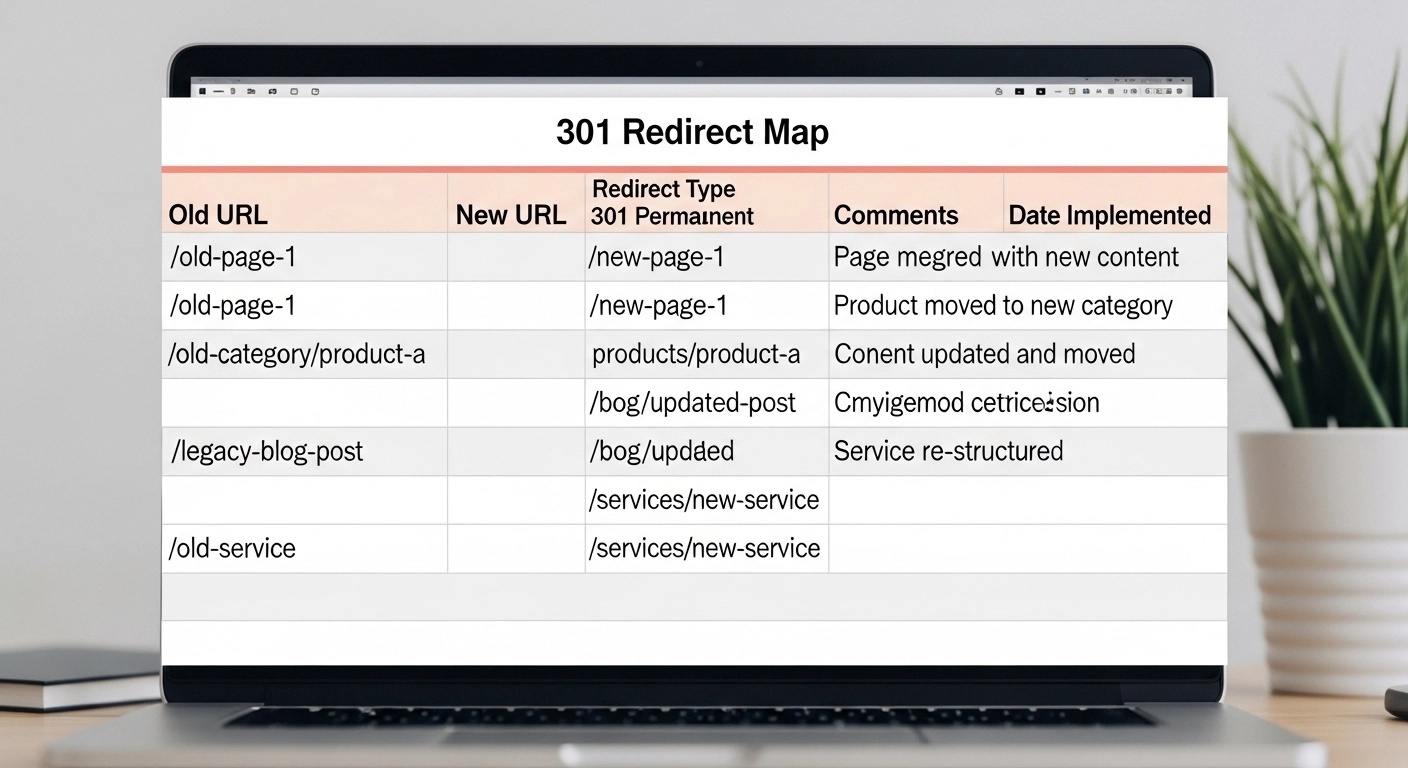
When you redesign a website, change URLs, or move to a new domain, one mistake can destroy your SEO: broken links.
That’s where a 301 redirect map becomes essential.
A well-planned 301 redirect map template helps you guide search engines and visitors from old URLs to the correct new pages—without losing rankings, traffic, or authority.
In this guide, you’ll learn what a 301 redirect map is, why it matters for SEO, and how to build a practical template you can use for any site migration.
What Is a 301 Redirect Map?
A 301 redirect map is a document (usually a spreadsheet) that lists:
- Old URLs
- New destination URLs
- Redirect type (301 permanent redirect)
It acts as a roadmap for developers and SEO teams during website changes.
Instead of letting visitors hit 404 errors, the redirect map ensures they are automatically sent to the correct page.
Example:
| Old URL | New URL | Redirect Type |
| /old-blog-post | /blog/new-blog-post | 301 |
| /services/seo-old | /services/seo | 301 |
| /about-us.html | /about | 301 |
This simple structure protects your SEO rankings and user experience.
Why a 301 Redirect Map Is Critical for SEO
Without proper redirects, search engines treat new pages as completely different URLs.
That means you can lose:
- Organic traffic
- Backlinks
- Keyword rankings
- Page authority
A proper redirect map helps you:
1. Preserve SEO Value
A 301 redirect passes most link equity from the old page to the new one.
2. Prevent 404 Errors
Visitors won’t land on broken pages.
3. Maintain Backlinks
External links pointing to old URLs will still work.
4. Improve User Experience
Users reach the correct content instantly.
For large sites, this can mean protecting thousands of indexed pages.
Simple 301 Redirect Map Template
Here’s a practical template you can create in Google Sheets or Excel.
| Column | Description | Example |
| Old URL | The original page URL | /blog/seo-tips |
| New URL | Destination page | /blog/seo-tips-2026 |
| Redirect Type | Usually 301 | 301 |
| Status | Implemented / Pending | Pending |
| Notes | Extra info for dev team | Updated slug |
Example Redirect Map
| Old URL | New URL | Redirect Type | Notes |
| /products/old-product | /products/new-product | 301 | Updated product page |
| /blog/seo-basics | /blog/seo-guide | 301 | Content merged |
| /contact-us.html | /contact | 301 | URL cleanup |
This sheet becomes the central document for your migration project.
How to Create a 301 Redirect Map (Step-by-Step)
1. Crawl Your Existing Website
Use tools like:
- Screaming Frog
- Ahrefs
- Semrush
- Sitebulb
Export a list of all URLs on your site.
2. Identify the New URLs
During a redesign or CMS change, determine the new URL structure.
Example:
Old URL
/blog/seo-2023-guide
New URL
/blog/seo-guide
3. Match Old URLs to New Pages
For each old page, choose the closest relevant new page.
Avoid redirecting everything to the homepage.
Bad:
/old-product → homepage
Good:
/old-product → /products/new-product
4. Add Redirect Rules
Developers will implement the redirects using:
- .htaccess
- Nginx rules
- CMS redirect plugins
- Server configuration
Example rule:
Redirect 301 /old-page https://example.com/new-page
5. Test All Redirects
After implementation:
- Check for redirect loops
- Ensure status code is 301
- Verify pages load correctly
Tools to test:
- Screaming Frog
- Redirect Checker
- Chrome DevTools
Best Practices for 301 Redirect Maps
Follow these SEO best practices to avoid migration issues.
Keep Redirect Chains Short
Avoid this:
Page A → Page B → Page C
Instead:
Page A → Page C
Redirect to Relevant Pages
Always choose the most related content.
Search engines prefer logical page matches.
Don’t Forget High-Traffic Pages
Prioritize:
- Top ranking pages
- Pages with backlinks
- Product pages
- Blog posts with traffic
These pages carry the most SEO value.
Monitor After Launch
After deployment:
- Check Google Search Console
- Monitor crawl errors
- Track traffic changes
Fix issues quickly if rankings drop.
When You Need a 301 Redirect Map
You should create one whenever you:
- Redesign a website
- Change URL structure
- Move to a new domain
- Merge websites
- Switch CMS platforms
- Delete pages
Even small websites benefit from proper redirect planning.
FAQ
What is a 301 redirect?
A 301 redirect is a permanent redirect that sends visitors and search engines from one URL to another while transferring most SEO value.
Can I use 302 redirects instead?
No, not for permanent changes.
302 redirects are temporary, so they usually do not pass full SEO authority.
How many redirects can a site have?
There’s no strict limit, but keep redirects clean and direct. Too many redirect chains can slow pages and confuse search engines.
Should every old page redirect?
Ideally yes.
If a page no longer exists, redirect it to the closest relevant page.
Can WordPress create redirects automatically?
Some plugins can help, but for large migrations you should always create a manual redirect map spreadsheet first.
Conclusion
A 301 redirect map template is one of the most important tools in any website migration or redesign. It protects your SEO rankings, preserves backlinks, and ensures users always land on the right content.
By organizing your old URLs, mapping them to new pages, and implementing proper 301 redirects, you can move or restructure your website without losing traffic or search visibility.
